





tanneruso
Members
-
Joined
-
Last visited
Everything posted by tanneruso
-
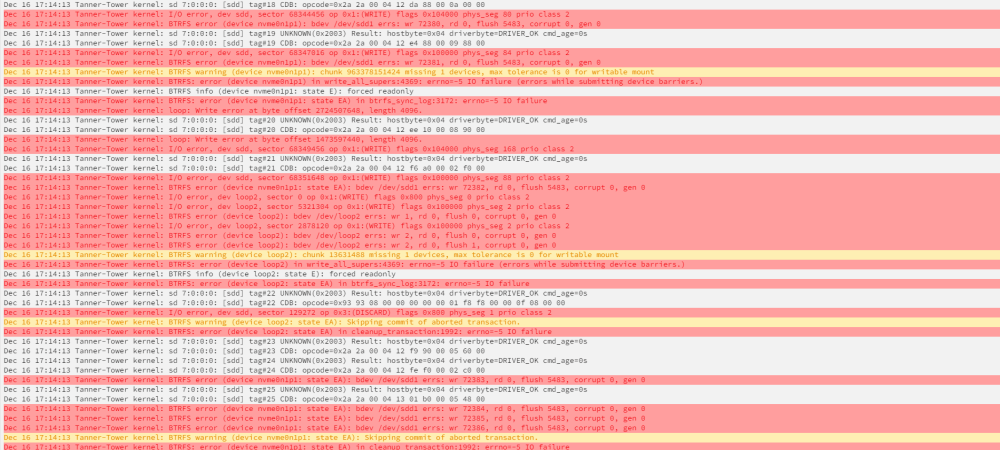
Syslog error outuput attached. Any thoughts on the best way to resolve this issue?
-
Issue solved! Steps taken to resolve: Boot drive moved to USB 2.0 port Mobo bios updated Ram sticks changed from abab orientation to aabb orientation fast boot disabled - all other mobo settings default Thanks all for the help!
-
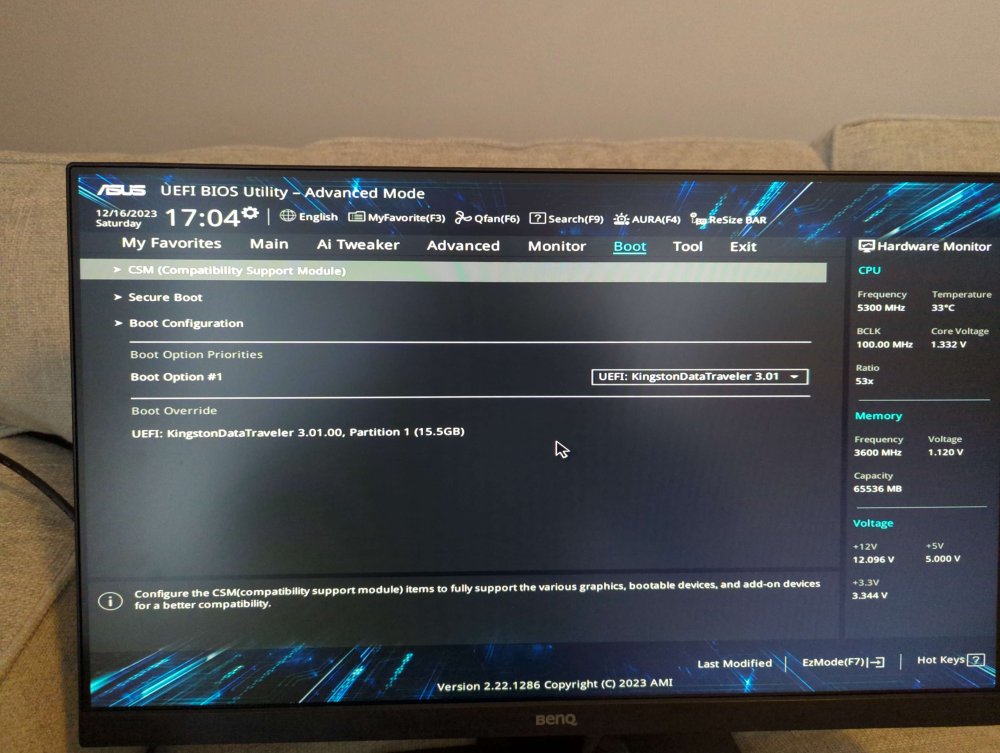
My bios is UEFI and the boot menu is set to go to USB first (pics attached).
-
Every time I restart or shut down and turn off my tower, the boot loops until I land at the mobo safe boot option. From there, if I choose my USB stick and boot normally into unraid, everything works pefectly and is stable. All mobo settings are default. Not sure what could be causing the issue, any help would be greatly appreciated! Unraid Version: 6.12.6 Mobo: Asus Prime z790-p Wifi CPU: 13th Gen Intel® Core™ i7-13700K RAM: Gskill Ripjaws S5 32GB (2x16) x2 (so 64gb total) tanner-tower-syslog-20231216-1618.zip

