





sdy284
Members
-
Joined
-
Last visited
-
Well got a new external drive & decided to preclear before shucking. pre-read was going slow, read that moving to usb3.0 port could speed things up. stopped pre-read, moved usb to 3.0 port & got a "your flash drive is damaged or corrupt." message. I've tried rebooting and couldn't get past the bios. Tried moving flash drive to different USB ports (both 2.0 & 3.0) made sure to unplug all other usb devices (with shut downs in between each move - not trying to hotswap). nadda. took out flash drive and plugged into windows PC and it shows that drive is unformatted and does not contain a recognizable filesystem. this thing has been so rock solid I cannot remember if I had backups of my flash drive or config. I want to say that I do, but no idea where they'd be. I did search in the downloads folder of the PC i use the web gui to access my server and did not see any sort of config / backup files/zips. Any help would be greatly, greatly appreciated.
-
bueller?
-
24hr bump
-
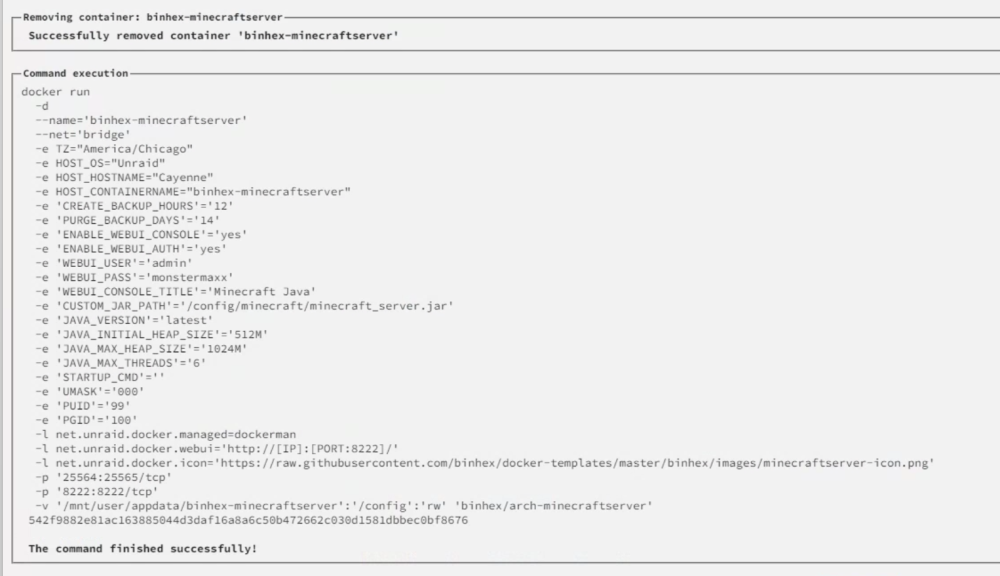
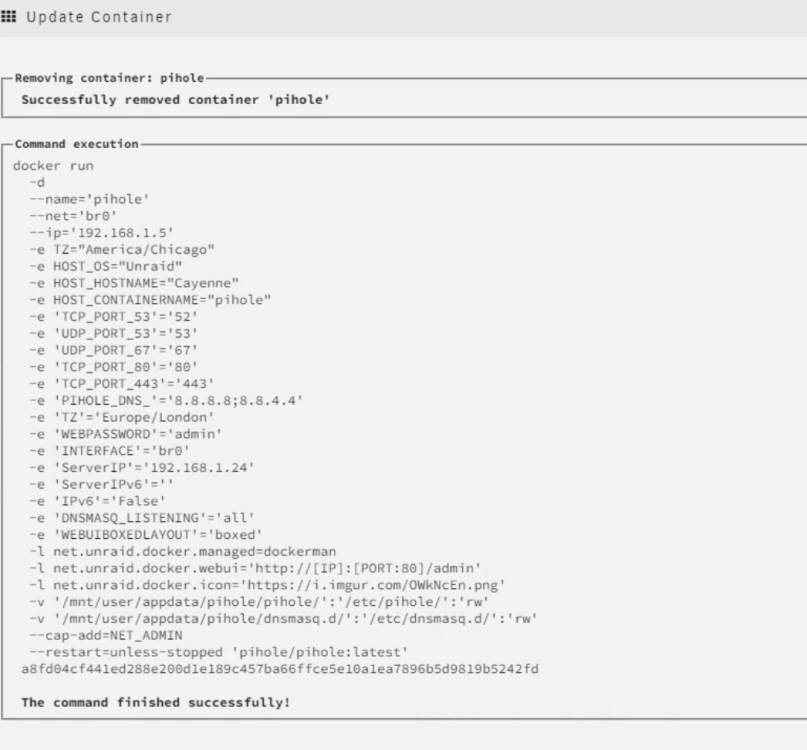
just 2 containers i changed the TCP port & webpw on pihole just to get see the run, changed it back right after.
-
morning bump!
-
bump
-
I had previously thought this could be due to a failing USB drive (which unraid had just warned me about a few days ago) I replaced the drive and the problem persists.
-
As the many other posts on this state, this happens every few days, seemingly at random Log check please? cayenne-diagnostics-20240225-2258.zip

