





rabidfibersquirrel
Members
-
Joined
-
Last visited
-
It's connected, but nothing has ever populated there.
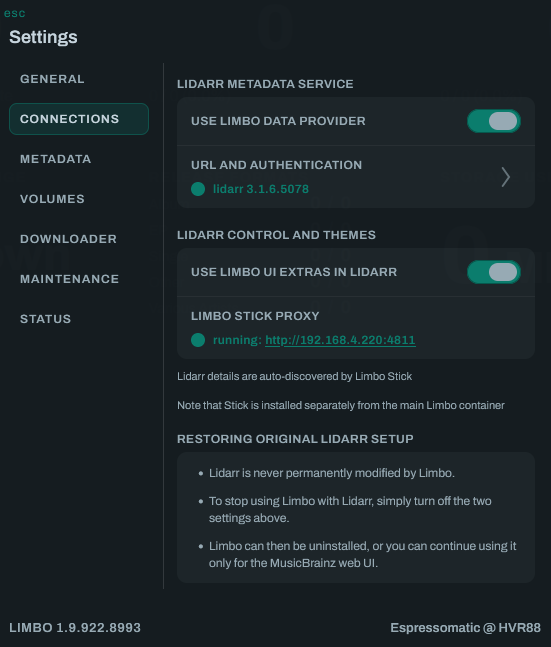 One more and I'll (probably) stop bugging you for a while! Will triggering a refresh from Limbo lead to populating these fields with data?
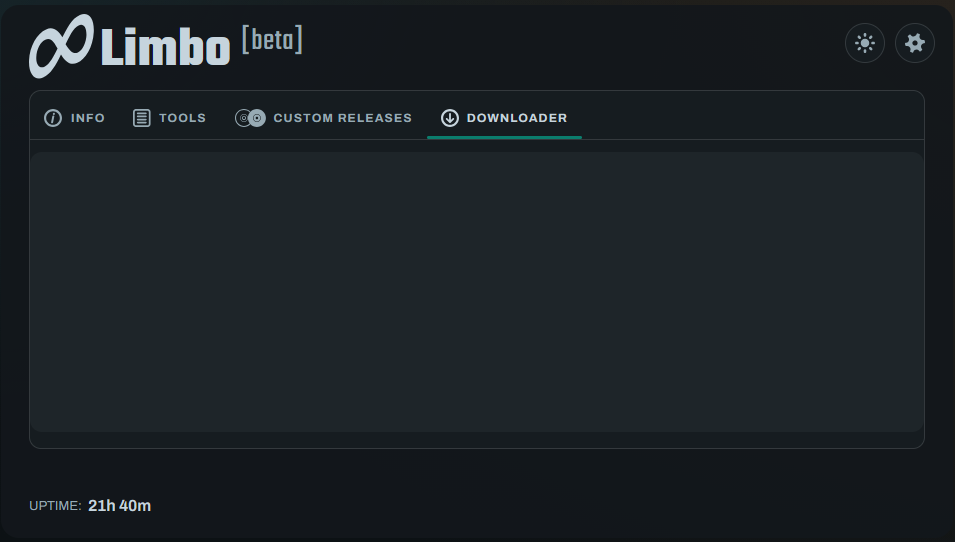
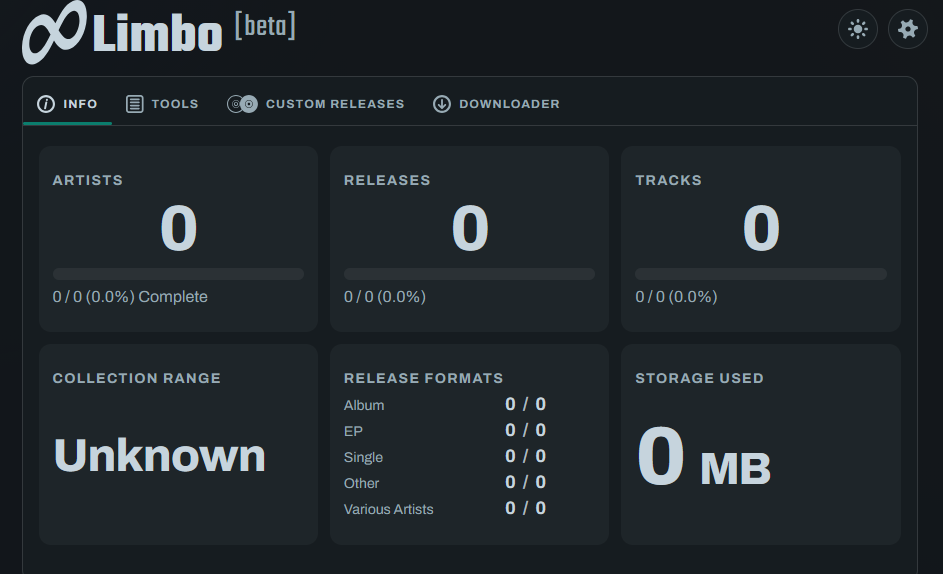 Ayyyy! It worked! Thanks again!I changed the timeout to 900 seconds and rebuilt the stack. I still get "Failed to Load Lidarr" right at 30 seconds. Anything else I can try?Amazing. Thank you!Also, the Custom Releases and Downloader tabs are just blank pages now.
 I've still never seen the "Extras". Despite Lidarr being much faster once the scans have completed, it's still longer that the 4811 allows before it times out. Is there a way to adjust the timeout?What source does Lidarr's default metadata server use for album art?That's really useful information to know! If I understand correctly, once it has refreshed through a few full cycles, it should also calm way down.I'll check on those things if I can get Lidarr's UI to load. It's been loading for 20 minutes so far. Its RAM usage is up to 120GB now. From what I could see from the activity before, it looks like it's pulling album metadata and album art when my import lists trigger a refresh of those albums and artists. Another thing I'm curious about is this from Limbo's logs. It seems that some of the services are running into problems. This repeats continuously every few seconds. indexer-cron-1 | Traceback (most recent call last): indexer-cron-1 | File "<frozen runpy>", line 203, in runmodule_as_main indexer-cron-1 | File "<frozen runpy>", line 88, in runcode indexer-cron-1 | File "/code/sir/__main__.py", line 179, in <module> indexer-cron-1 | main() indexer-cron-1 | ~~~~^^ indexer-cron-1 | File "/code/sir/__main__.py", line 175, in main indexer-cron-1 | func(args) indexer-cron-1 | ~~~~^^^^^^ indexer-cron-1 | File "/code/sir/pending_data/handler.py", line 423, in watch indexer-cron-1 | watchimpl(entities) indexer-cron-1 | ~~~~~~~~~~~^^^^^^^^^^ indexer-cron-1 | File "/code/sir/pending_data/handler.py", line 383, in watchimpl indexer-cron-1 | handler = Handler(entities) indexer-cron-1 | File "/code/sir/pending_data/handler.py", line 66, in init indexer-cron-1 | self.cores[core_name] = solr_connection(core_name) indexer-cron-1 | ~~~~~~~~~~~~~~~^^^^^^^^^^^ indexer-cron-1 | File "/code/sir/util.py", line 120, in solr_connection indexer-cron-1 | response.raise_for_status() indexer-cron-1 | ~~~~~~~~~~~~~~~~~~~~~~~~~^^ indexer-cron-1 | File "/usr/local/lib/python3.14/dist-packages/requests/models.py", line 1028, in raise_for_status indexer-cron-1 | raise HTTPError(http_error_msg, response=self) indexer-cron-1 | requests.exceptions.HTTPError: 404 Client Error: Not Found for url: http://search:4817/solr/editor/admin/ping indexer-cron-1 | [indexer-service] A required indexer process exited with status 1; stopping its companion. indexer-cron-1 exited with code 1 (restarting) limbo-host-helper-1 | host-helper: runtime sanity refresh complete (reason=api-live, live=True, duration_ms=646.3, status=ok) indexer-cron-1 | [indexer-setup] SIR 5 database schema and live-index trigger are present. indexer-cron-1 | [indexer-service] Starting scheduled full-reindex cron and SIR 5 live database-queue worker. indexer-cron-1 | [indexer-cron] Indexing disabled at bootstrap; cron daemon still running for runtime schedule updates. I'm curious to learn about it, so any light you can shed would be great. I'd still like to get this working great if I can, I just can't have Lidarr causing 100 extra watts drawn from CPU and SSD activity 24/7/365 over baseline.I hear you, however, when Limbo isn't in the picture, Lidarr's CPU usage is negligible. Like 1-2% even during scanning tasks. I'll have to let go of it for now. Thank you for your help with this and good luck with the project!@Espressomatic now that I've had Limbo running again for a day, Lidarr is using an obscene amount of RAM and CPU. I have a Xeon Gold 6230 and it is maxing out all of the cores I've made available to Lidarr (18 cores/36 threads). I do have a huge library, and I'd like to understand what may be causing the usage. I'm cool with the RAM usage, since I have more than enough available. I actually want it to take plenty, if it speeds things up. Lidarr is sitting at 40GB and the Limbo stack is hovering around 38GB.Thanks again for your work on this!Amazing work, thank you! Here is the log, if you still need it: MusicBrainz requires PostgreSQL 18 or later at /musicbrainz-server/admin/InitDb.pl line 57. [bootstrap] createdb.sh failed with exit code 255, and database still not detected. 2026/09/15 15:54:47 Command finished successfully. MusicBrainz requires PostgreSQL 18 or later at /musicbrainz-server/admin/InitDb.pl line 57. [bootstrap] createdb.sh failed with exit code 255, and database still not detected.

