





anguishedtuna
Members
-
Joined
-
Last visited
-
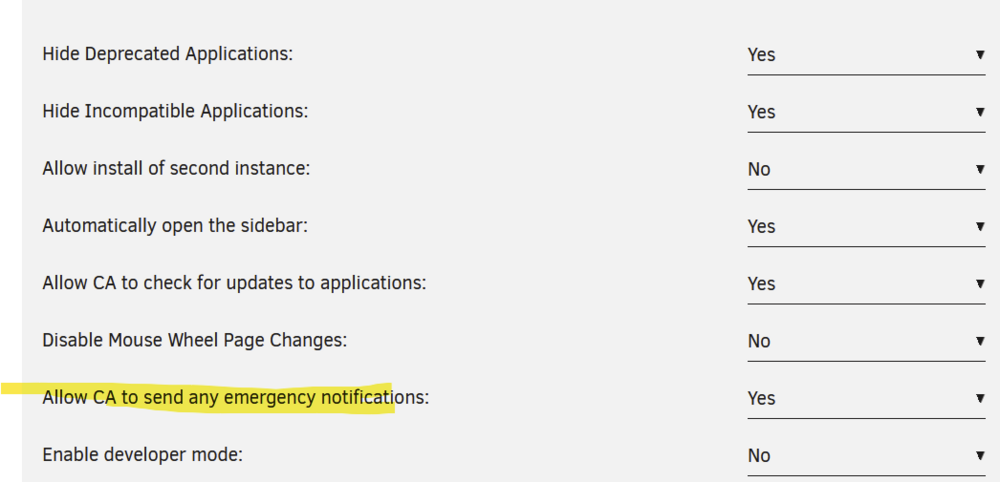
Click on the apps tab on top and click the settings on the sidebar. Set "Allow CA to send any emergency notifications:" to yes and then rescan.

-
Ended up doing exactly this. ISP isn't really the invasive type after all so everything runs fine without a proxy on Prowlarr anyway.
-
Hi, I have Prowlarr set up going through privoxy which I set up with AlienTech42's videos. Problem being I cannot connect Prowlarr with Sonarr or Radarr if Prowlarr is going through the proxy. It only connects normally if the proxy is turned off. Whenever I test connectivity between apps it gives this error: Unable to complete application test, cannot connect to Sonarr. HTTP request failed: [503:ServiceUnavailable] [GET] at [http://192.168.1.130:8989/api/v3/indexer/schema] Any help would be much appreciated!

