




FRancuz
Members
-
Joined
-
Last visited
Everything posted by FRancuz
-
Support thread for the Smart Array P410 plugin. Manage HP Smart Array controllers (P410, P410i, P212, P812 and related G6/G7 models) directly from the Unraid web UI – no reboot into the Option ROM needed. Features: - Controller, firmware, cache and battery status - Drive map: bay → physical drive → logical drive → /dev → Unraid slot - SMART through the controller (smartctl -d cciss,N), index detected automatically - Locate LED on/off - Create a RAID0 logical drive for a new disk / delete unused logical drives (blocked while in use) - Periodic SMART + controller checks with Unraid notifications - MQTT publishing with Home Assistant discovery (built-in client, nothing else to install) - Dashboard tile, English and Polish UI Install: Apps (once approved) or Plugins → Install Plugin: https://raw.githubusercontent.com/francuz152/unraid-p410mgr/main/p410mgr.plg Page: Settings → User Utilities → Smart Array P410 Notes: - HPE hpssacli 2.40 is downloaded during installation from the official HPE repository and is subject to the HPE license. - Tested on a Smart Array P410 (firmware 6.64) in an HP P4500 G2 / DL180 G6. - Every logical drive counts as an attached device for the Unraid license. Source & issues: https://github.com/francuz152/unraid-p410mgr When reporting a problem please include the output of: hpssacli ctrl all show config Mods: please move this to Plugin Support if this is the wrong place – I don't have permission to start topics there.
-
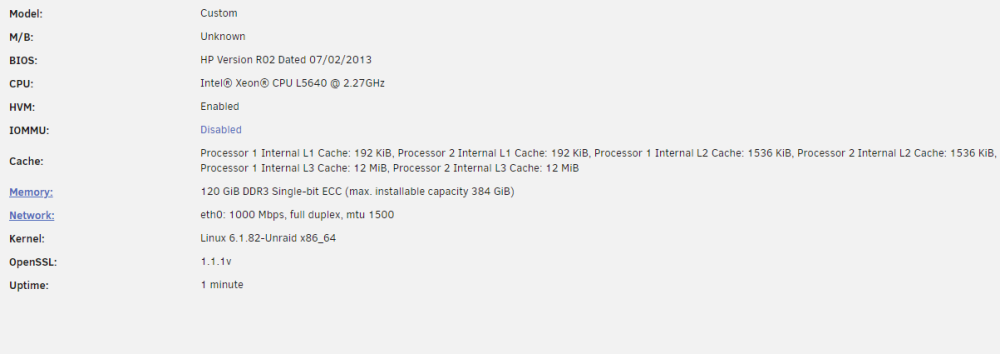
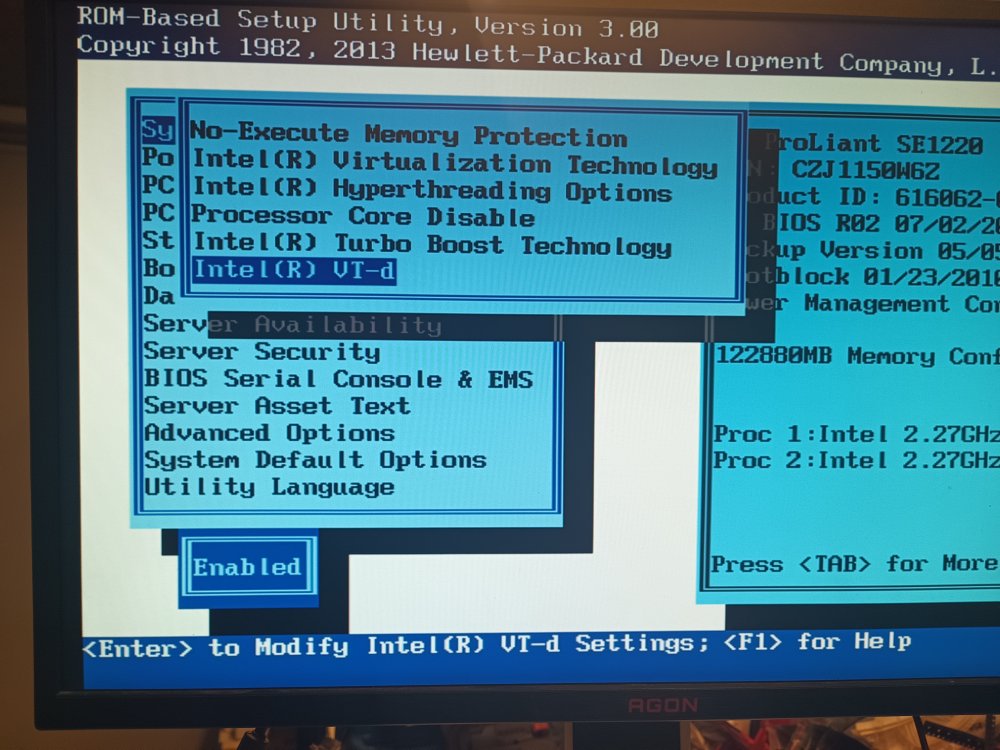
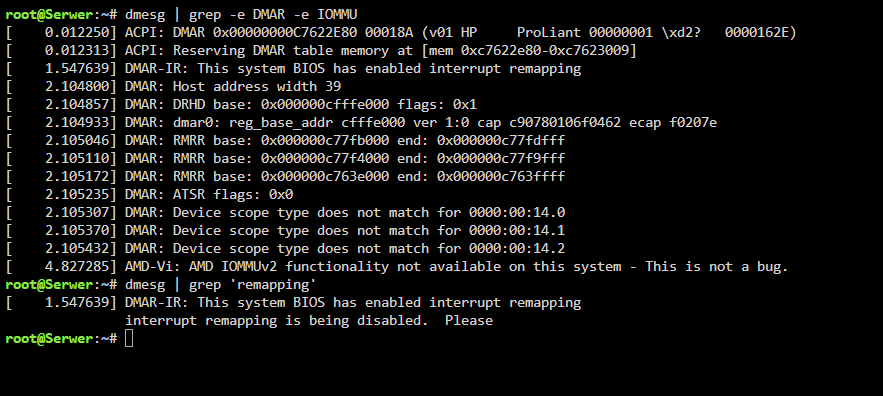
i;ve enabled eveything in bios that i can and still: does that mean that my system is just jnot compatible?
-
i'm adding the diagnostic file if that will help serwer-diagnostics-20240329-2136.zip
-
the iommu is stuck on disabled even when i made sure that vt-d is turned on in the bios. from what i understand i need the iommu to be enabled to passthrough a gpu to a VM i have no idea what else to do.