Letztfetz1
Members
-
Joined
-
Last visited
-
Then I let it be with unraid. Thanks anyway.
-
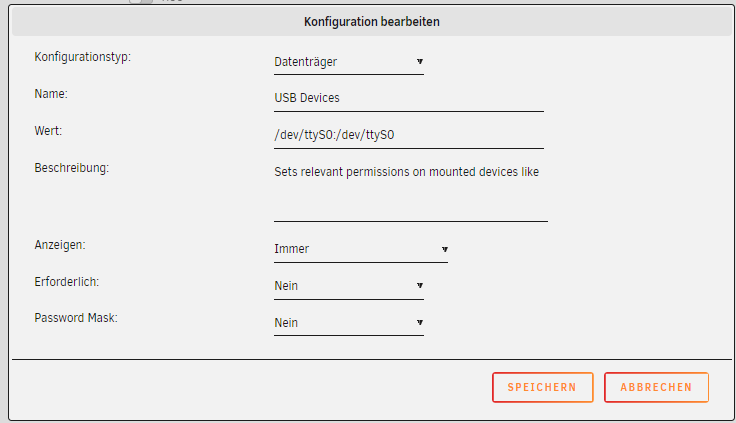
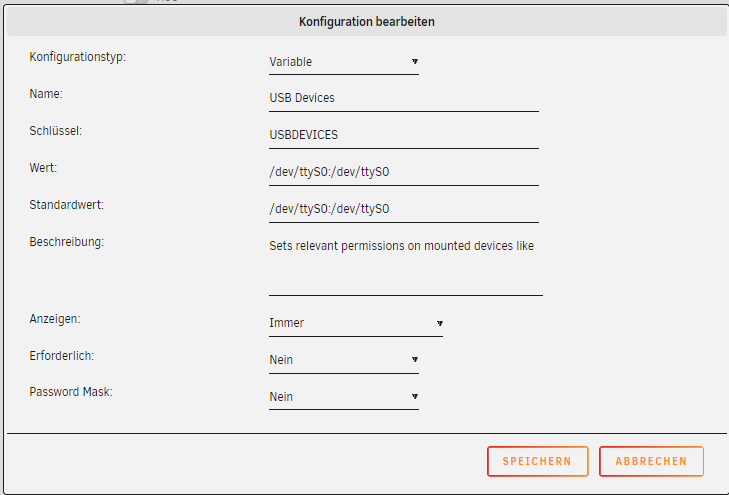
I think it has to do with the handover to the docker, so that the TTYS0 does not arrive in the Docker. If I choose variable in the settings, the document does not start. With he hiring device.
-
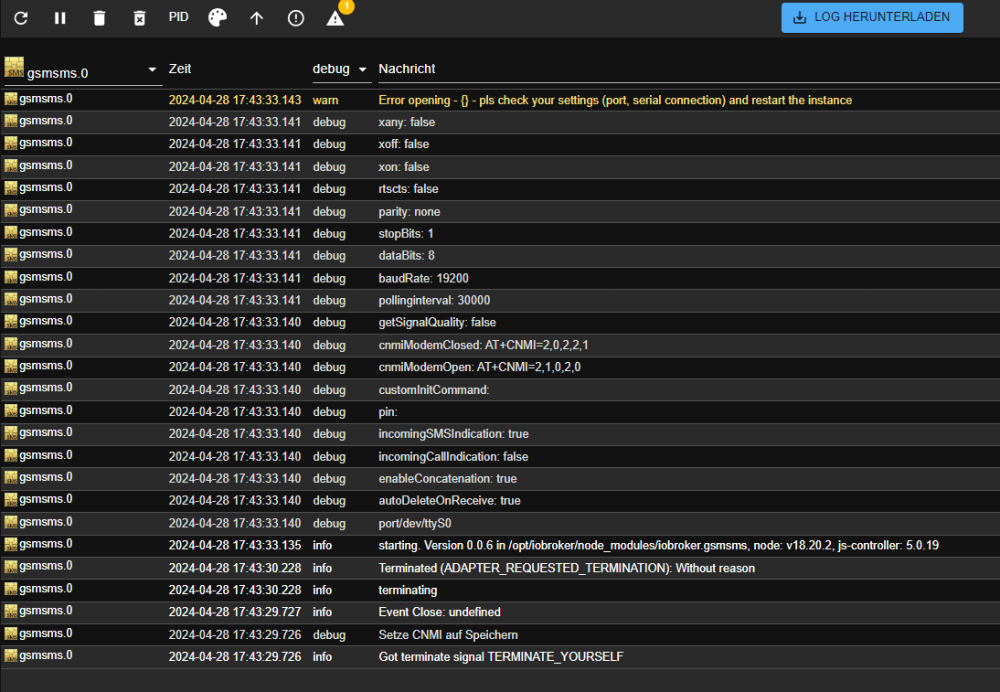
Hello and thanks. I shirked the boys from the GSM SMS adapter whether they have an idea regarding the use of the TTYS0.
-
The TTYS0 also arrives in the iobroker.

-
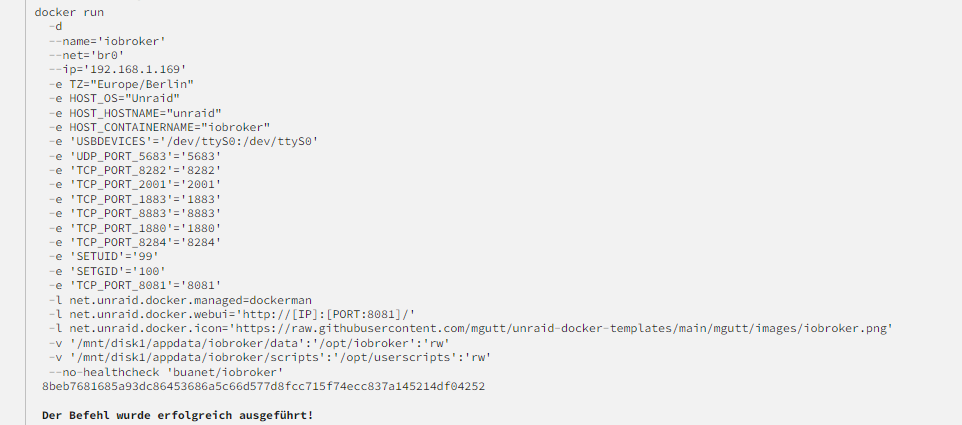
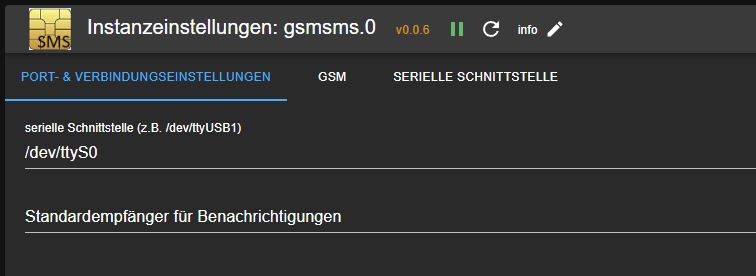
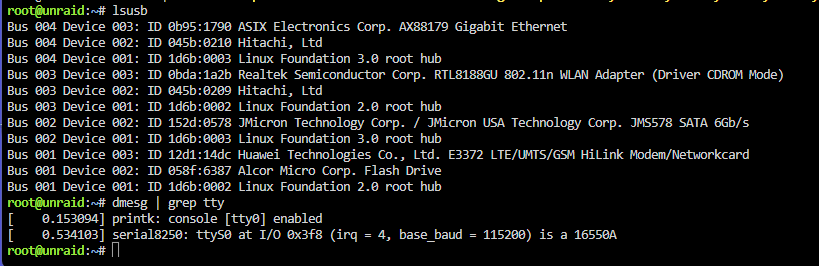
Thanks for the hint. It took me a while to find a solution. With the command I was able to switch to modem. /usr/bin/sg_raw /dev/sr0 11 06 20 00 00 00 00 00 01 00 https://forums.raspberrypi.com/viewtopic.php?t=18996 Unfortunately, forwarding into the docker still does not work. /dev/ttyS0:/dev/ttyS0
-
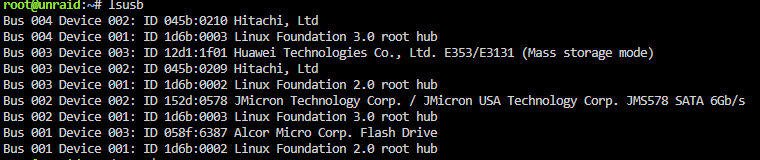
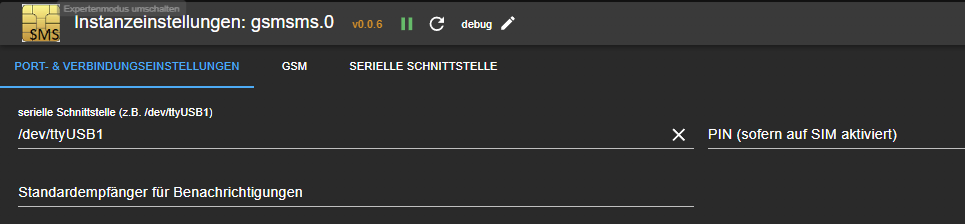
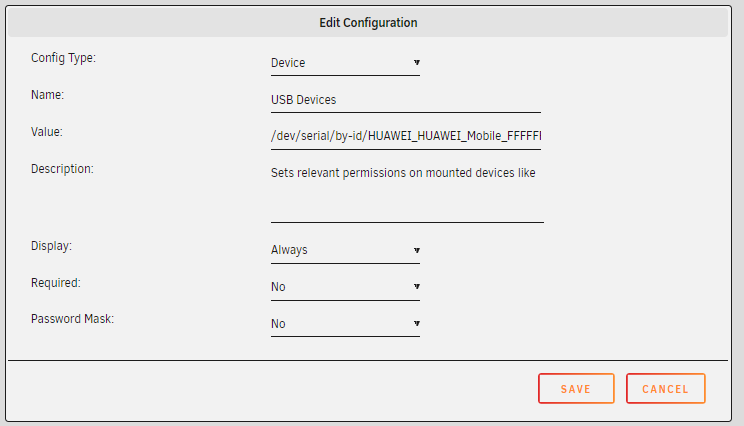
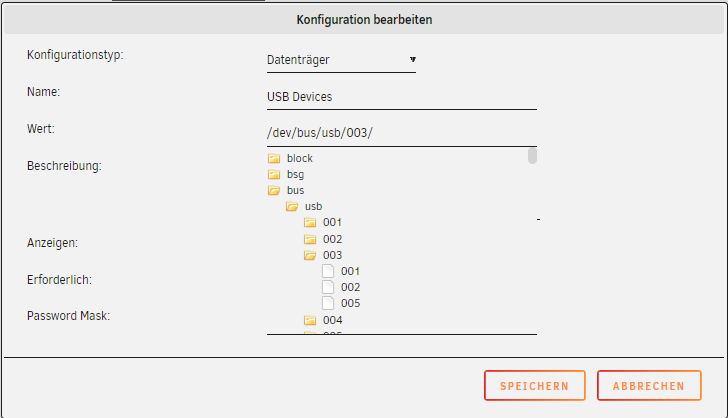
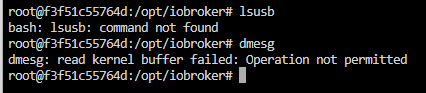
Hallo. Hat jemand einen ioBroker mit dem gsmsms Adapter laufen und weiß, wie ich den LTE-Stick zum Docker durchgeschleift bekomme? Hier im Forum wird in einigen Posts mal was erwähnt, meist im Zusammenhang mit den WMs. Da geht das easy mit zwei Klicks. Ich weiß inzwischen, dass ich beim Erstellen des Docker das Device mit angeben muss. Auch finde ich auf dem unraid Server den LTE Stick. Auch im USB Menü ist der Stick gelistet. Der Befehl ls -l /dev/serial/by-id zeigt leider nicht. Auf Basis des USB Menü müsste doch dann der Eintrag beim erstellen den Docker wie folgt lauten: /dev/serial/by-id/HUAWEI_HUAWEI_Mobile_FFFFFFFFFFFFFFFF:/dev/ttyUSB1 da der Adapter auf USB1 wartet. Leider kann mit diesem Pfad der Docker nicht gestartet werden. Spannend ist aber, das ich ja beim erstellen des Docker den Bus auswählen kann. So lässt sich der Docker auch starten. Im Terminal des Docker wird jedoch nichts angezeigt. Wer kann mir bitte helfen? Wo hab ich einen Denkfehler? Kann es daran liegen, das der Befehl ls -l /dev/serial/by-id nicht funktioniert? Danke im voraus. Anbei noch die Link aus dem Forum: