ZzLuLz
Members
-
Joined
-
Last visited
-
I fixed the issue, seemed to be a bug where i removed my cache drives the share was still trying to use it so I edited the share to use only two drives from the array and went back in to select all to fix the issue.
-
Still doesn't work, however I can rename files but cant create new files or delete. cybearnas.local-diagnostics-20240818-1648.zip
-
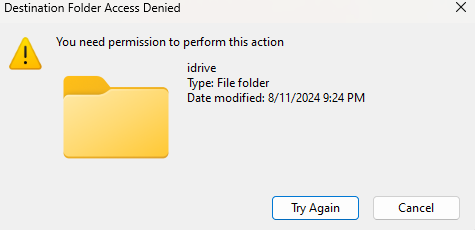
I've been trying to figure this out for a day now and cant seem to fix it. When i go into a share and copy or create a file it says "You need permission to preform this action". I have checked the user i'm signed in as and made sure i have read/write permission on the share but its a no go. I have also tried the new permissions tab and tried fixing it that way but no luck. Any help would be appreciated.
-
Yeah for some reason docker stopped working and now I have to figure out this permission problem preventing it from starting. Probably have to start over for the fifteenth time.
-
What pool devices? I just formatted my cache drives last week and started fresh.
-
Oh and I noticed before this all started I only have read-only permissions on my shares.
-
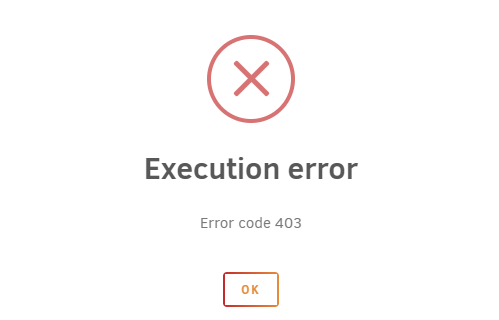
Every day for the last week I have been having to reboot the system so that my docker containers and VMs will work. Out of nowhere they will stop and my containers will show a 403 execution error. I have reinstalled the docker image in the past and this is also affecting my VMs so this is not a docker engine problem. Man this has been the most frustrating os I have ever dealt with to work properly. Just seems very unstable coming from CentOS. idk maybe someone can make since of this disaster, I've included my diagnostics for those curious. hq-diagnostics-20240429-1635.zip
-
Thanks but, I resolved this by just renaming the network.cfg file.
-
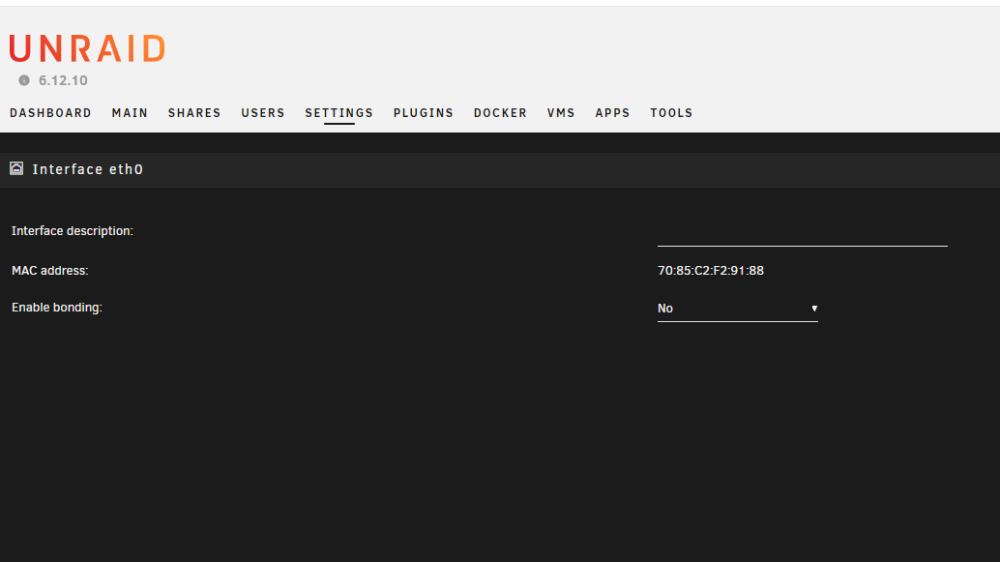
I swear its one thing after another with Unraid. I cant even access my IP settings anymore.,... .