ricardodevries
Members
-
Joined
-
Last visited
-
I replaced the usb drive with a new samsung one and the problem seems to be gone.
-
I think it got fixed. A few days ago I was looking in the parity-checks.log and apparently -emptied- the wrong file. Deleting the file and restarting made the problem go away. So far... I'll keep this topic open for a few days to see if the problem really went away.
-
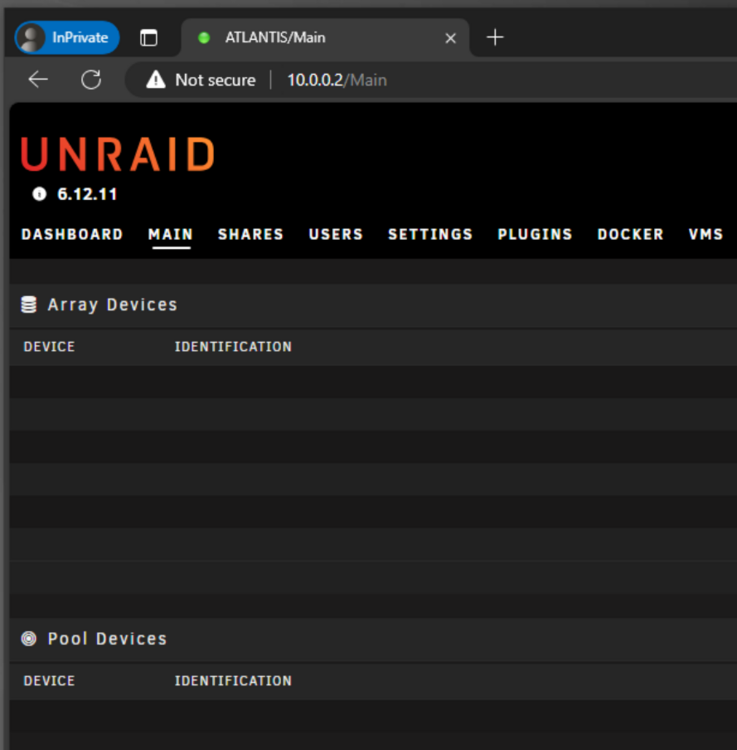
Not that I am aware of. I installed a new Windows installation on a different computer in my network and went right to the server but it is displaying the same behavior in Microsoft Edge on Windows 10 without any extensions or adjusted browser settings. Both in InPrivate and normal mode.
-
After all the above and 10 hours 6 minutes later the same issue is still there. What else could I do?
-
Yes I tried that but that did not succeed. I deleted both the plugins Dynamix File Manager and Fix Common Problems. Only Community Applications is installed. Good catch. I also tried multiple times to login in private mode where the extensions are not enabled. I even added the URL to the safe list of Firefox a couple of days ago. The problem still exists, unfortunately. Edge, on Windows displays the exact same problem.
-
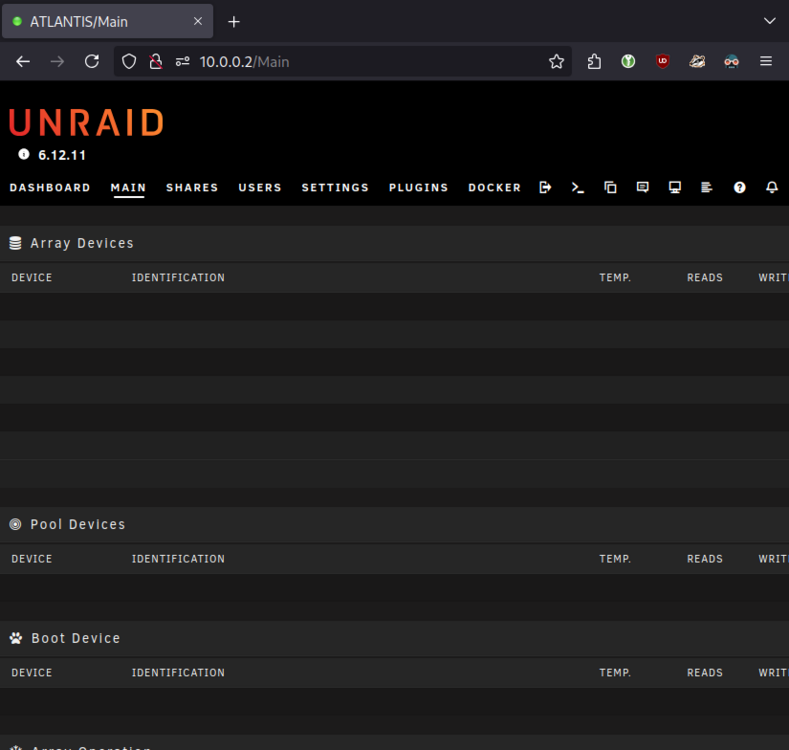
Hello everyone, It seems that the dashboard/Main overview is not showing the important information anymore. Stopping/Starting the array does not help and stopping the array, rebooting and starting the array does also not show the information. I also formatted the drive a few days back but that did not help. What could be going on here? If you have any questions or concerns, please let me know. ~ Ricardo atlantis-diagnostics-20240719-1832.zip