Johhnnyc
Members
-
Joined
-
Last visited
-
Solved by reddit. Change the CD from ide to sata and change your boot order to prioritize the installation media. Also I think you have to change the virtual hard disk to sata, I remember having some difficulties a couple years ago getting windows to recognize the drive even with drivers.
-
Johhnnyc joined the community
-
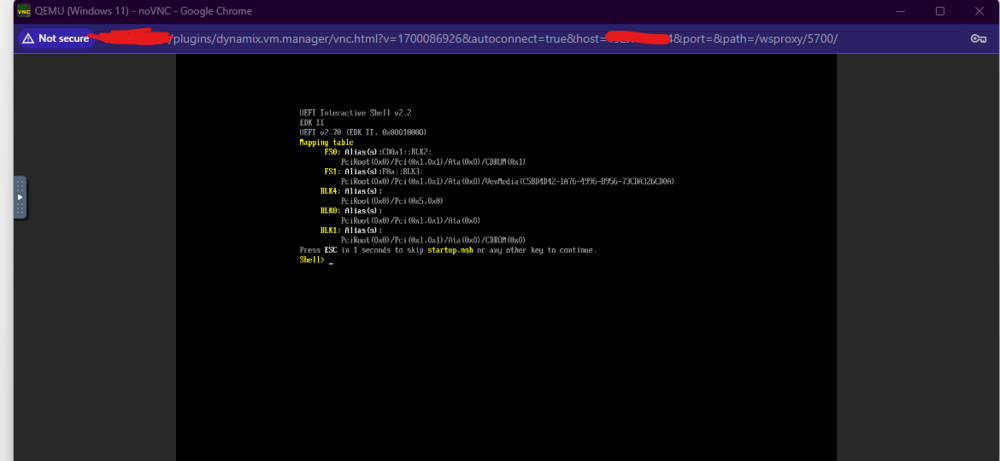
I have tried so many things to get this to work with no luck. From what I've seen in other threads it could be a corrupted ISO, but I downloaded it directly from windows and have tried both dynamix file manager to upload and tried to copy it directly to the ISO file with no luck. I think it could be that I don't have a GPU in the server and have only been using integrated graphics but don't currently have a GPU laying around to test it. CPU is 12th Gen Intel® Core™ i5-12600K @ 4455 MHz. Tried typing reset into the shell with no luck. Any help is appreciated.