dfishocc
Members
-
Joined
-
Last visited
-
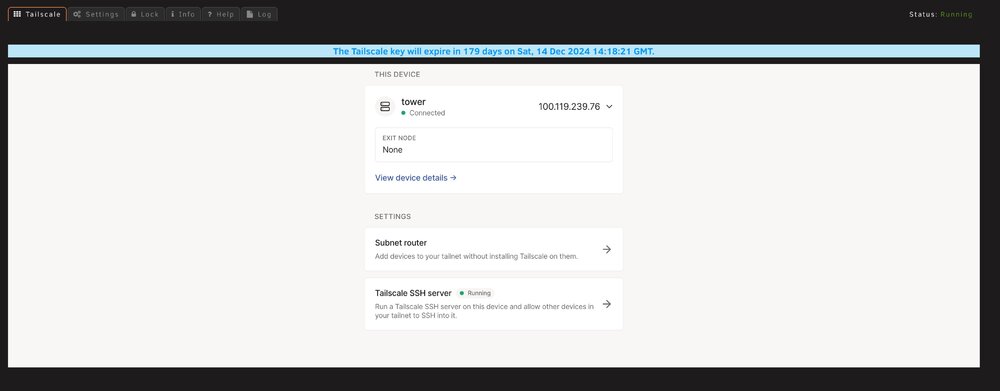
Even after configuring Tailscale SSH, I was unable to connect from my iPhone. Here are the Tailscale plugin diagnostics. Tower-tailscale-diag-20240618-085536.zip
-
I figured it out!
-
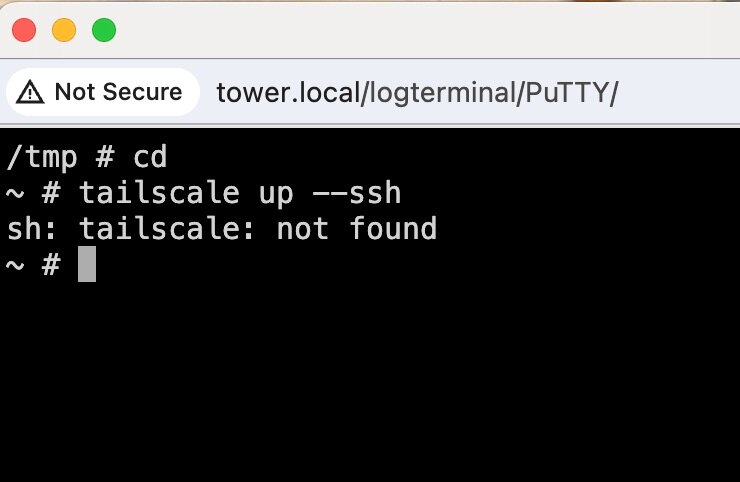
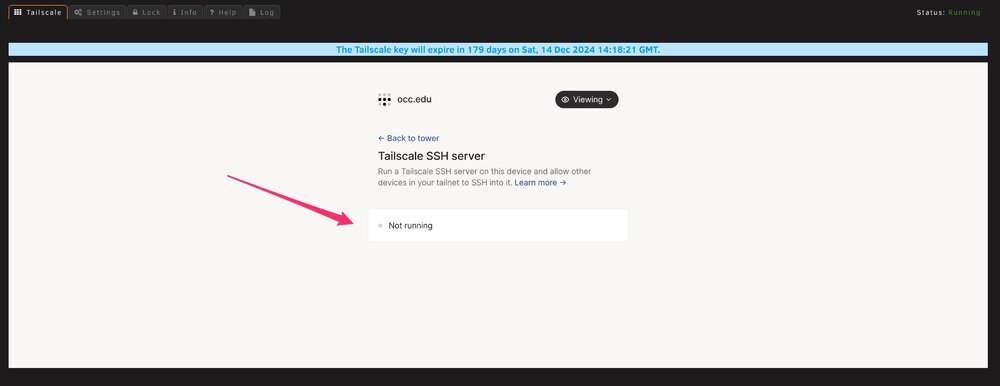
I have discovered that a potential problem is that Tailscale SSH is NOT running on my system (See screen capture). Where (how) do I get a terminal window to enter command "tailscale up --ssh"? I have added the PuTTY in Docker. If I run it and enter the Console, I can try to add the above command, but get an error message: sh: tailscale: not found I really am sorry that I am such a NEWB. I appreciate your patience with me.
-
I deleted the Docker app, then rebooted the Unraid server. I tried to connect to the server using the Files app in ios (using the credentials to connect to the Unraid server). I got the same result. Then I went to Tools, Diagnostics, downloaded the file, which I am attaching here. I am a total NEWB, so I hope something shows up that can help resolve this issue. Thanks for your help. tower-diagnostics-20240617-2225.zip
-
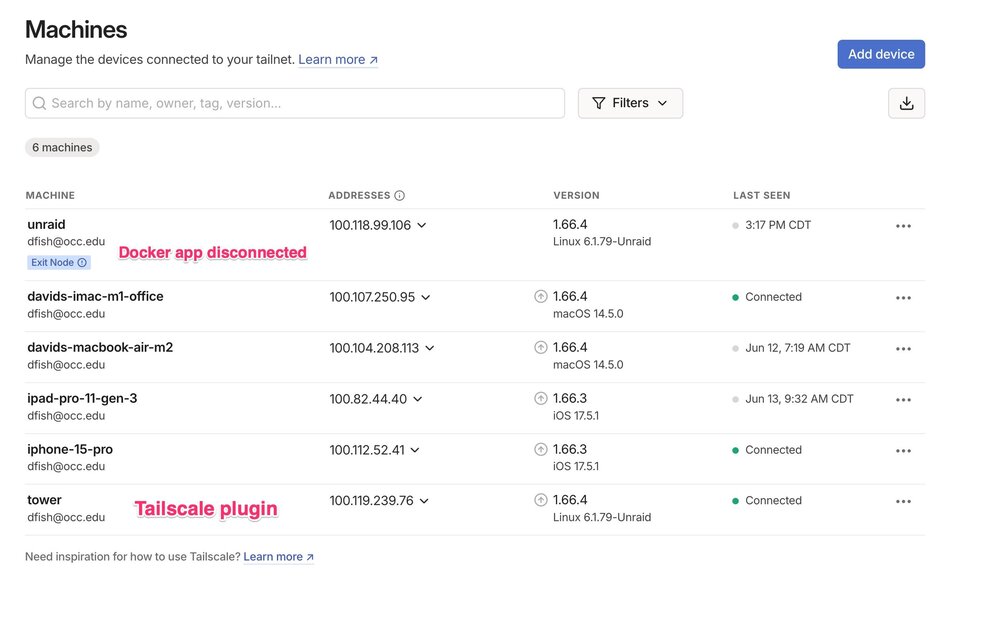
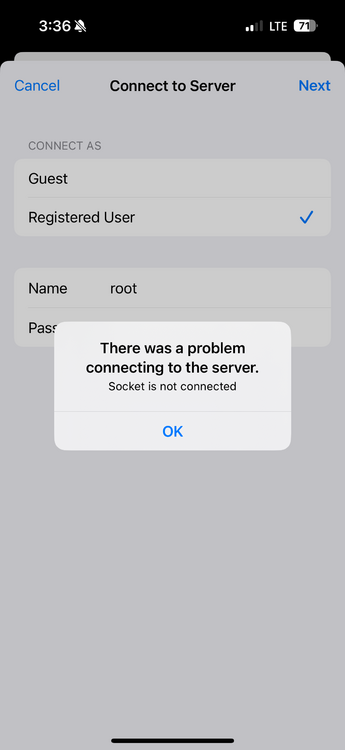
I've been trying to connect to the NAS (LincStation) running Unraid 6.12 via Tailscale. I can get all my machines to connect with one another via ping, but when I want to connect to the server to see files, for example, I have: put my phone (iPhone 15 Pro) onto cellular data opened the File app tried to "connecct to a server", even inputting the passwords to connect to the NAS I get an error message: "There was a problem connecting to the server. Socket is not connected." I first installed Tailscale in the Docker. Reading that it is better to use the Tailscale plugin on Unraid, I also installed it. I will attach a screenshot from my iMac showing my machines. For clarification, the connection called "unraid" is the Docker version, and the connection called "tower" is the Tailscale plugin. You can see that currently (in this screen capture) I have only 3 machines "connected": imac iphone-15-pro tower (which is the Tailscale plugin on the Unraid box). Oh, some more information: my home network is and eero 6+ mesh network. In trying to use Wireguard (also unsuccessfully), I had already set up reservations on the eero 6+ network for port forwarding (something that should not be needed using Tailscale). I appreciate any help you can give me. Thanks.
-
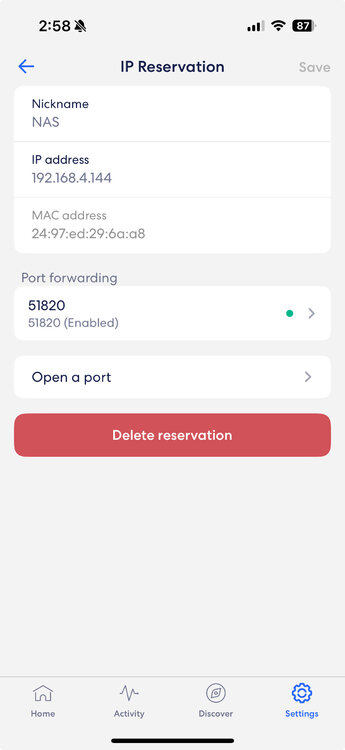
Yes it is. I have an eero mesh network. I have set up port forwarding to the NAS IP address, port 51820.
-
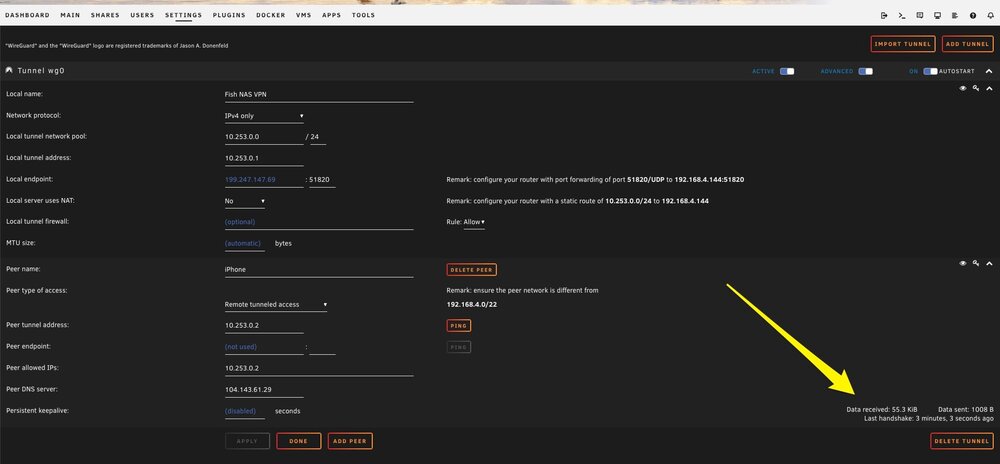
I have been trying (for several days now) to setup VPN via Wireguard. I will be traveling overseas in the fall, and I would like to have access to my NAS from wherever I happen to be. I have attempted to follow tutorials, creating "remote tunneled access" on my iPhone (currently not connected to my home network via WiFi). I think I have correctly setup the tunnel, using the "create from QR code" option in the WireGuard app on my phone. I think that the fact that the the VPN Manager settings show a HANDSHAKE means that the two devices are connected correctly. Maybe my question needs to be, how do I connect to the NAS from my phone? My guess was, that with the WireGuard VPN active on the phone, I should be able to connect by typing in the IP address listed as the "Local Endpoint" into a browser on my phone. I have tried typing the IP address and the IP address followed by ":51820"–all without a seeming connection. What am I doing wrong? I will attach the screen from the VPN Manager settings. Thanks for any help received.