CelduinX
Members
-
Joined
-
Last visited
-
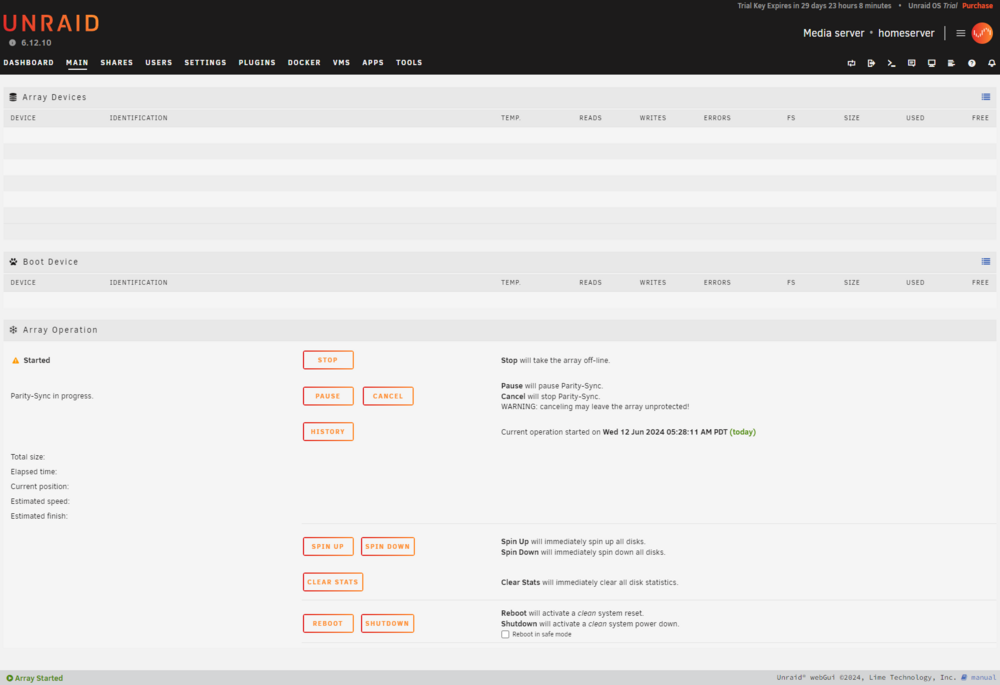
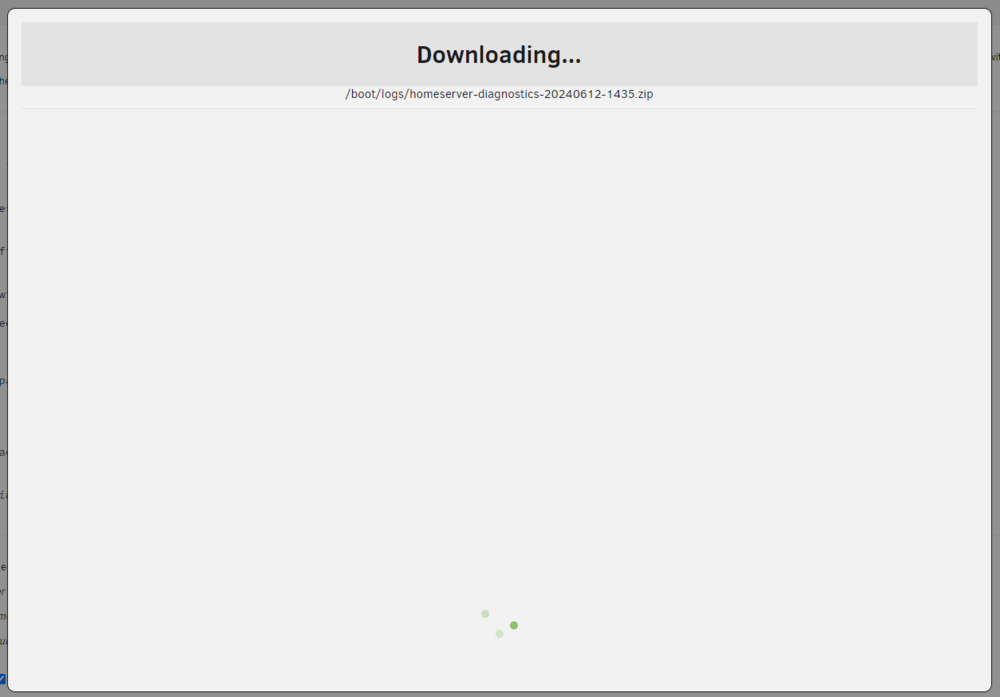
Hello everyone, I have just installed Unraid on my home server. Unfortunately, the web interface doesn't seem to be working correctly. When installing apps or plugins, I don't see any logs indicating the status of the installation, and no drives are displayed under "Main". When I boot directly into GUI mode on the Unraid server, I can see everything as usual. What could be causing this? I have already tested other browsers, even without ad blockers, etc. Unfortunately, nothing has worked so far. Even when I try to download a diagnostics file, nothing happens; the download doesn't start. EDIT: I was just able to solve the problem. For anyone else experiencing the same issue: I use a Sophos UTM with a Home License at home. My Unraid server is in a separate network (DMZ). Since Web Protection is enabled on my Sophos UTM, it seems to be blocking important functions when accessing Unraid. So, the simple solution is: Disable Web Protection or create an exception for the Unraid server. This thread can be closed.