Skip to content
View in the app

A better way to browse. Learn more.

Unraid

A full-screen app on your home screen with push notifications, badges and more.

To install this app on iOS and iPadOS
  1. Tap the Share icon in Safari
  2. Scroll the menu and tap Add to Home Screen.
  3. Tap Add in the top-right corner.
To install this app on Android
  1. Tap the 3-dot menu (⋮) in the top-right corner of the browser.
  2. Tap Add to Home screen or Install app.
  3. Confirm by tapping Install.

Sk4m

Members
  • Joined

  • Last visited

Everything posted by Sk4m

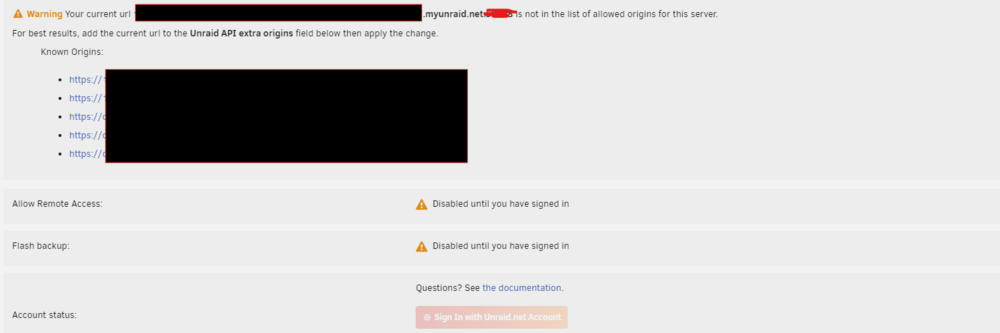
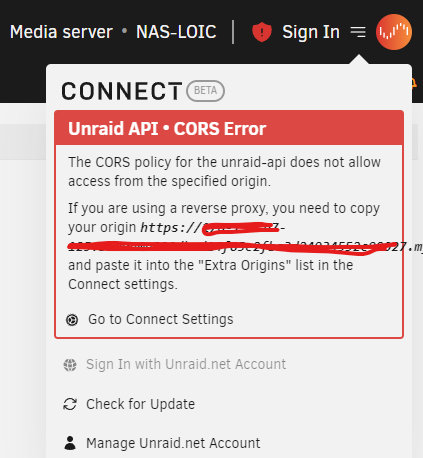
  1. Hum very strange, I go back on Unraid Connect just for try (because I'm not at home) and tada ! WAN FQDN Link is here and remote access work. But I get very strange settings. It's like I'm not sign in Unraid Connect but I acces to WebGUI from it
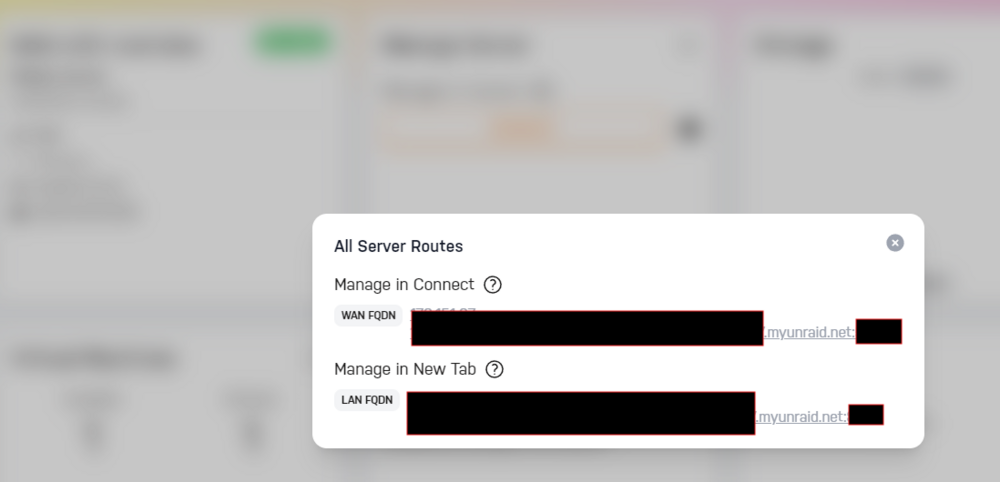
  2. Hello, after fiew month with all work fine, last week with no "specific change", I lost Unraid Connect access from WAN (no more WAN FQDN Link). I trie change DNS server, reniew cert, etc.. no success I link diagnostic ZIP. Can you help me to understand what is wrong ? (sorry for my english ) About my network : The DNS from my router is 192.168.1.254 (with DNS rebinding protection), so I tryed to use 8.8.8.8 and 1.1.1.1 DNS diagnostics-20240709-2232.zip

Account

Navigation

Search

Search

Configure browser push notifications

Chrome (Android)
  1. Tap the lock icon next to the address bar.
  2. Tap Permissions → Notifications.
  3. Adjust your preference.
Chrome (Desktop)
  1. Click the padlock icon in the address bar.
  2. Select Site settings.
  3. Find Notifications and adjust your preference.