cptsomealbino
Members
-
Joined
-
Last visited
-
Awesome, eta dropped like a rock and it's now progressing quickly. Server responsiveness is back to good levels as well. Looks like I have another drive to replace once this one is done. Thank you
-
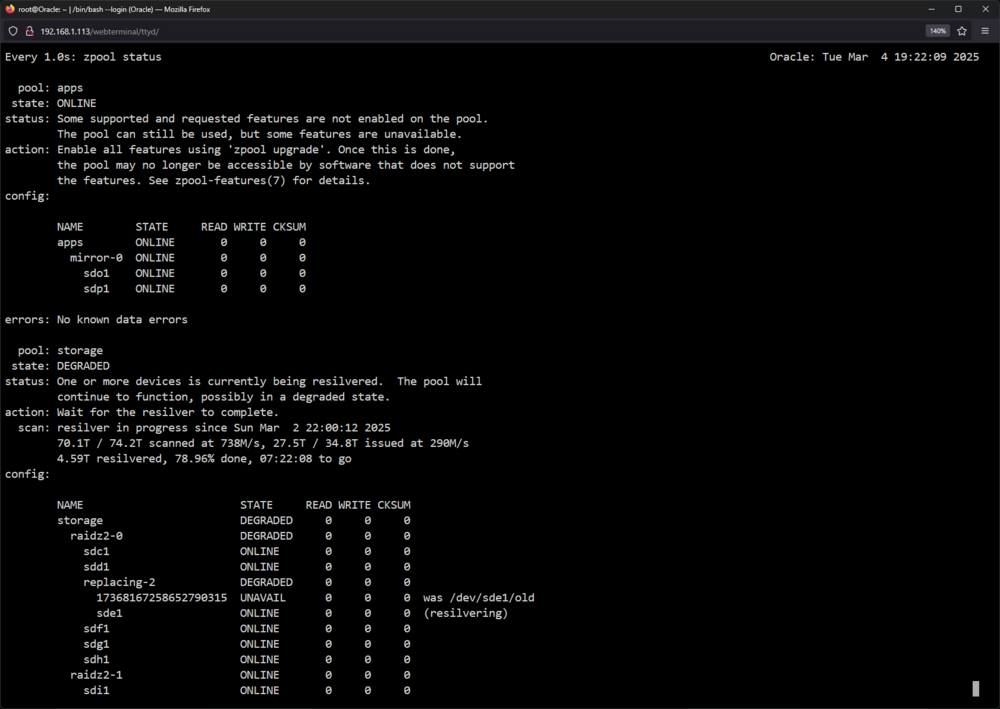
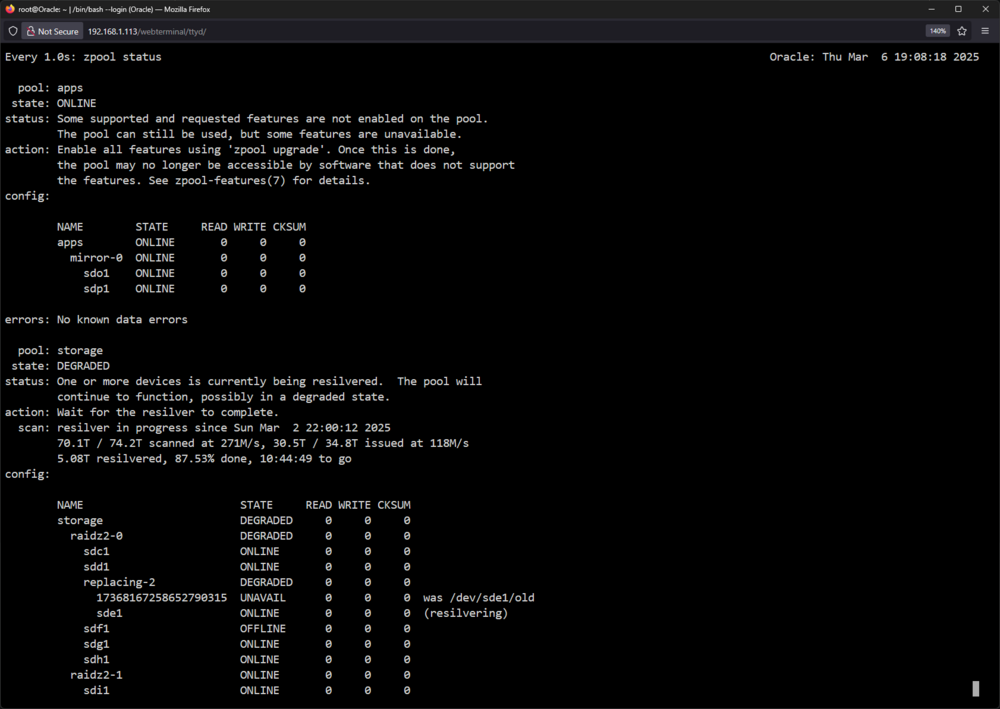
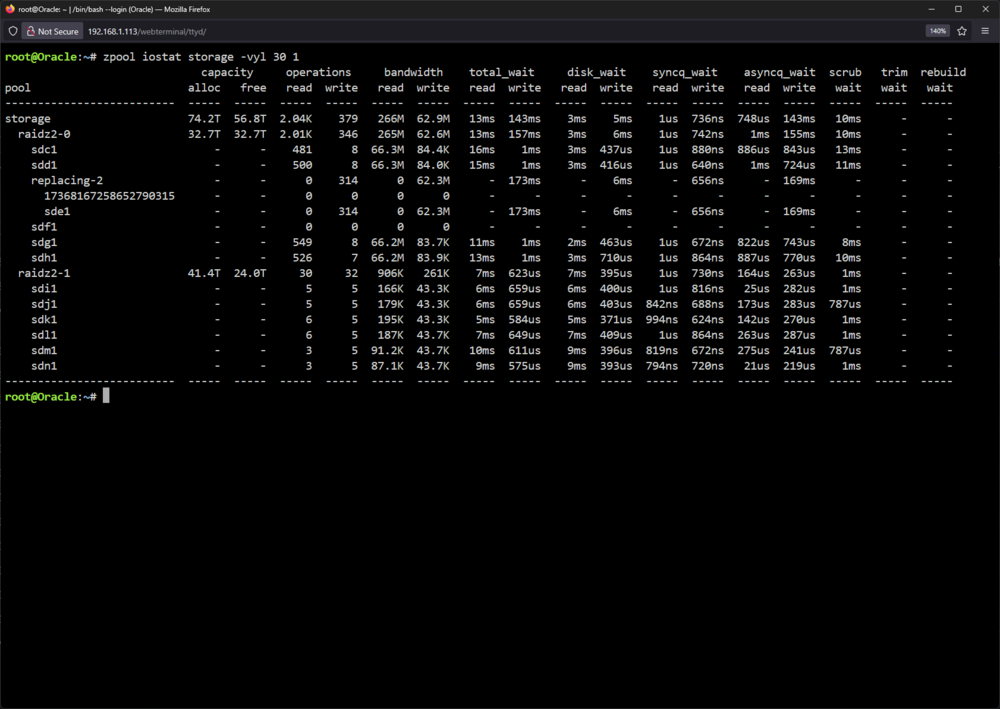
I haven't rebooted it, as I'm worried about it starting over The speed has continues to go down and the eta increases, but it has crawled forward a little in completion percentage. If I reboot it will it start over?
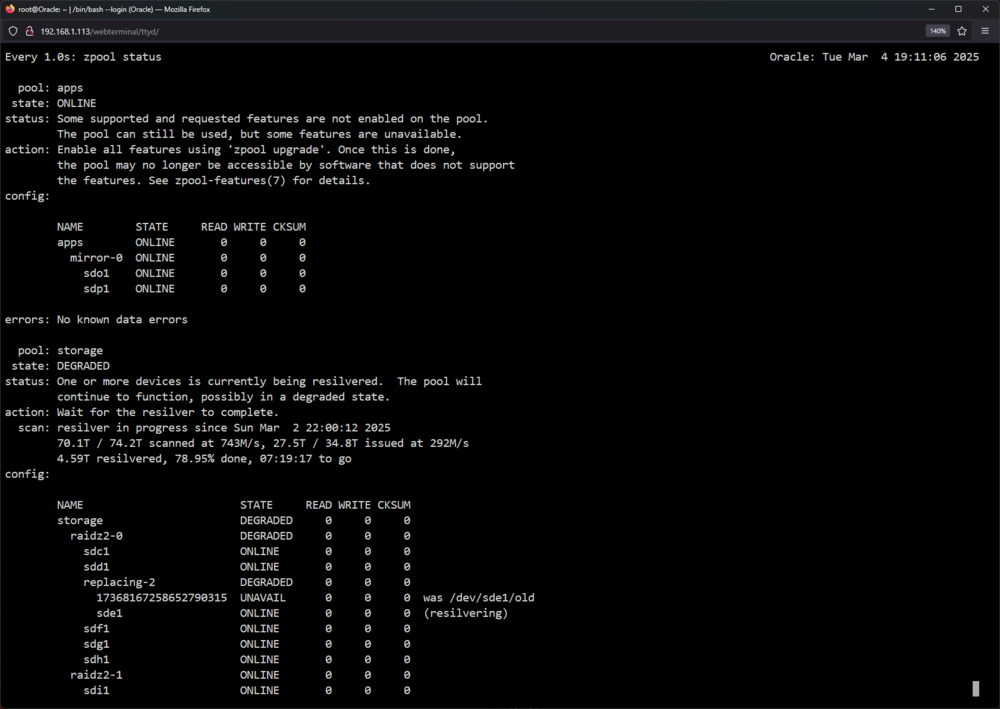
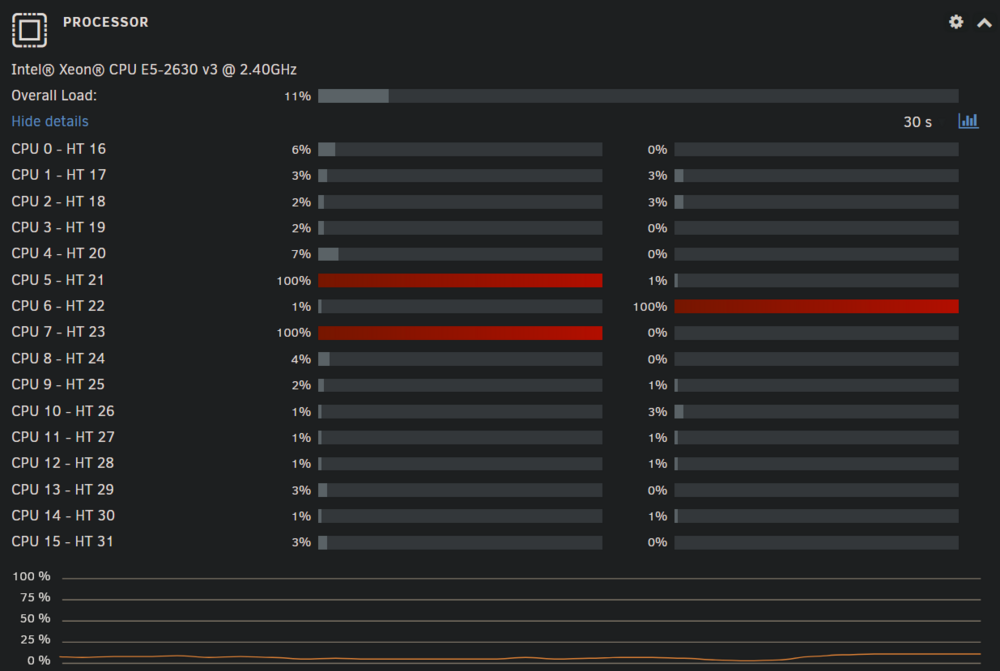
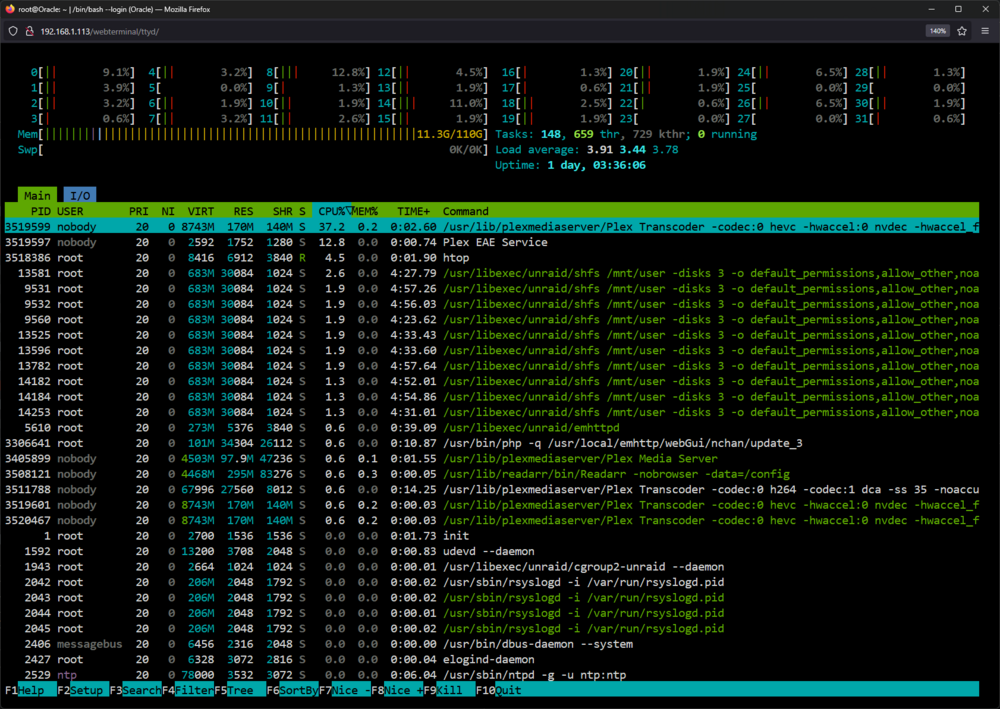
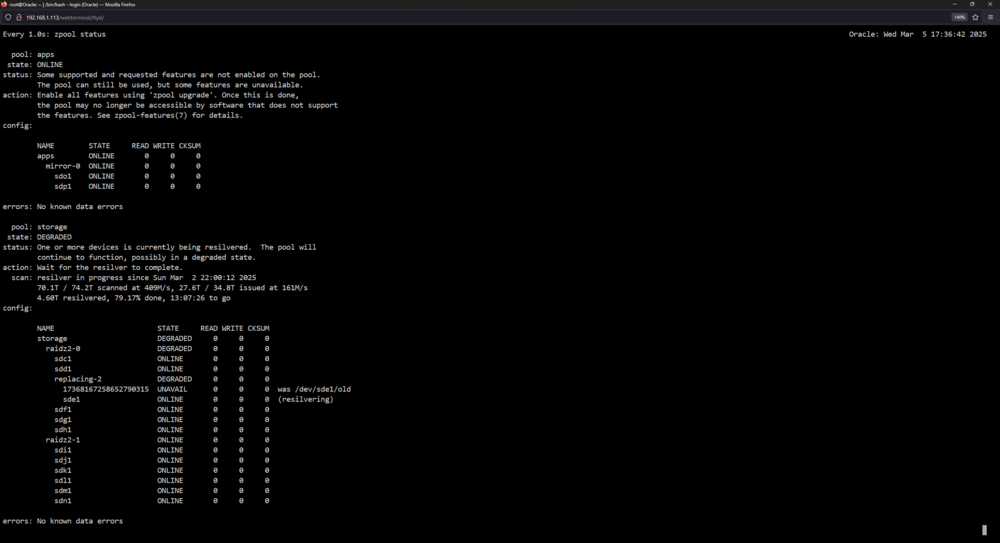 Hello, Had to replace a disk recently and have been having issues with the resilver. It will hit a random percentage and then just seem to stop. During this time, anything done on the server will be horribly slow. I am noticing some CPU threads at 100% on the gui, but htop and top do not show this. Top also does not show a large amount of I/O Wait Docker image and apps are on the apps pool, the resilver is in the storage pool which is the file storage. Server performance is fine until resilver hits the hang. Storage pool is zfs raidz2 oracle-diagnostics-20250304-1838.zip