





dmw8
Members
-
Joined
-
Last visited
-
Permissions wont change when using command or the unraid gui in the beta release. Was running unraid beta release but same with the latest stable after downgrading.
-
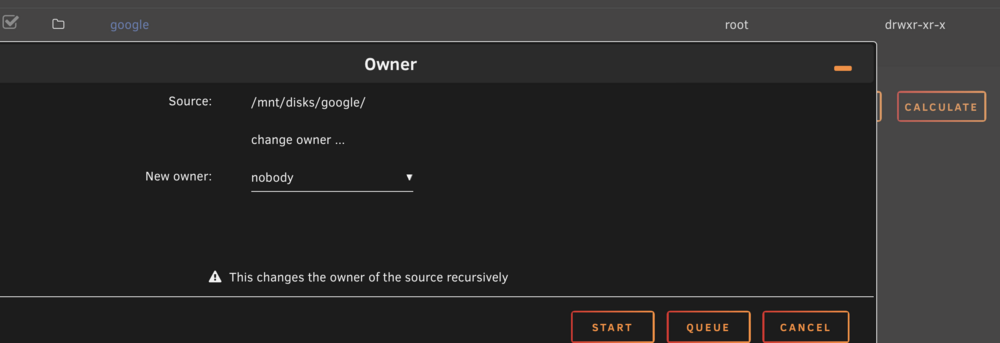
Yes thats one of the first things I tried. The owner / permissions wont change if I try.
-
Hi all, I'm very new to Unraid as I only purchased it last week. After setting up rclone and running the following command (in unraid terminal) I can get a working mount and read/write to the mount. The problem is when I add the command to a script using the user scrips plugin, the remote will mount but I can only read from the share. As you can see below the folder permissions change when i use the script only. Can someone point me in the right direction as I must be doing something wrong. I have tried mounting directly to a share and also making a folder manually then sharing using smb extra configuration. without using script





