RedshiftRedshifted
Members
-
Joined
-
Last visited
-
Also, is there a drive size limit? Trying to build out to 100tb in as little drives possible.
-
Ok, I like this. It looks like a better solution! Plus there are rear port options. Couple questions. How many satas can I run off one hba port? (I’m seeing 4) And is this a plug and play with unraid? Will unraid see the drives on reboot? Thanks for the response.
-
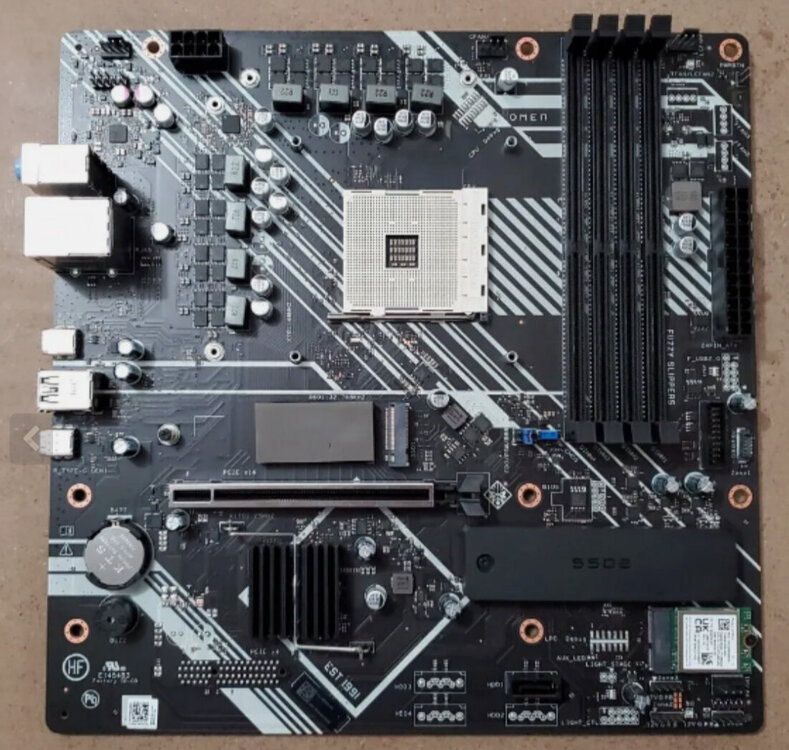
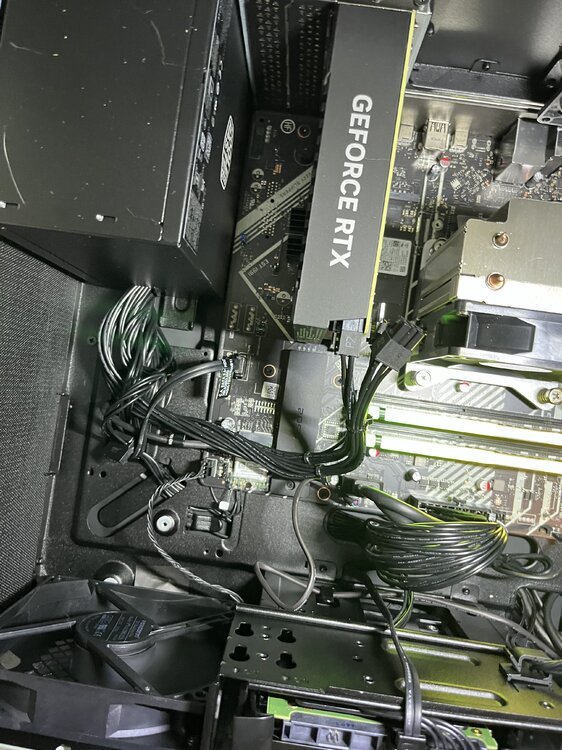
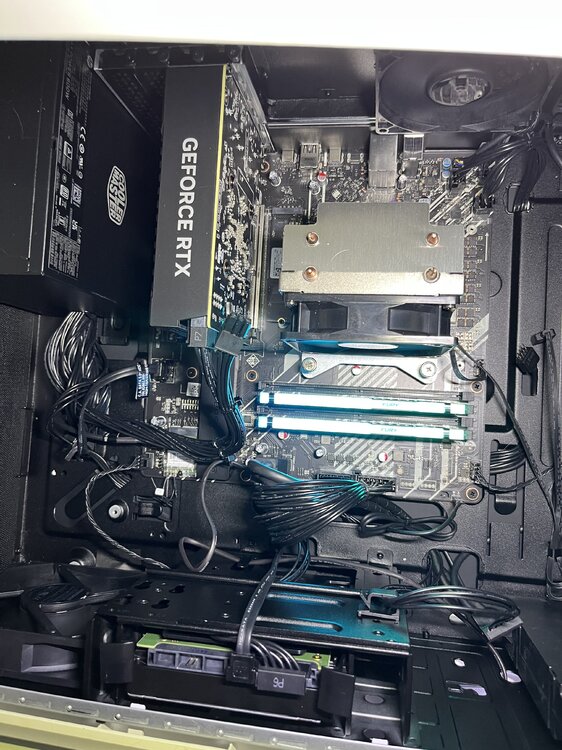
I need more sata! Let me start with specs. I have an HP Omen 25L GT15-2134. The mobo (below) shows in my dashboard as HP 8B1D , Version 11. My goal is to buy a 5 bay sata enclosure (example) and expand sata by pulling the GPU and installing something like this. I’m only using of my M.2 nvmes currently for ssd and want to install another. So if I can preserve that slot it would be great. I have exactly zero experience with this but can already tell expanding storage is going to be an addiction. Would this be possible to yank the GPU and installing the sata adapter?