





Obstidian
Members
-
Joined
-
Last visited
Everything posted by Obstidian
-
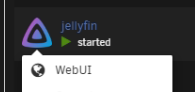
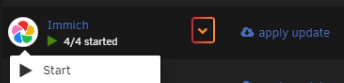
First of all, I am not sure if I write in the right place for this question because it is a plugin. If not, I would appreciate moving it to where it belongs. So I´ve got a plugin for folders on docker page. I was wondering if there is a way to add webUI link (or any other link) to the icon of the folder? As far as i know, there is not an option to add it in the folder settings. (1st pic - an app with webui link) (2nd pic - a folder where I would like to have the "WebUI" link) Thank you for replies in advance.
-
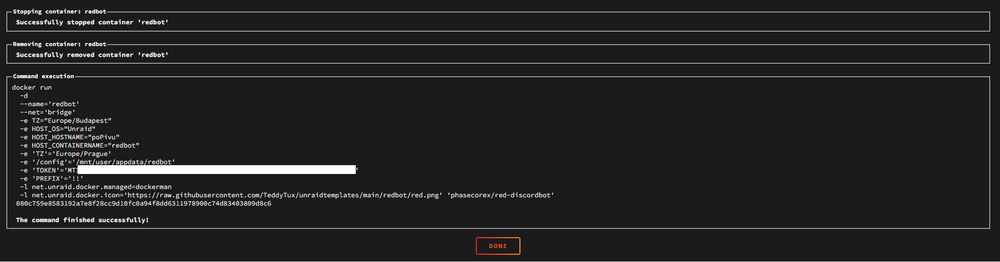
sorry for late reply. Here.
-
here. popivu-diagnostics-20240916-1708.zip
-
Hi there, I wanted to edit one thing in my redbot instance but when I opened appdata, the folder that contains the data is missing. I tried CLI but it did not founf it either. Rebooting the container is fine and works even after reboot/stop->start. Does anyone have some tips how to solve this? Thanks in advance.





