





m75
Members
-
Joined
-
Last visited
-
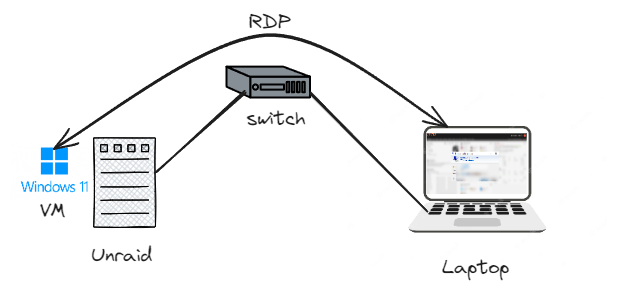
I posted the XML in the first message so you can review it. I'm not sure I understand the question (it's not my native language). If you mean if I'm going to connect a monitor via HDMI or DP to the server (Unraid) to get the image out, no, I don't. I just want to make a remote connection (RDP). Note that I am not an expert in Unraid or VM, maybe it is something simple that I have misconfigured. By any chance, do you have any configuration guide to create a W11 VM in Unraid (with screenshots)? In the Tools > System devices tab, I have all possible IOMMUs checked. Thanks!
-
Hello, I have Unraid latest version (6.12.13) with Intel i7-14700K with no dedicated GPU, only the integrated one. I had a Windows 11 VM running correctly with CPU mode passthrough and everything worked. A few days ago I upgraded to the latest version of Unraid and today I restarted windows and suddenly it stopped working, however if I change the CPU mode to Emulated (QEMU64) it works again. Do you know why this might be happening, what do I need to change? LOGS_PT.txt XML-view.txt
