chanzer0
Members
-
Joined
-
Last visited
-
Praise be! Back to normal parity-sync times
-
I ended up solving this issue in a new forum, which you can see here:
-
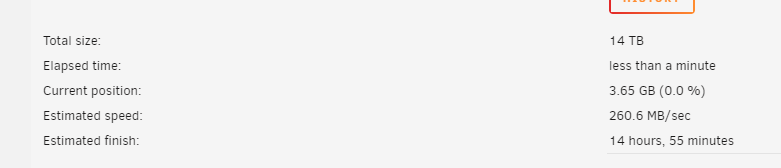
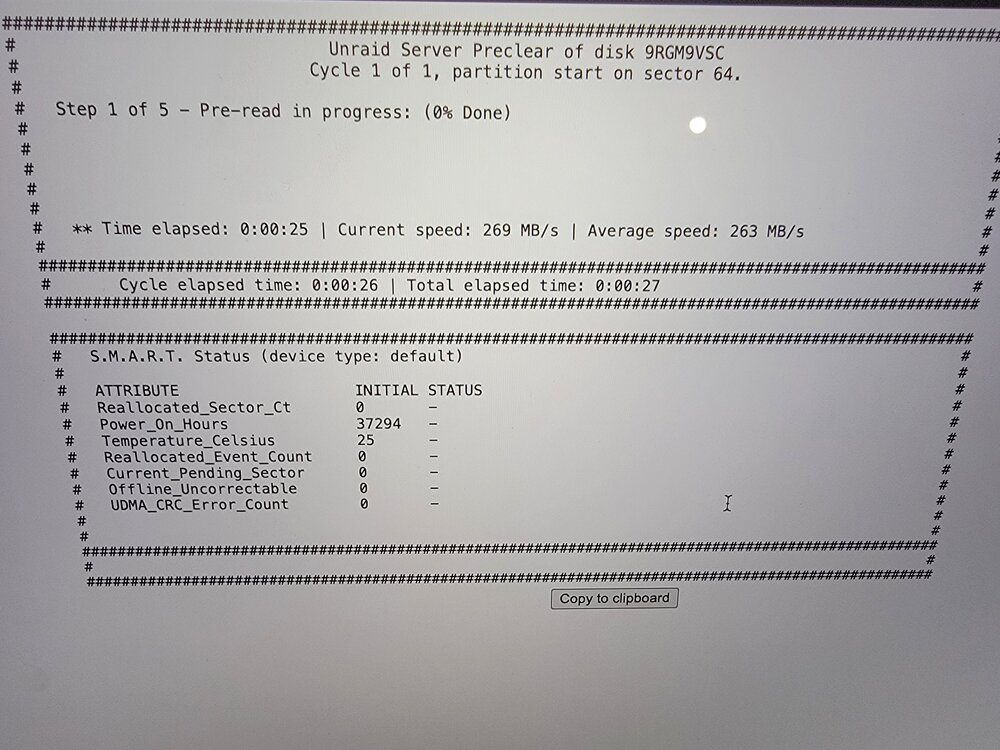
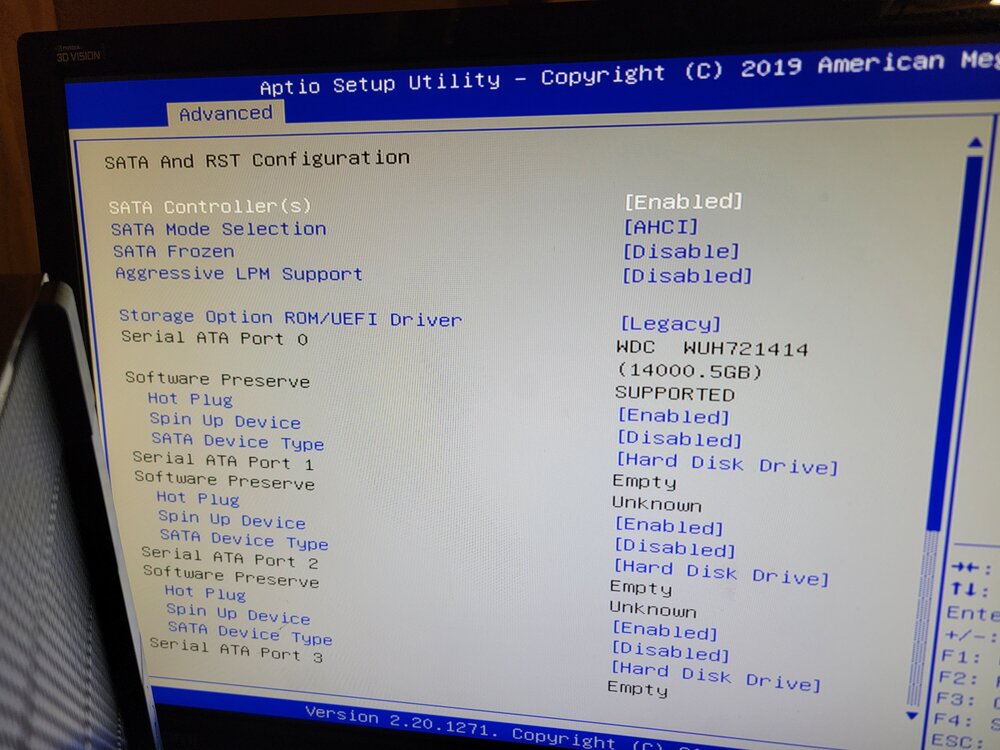
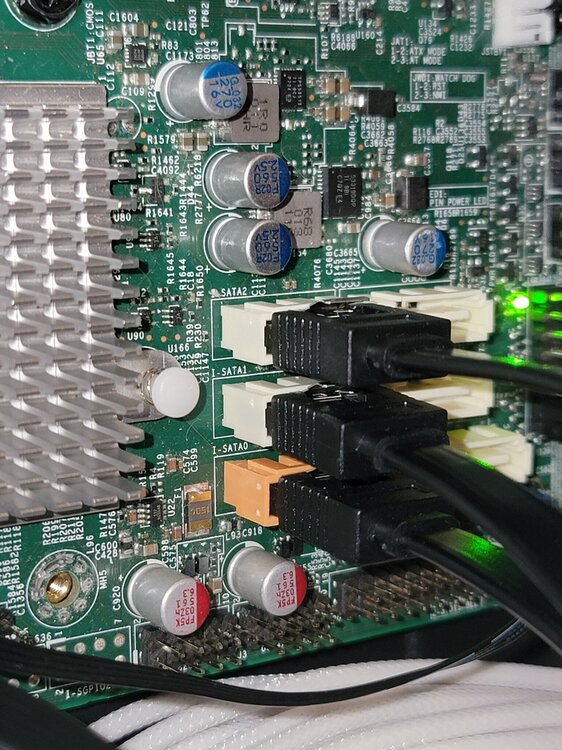
UPDATE: So the issue ended up being the 3.3v mod most people have issues with on these WD white label drives. I initially tried covering up the 3.3v pins with electrical tape, but had issues as the tape was too thick and the power cable wouldn't seat or would slide the electrical tape off when seated. What I ended up doing was using some SATA power extension cables to connect between the PSU SATA power cables and the HDDs. I noticed that people were snipping the orange wire (3.3v) of their extension cables, but these don't have any so I assume that signal is never being passed through. You can see images of that here. Doing this resulted in the drives spinning up and being recognized both in BIOS and unRAID. I also solved my initial problem of slow drive speeds when running parity-sync, I'm guessing my controller was thermal throttling or otherwise causing a bottleneck.
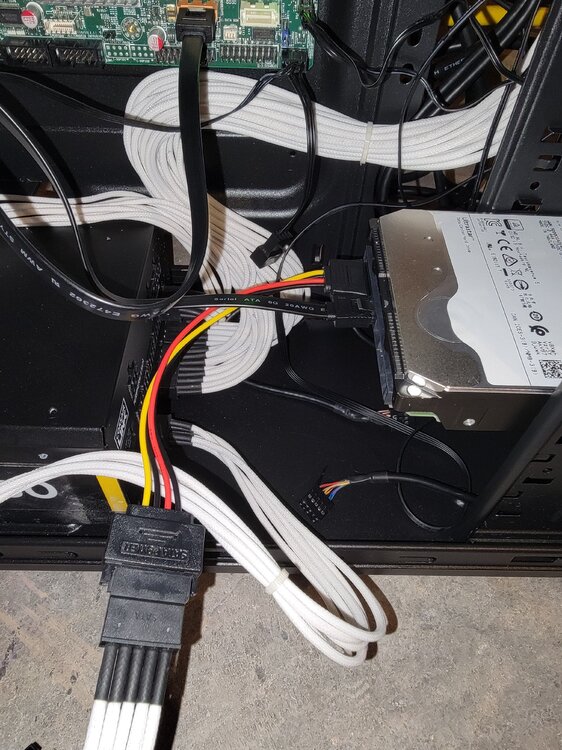
-
Negative, the same white cables pictured were used with both the HBA and the direct connection. Yeah, no harm afaik. I'm going to give that a shot as clearly the drives aren't spinning up and this 3.3v mod seems to be a common solution for WD white labels.
-
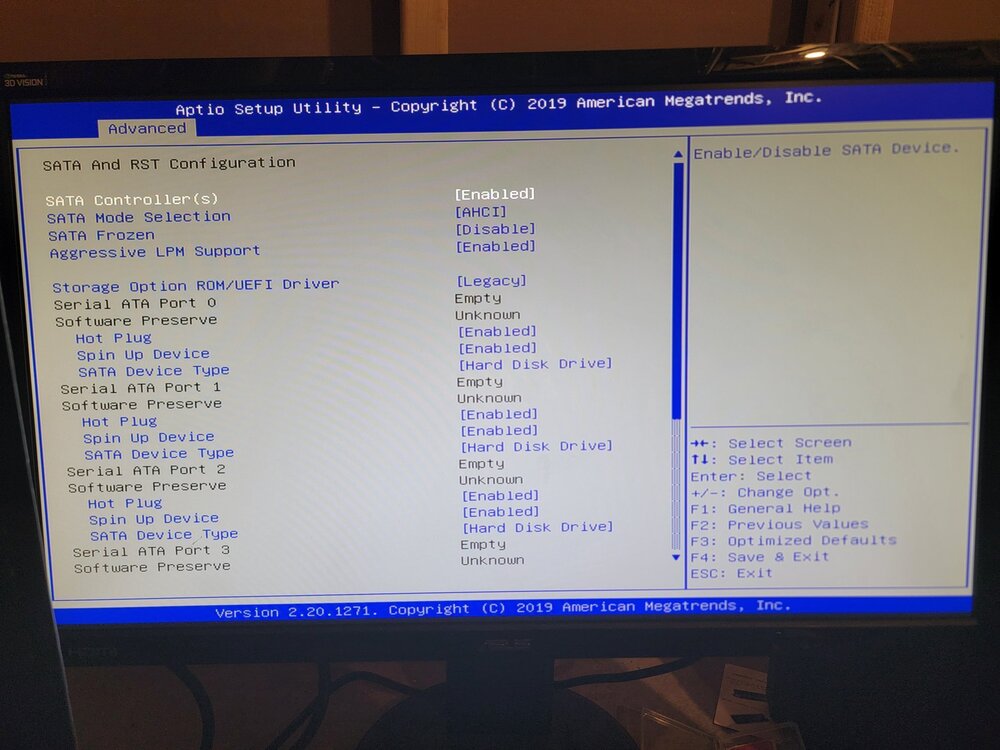
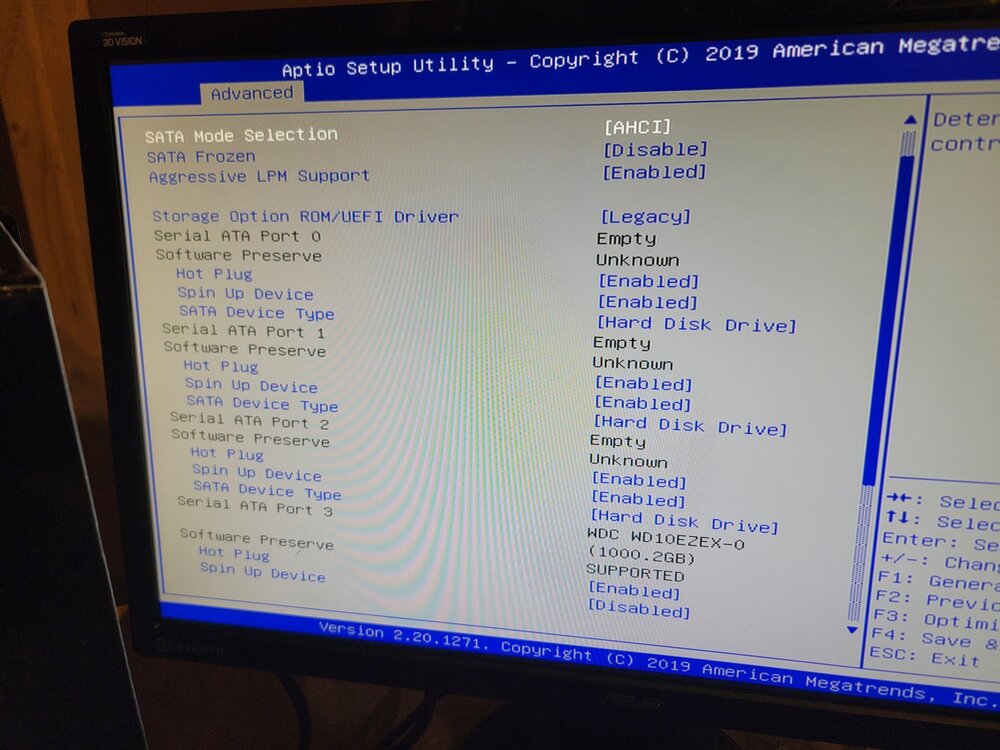
Resetting the BIOS settings does not detect the 14TB WD drives, but the 1TB WD blue is recognized in both BIOS and unRAID. I'm beginning to suspect the refurbished drives I bought were shucked or otherwise need the 3.3v mod done to them. In theory, if the 14TB WD drives were working the the Adaptec HBA card and break-out cables, perhaps that was bypassing the 3.3v issue that these drives sometimes have? so when I plug them directly into SATA power and SATA ports, they aren't powering on at all?
-
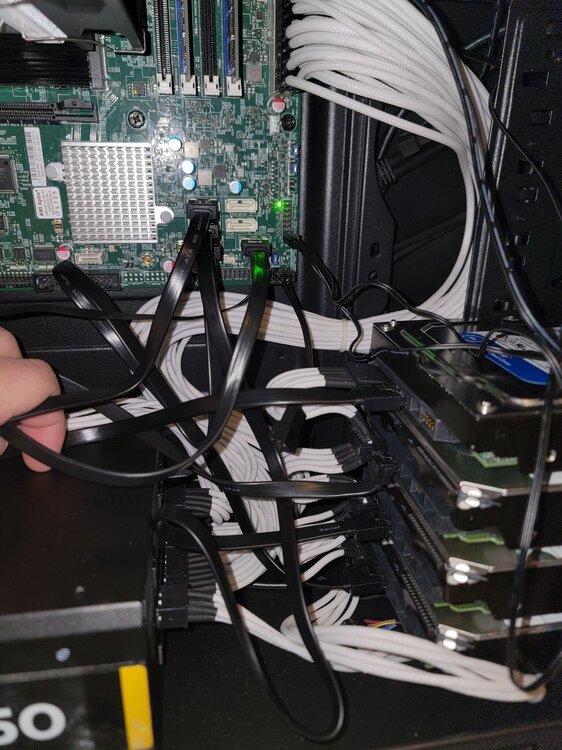
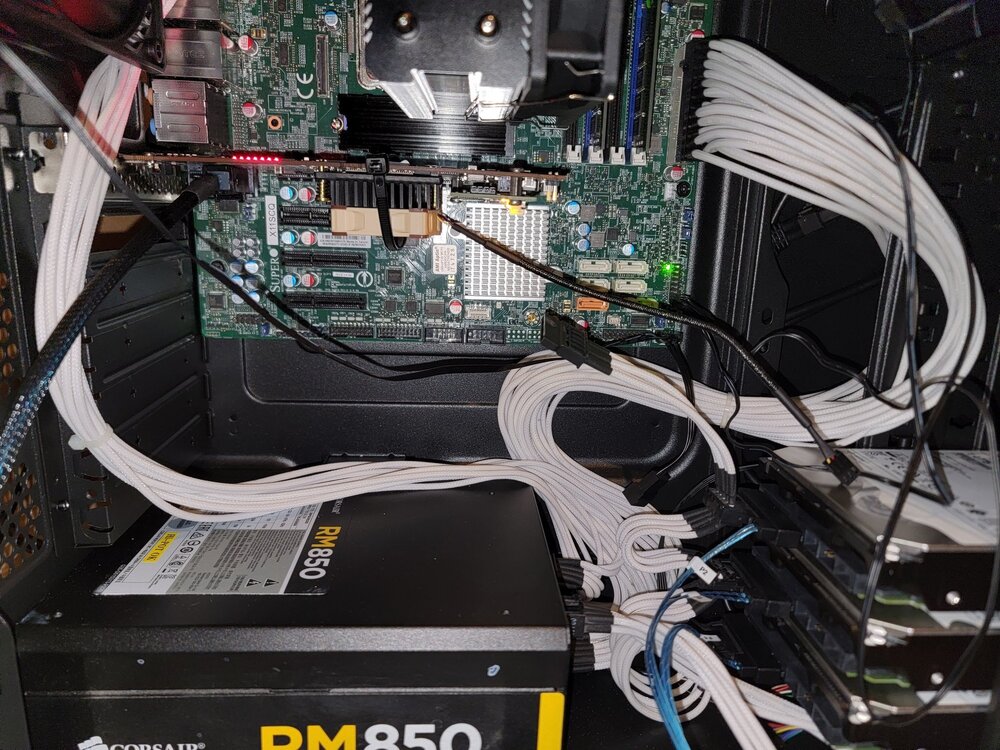
Hi All, I'm posting a follow-up to the discussion I started a few days ago regarding slow parity sync speeds using my Adaptec ASR 7805 HBA controller. I figured the best course of action for testing would be to connect my 3 WD 14tb drives directly to the SATA ports on my Supermicro X11SCQ to test if the read/write speeds were still an issue. This led me to a new issue - when plugged directly into the motherboard via SATA cables, the HDDs are unrecognized in both BIOS and unRAID. Then, I figured maybe the SATA ports on the motherboard were bad, so I grabbed an extra WD 1TB Blue drive I had laying around to see if that would be recognized in the BIOS when plugged into the SATA port, and sure enough it was. I even tested swaping around the SATA cables between the working 1TB WD Blue and the non-working WD 14TB drives and still only the 1TB Blue drive was recognized via BIOS. Why might this be happening? Do I need to update the BIOS at all? It seems super odd that the 14TB drives are recognized when plugged into my HBA adadpter but not when plugged directly into the SATA ports on the motherboard, even though a regular 1TB WD Blue is recognized. For reference, here's my HBA setup that is at least recognized by the BIOS and unRAID (albeit at 3MB/s read and write speeds).
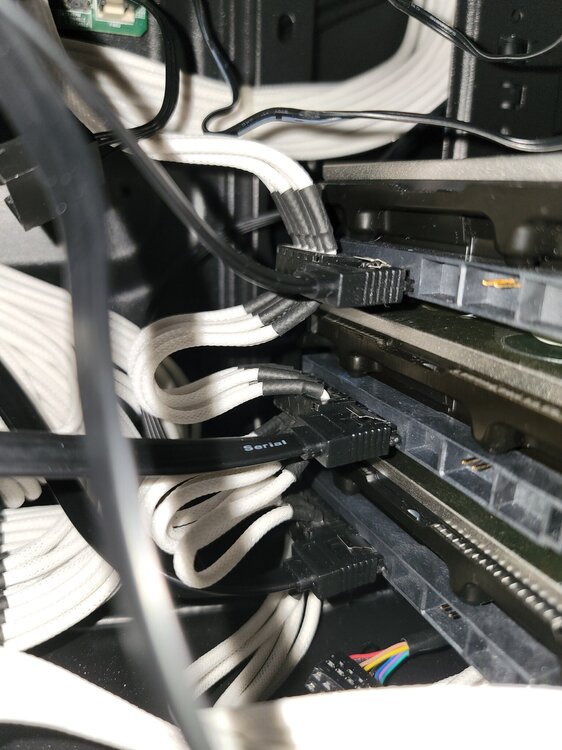
-
I ordered some SATA cables to try and connect the drives directly to the motherboard but those won't come for another few days. If I plug the drives directly into the motherboard and still experience slow speeds is it safe to say I got bad hard drives? Or are there other factors about my hardware or Unraid configuration that could lead to slow speeds?
-
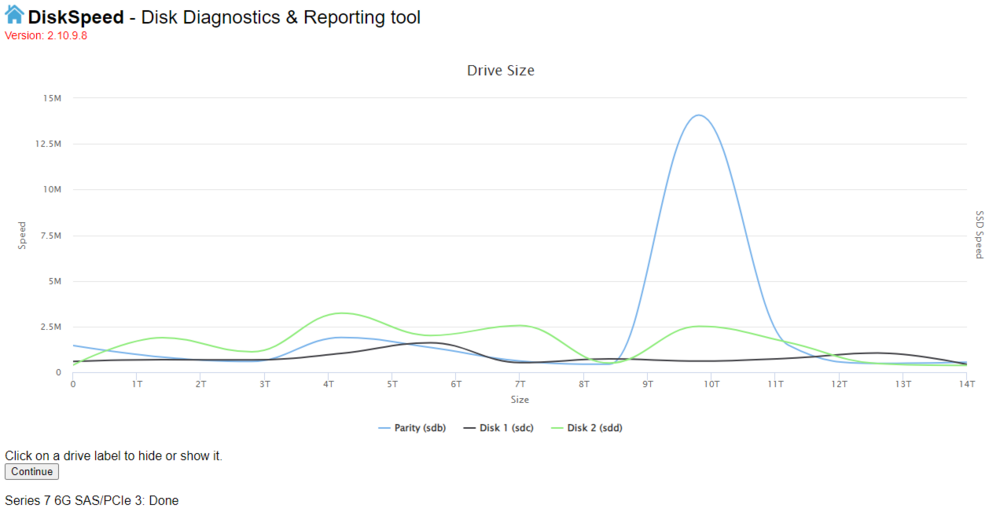
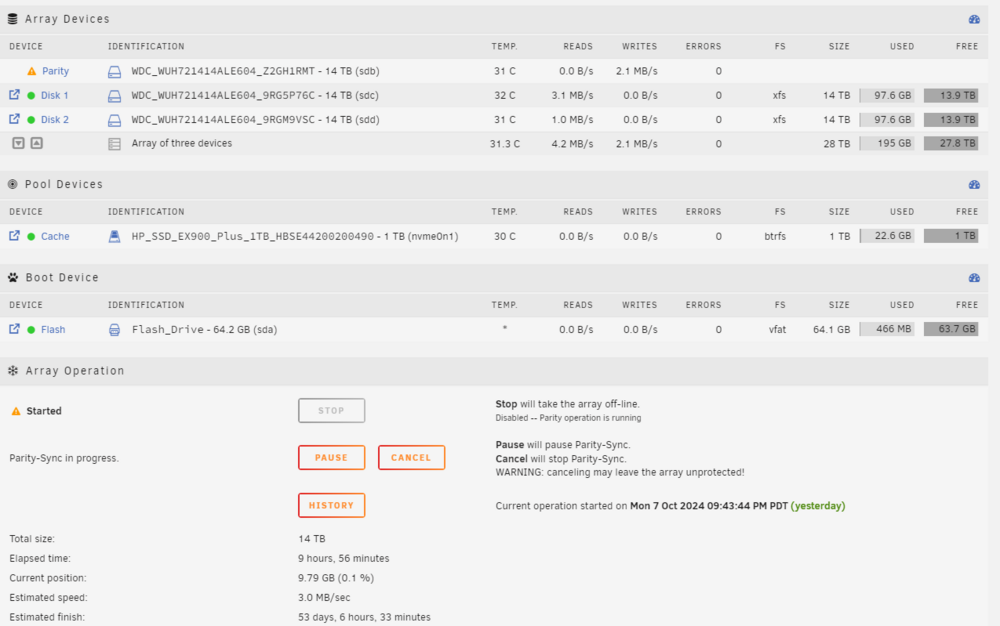
Hi All, I'm new to unraid and recently built a PC to serve as network-attached storage. My specs are: CPU: Intel i5-8500 MOBO: Supermicro X11SCQ RAM: 2x8GB Kingston DDR4 2666 HBA Controller: Adaptec ASR 7805 Cache: HP EX900 Plus 1TB NVMe Parity/Disks: 3x Western Digital Ultrastar DC HC530 WUH721414ALE604 Enterprise Disks The HDDs I bought refurbished from a reputable online vendor and are currently plugged into the Adaptec HBA controller. I'm using 1 of the 14TB drives for parity, the other 2 for disk 1/2 and the 1TB NMVE drive as cache. I set that up and started parity-sync and formatting the drives. However, when I started up the Parity-Sync and formatting, I noticed my speeds were incredibly slow... like 3MB/s slow. It estimated 50+ days to complete my 28TB parity-sync at 3MB/s which seems wrong. I've attached my logs here to ask for any guidance in what might be going wrong. tower-diagnostics-20241008-0938.zip Also, here is the DiskSpeed diagnostic benchmarks if it helps: