MrBubz
Members
-
Joined
-
Last visited
Everything posted by MrBubz
-
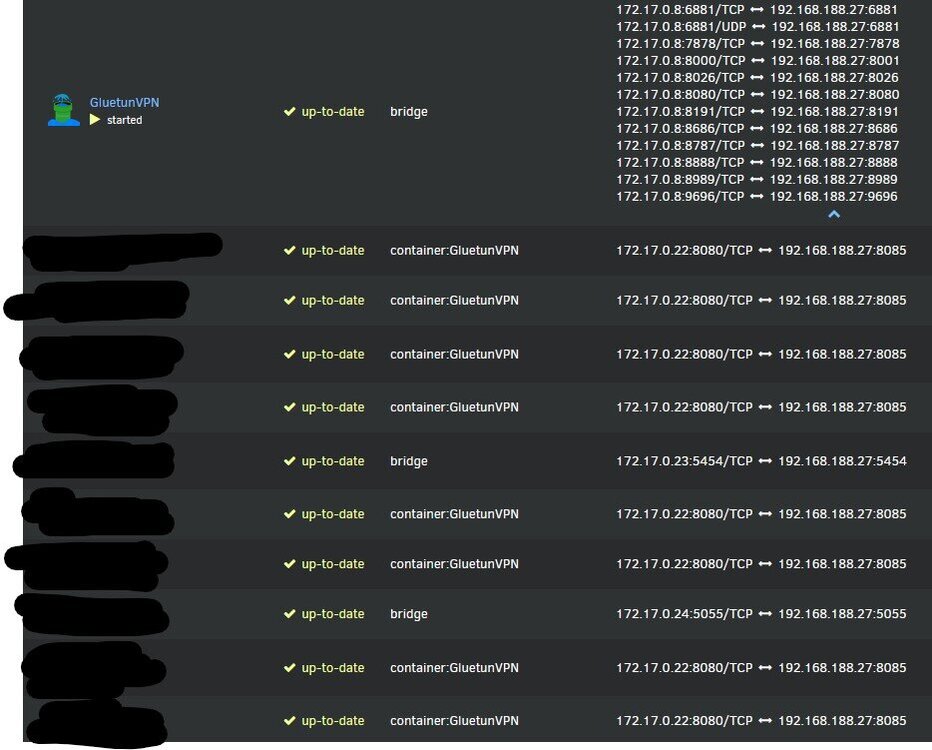
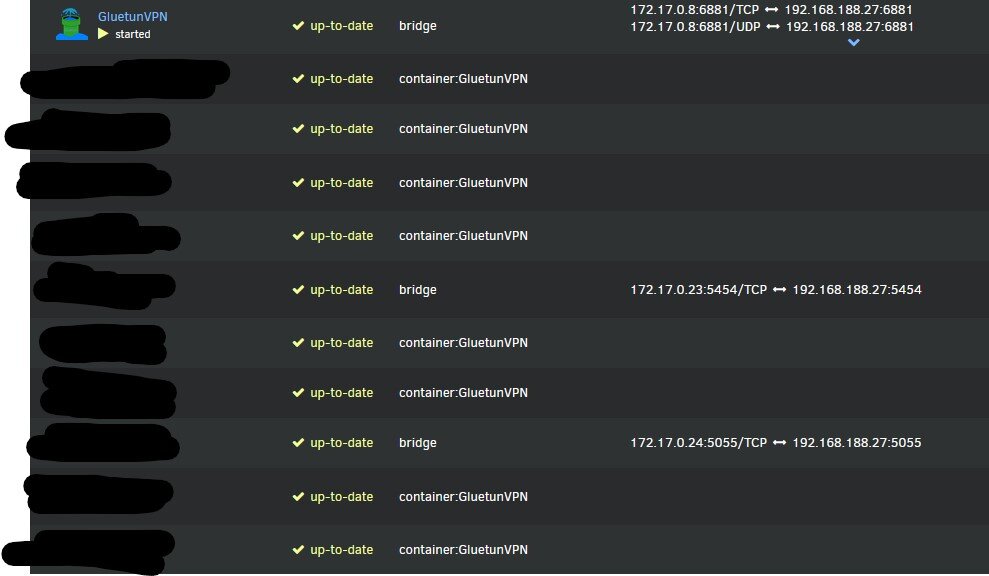
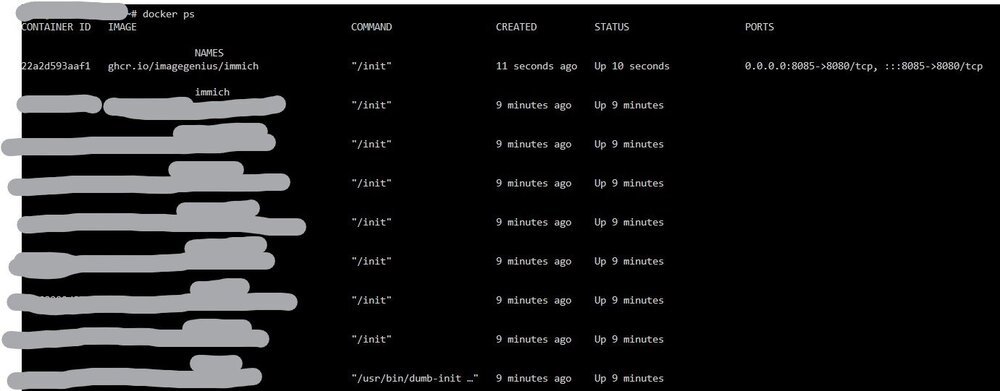
I am running Unraid 6.12.13. I have multiple containers routed through my VPN Container (with the parameter '--net=container:GluetunVPN'), and they do not expose ports themselves. All the ports are exposed in the VPN Container. However, Unraid seems to display wrong Port mappings for these containers: The port they are all getting is my immich port. When changing my immich port, these ports change too. When removing my Immich container, it is correctly displayed again: When running docker PS, i am getting the correct, expected output: I found out Unraid always assigns the port of the container that is directly above the containers without mapping in docker ps. If I remove immich, and restart another container that has a port mapping, the containers all get this port. If there is no other container (with mappings) in the docker ps command above the containers (without mappings), they are displayed correctly.