Skip to content
View in the app

A better way to browse. Learn more.

Unraid

A full-screen app on your home screen with push notifications, badges and more.

To install this app on iOS and iPadOS
  1. Tap the Share icon in Safari
  2. Scroll the menu and tap Add to Home Screen.
  3. Tap Add in the top-right corner.
To install this app on Android
  1. Tap the 3-dot menu (⋮) in the top-right corner of the browser.
  2. Tap Add to Home screen or Install app.
  3. Confirm by tapping Install.

Eyezye

Members
  • Joined

  • Last visited

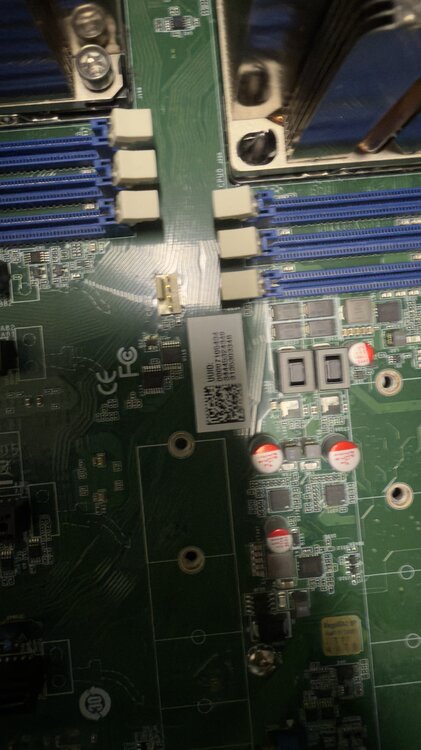
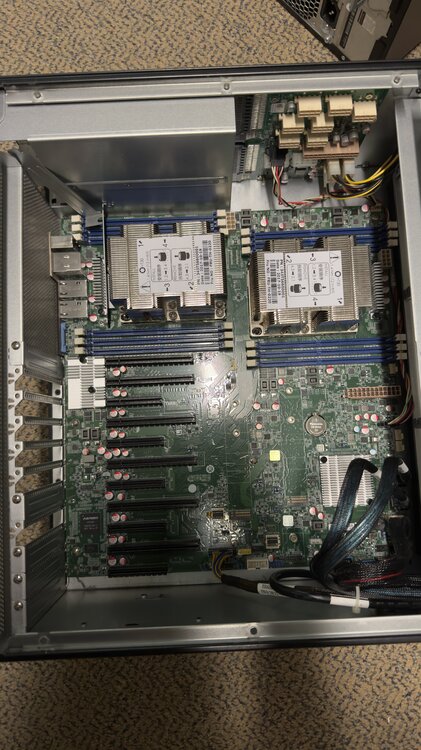
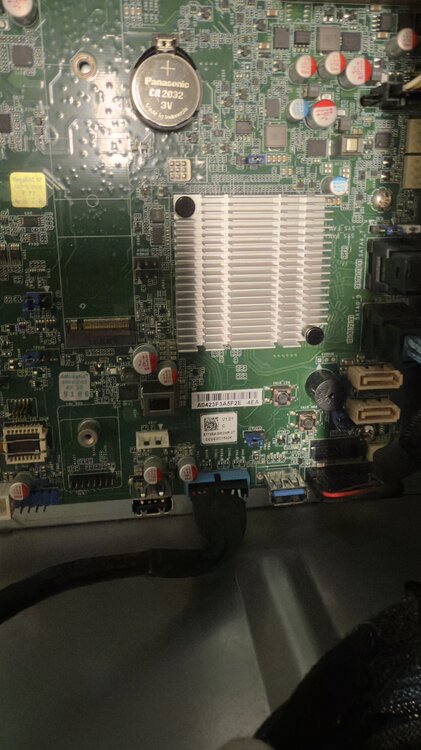
  1. This is from a identical server this is not the server I am running on I have all the components attached I have a gtx 1080 attached and running video out of that there is a vga on the board aswell
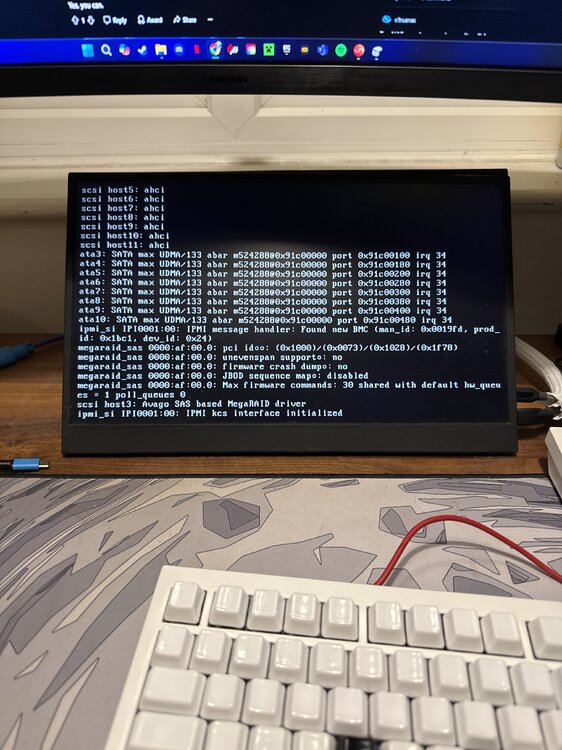
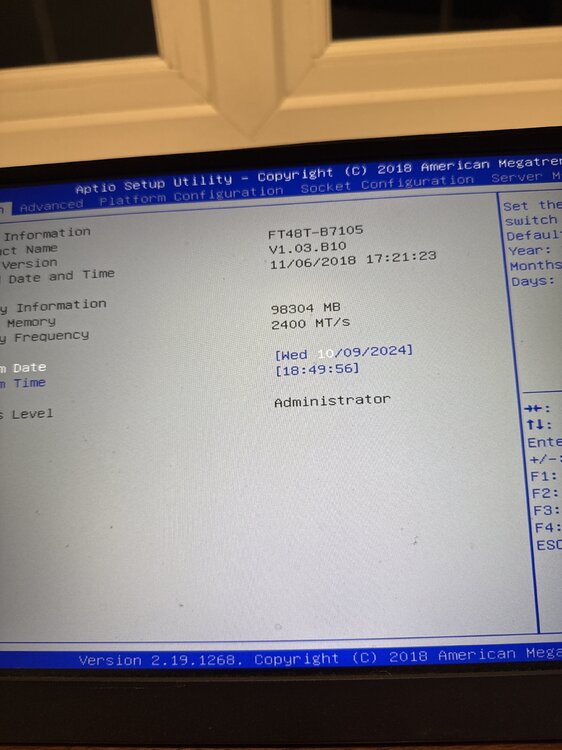
  2. Hello everyone this is my first post, I have a duel cpu server that I wanted to put Unraid on I have a pro license on a usb that was connected to my old Nas I am using none of the old drives and was trying to boot into just Unraid and getting stuck here any tips, the last line of code it is stuck on is ipmo_si IPI0001:00: IPMI kcs interface initialized attached is what I am stuck on and the bios version I am using
Account

Navigation

Search

Search

Configure browser push notifications

Chrome (Android)
  1. Tap the lock icon next to the address bar.
  2. Tap Permissions → Notifications.
  3. Adjust your preference.
Chrome (Desktop)
  1. Click the padlock icon in the address bar.
  2. Select Site settings.
  3. Find Notifications and adjust your preference.