stansz
Members
-
Joined
-
Last visited
-
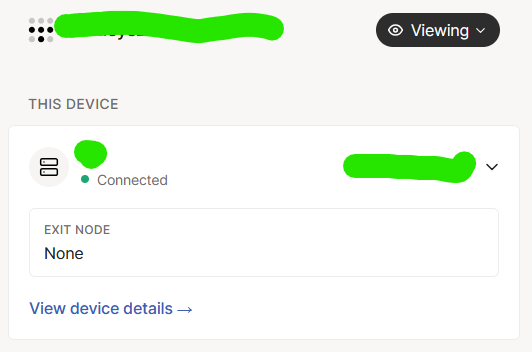
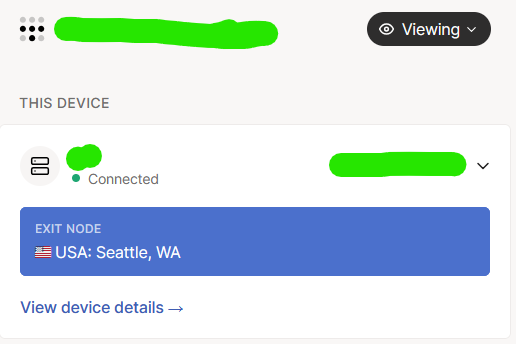
The plugin is great, been using it for a while and no real issues. Many thanks for this amazing plug-in! This may be a dumb question, but I recently signed up for the Mullvad add on and for some reason I can't select any exit nodes on the Tailscale plugin GUI ...there doesn't seem to be any drop down options: I have confirmed that the Mullvad option is added to this device and I can enable it using the terminal (via this command: tailscale set --exit-node=<exit-node-ip> --exit-node-allow-lan-access=true): Wondering if I am just missing something? I have tried disabling/enabling the plugin, as well as resetting it but same thing. EDIT: Okay so I am dumb haha ... turns out i was NOT connected to Tailscale on my local PC accessing the unraid interface. I connected to Tailscale on my PC and under the "viewing" drop down able to auth and see the drop down for exit node. However, it does not seem to be showing any Mullvad exit node options; confirmed via terminal that i can see and connect to the Mullvad exit nodes. So i think it's same issue as @ulischultz posted in this thread