DownUnder42
Members
-
Joined
-
Last visited
Everything posted by DownUnder42
-
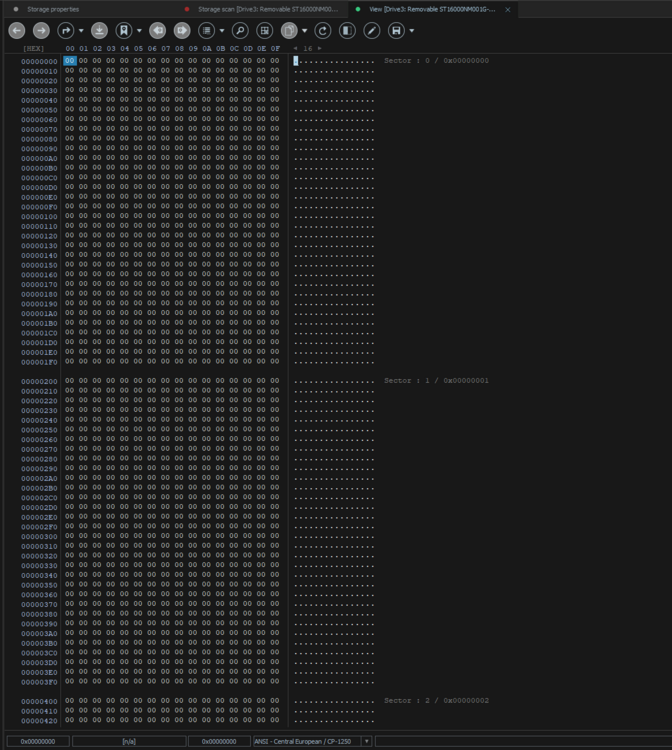
root@Tower:~# fdisk -l /dev/sdi Disk /dev/sdi: 14.55 TiB, 16000900661248 bytes, 31251759104 sectors Disk model: ST16000NM001G-2K Units: sectors of 1 * 512 = 512 bytes Sector size (logical/physical): 512 bytes / 4096 bytes I/O size (minimum/optimal): 4096 bytes / 4096 bytes Disklabel type: gpt Disk identifier: 25BD83D3-A5DC-4EFE-8F44-3810A9360CE6 Device Start End Sectors Size Type /dev/sdi1 64 31251759070 31251759007 14.6T Linux filesystem I've put the hard drive back into unraid and it has began a data rebuild "in progress". (the above fdisk command was ran approximately 5 hours into this data rebuild) The sectors from UFS explorer advised all 00's (So after finding that there was no data on the disk I placed back into unraid believing this may of just been an empty drive).
-
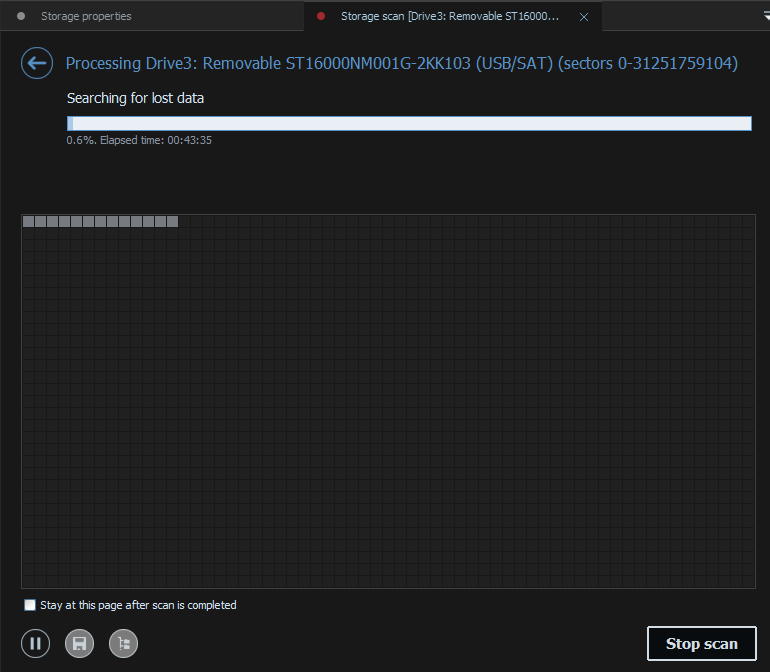
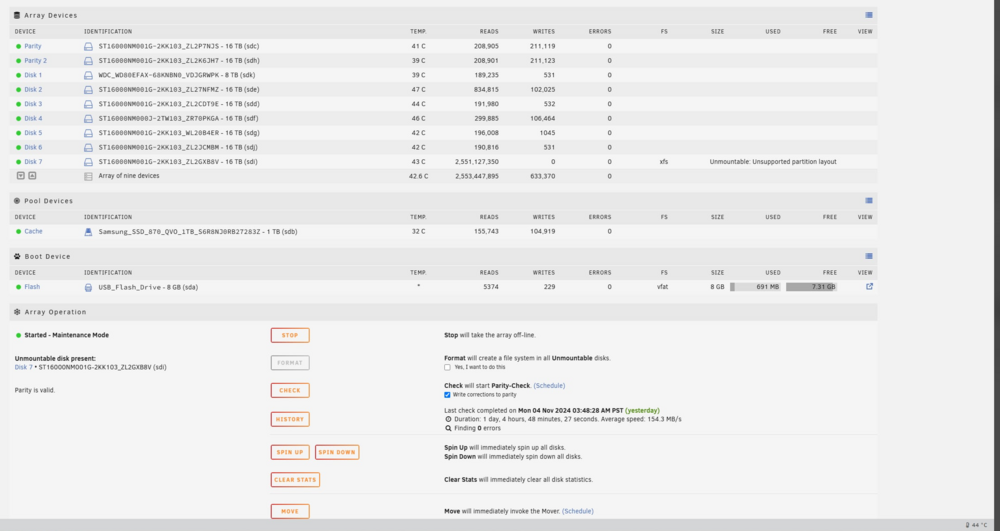
Hello! I've logged into my unraid web ui and noticed that disk 7 had flagged itself as unmountable: Unsupported partition layout. Some history I thought I should declare: I recently put 2 16tb drives in one for a second parity and the other for expansion (disk 7). When I originally put them in I added the parity first which immediately started a parity check. rather than stopping that and adding disk 7 I let the parity go so i'm not 100% sure if I ever actually formatted disk 7. However I would notice if a disk mentions Unmountable when I log into unraid every 2-3 days. Attached are diagnostics. The array is working fine and I can't see any data loss as yet but im not sure if thats because of the parity drives. Before attempting any formatting I forced the drive to xfs and did a repair via the web ui. However after 13 hours it couldn't find a secondary superblock so I cancelled it. I've removed the drive and am currently running it through UFS explorer to see if there is any data on it just in case. I thought I'd reach out as a sanity check as I believe there was never any data on this drive and its good for a format? Thanks! tower-diagnostics-20241106-0005.zip