JFernald
Members
-
Joined
-
Last visited
-
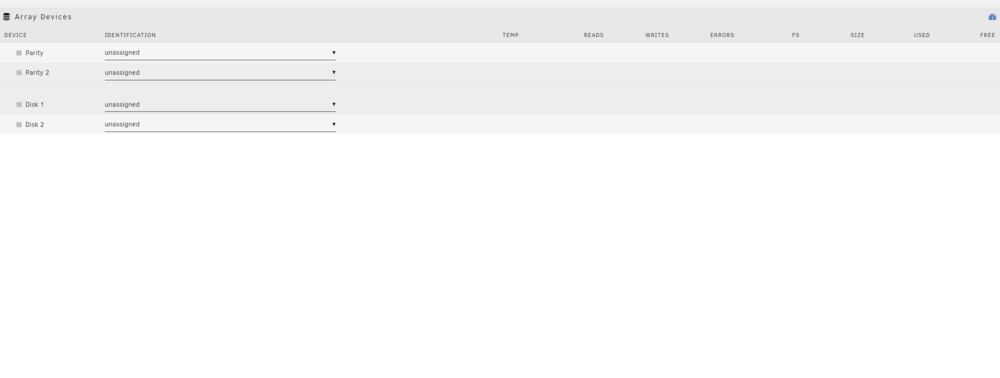
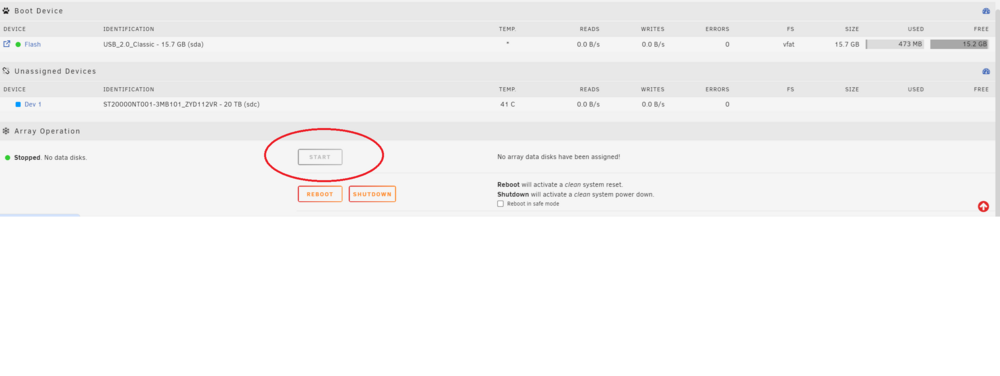
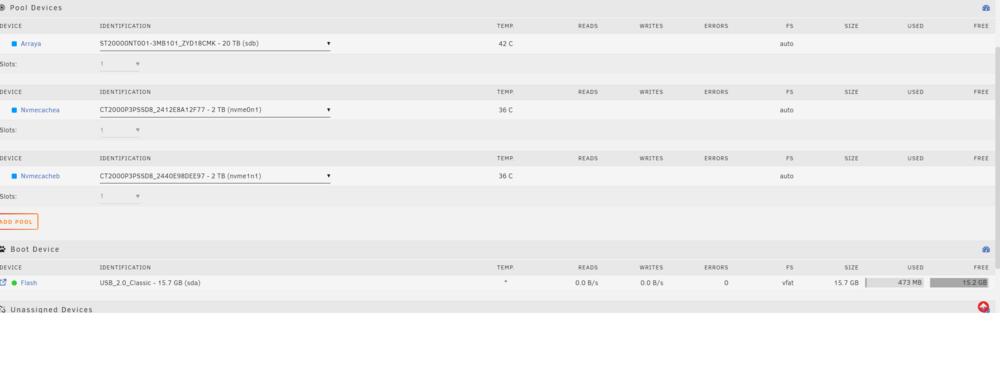
So at the moment I've had similar issues with all NAS Servers I've tried to run from UGreen, TrueNAS and now Unraid. I've gone over the docs and just can't figure out why it's so darn hard to get these things configured.... My current hardware: UGREEN NASync DXP2800 2x Crucial - P3 2TB Internal SSD PCIe Gen 3 x4 NVMe (OS/Cache) 2x IronWolf Pro 20TB-ST20000NT001 (40 TB storage) I'm trying to setup the 2 NVMe's for parity so that if one of them goes boom the OS still works. As for the Ironwolfs the 40 TB of storage is needed instead of parity. As I've said I've gone through the docs and can't seem to get to a point where I can start the drive arrays. I'll post some screen shots below of how things are currently configured...do keep in mind that I started off with stuff that made sense to me, but once was done and said and nothing worked I paired back quite a bit: I get the feeling that there is some sub menu or settig that is currently disabled. Can anyone give me a bit of guidance?