Skip to content
View in the app

A better way to browse. Learn more.

Unraid

A full-screen app on your home screen with push notifications, badges and more.

To install this app on iOS and iPadOS
  1. Tap the Share icon in Safari
  2. Scroll the menu and tap Add to Home Screen.
  3. Tap Add in the top-right corner.
To install this app on Android
  1. Tap the 3-dot menu (⋮) in the top-right corner of the browser.
  2. Tap Add to Home screen or Install app.
  3. Confirm by tapping Install.

Tukun

Members
  • Joined

  • Last visited

  1. Tukun replied to Tukun's topic in General Support
    @JorgeB Excuse me for being such a noob, but I cant find anything labled as turbo write? Where do I enable this and what does it do? Thanks in advance and sorry for my ignorance.
  2. Tukun replied to Tukun's topic in General Support
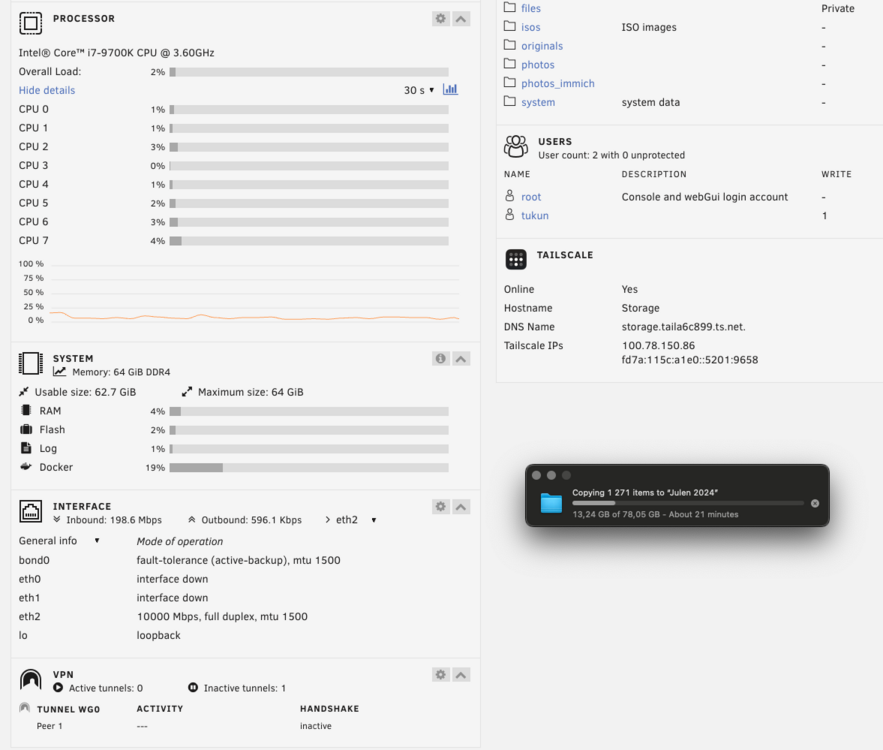
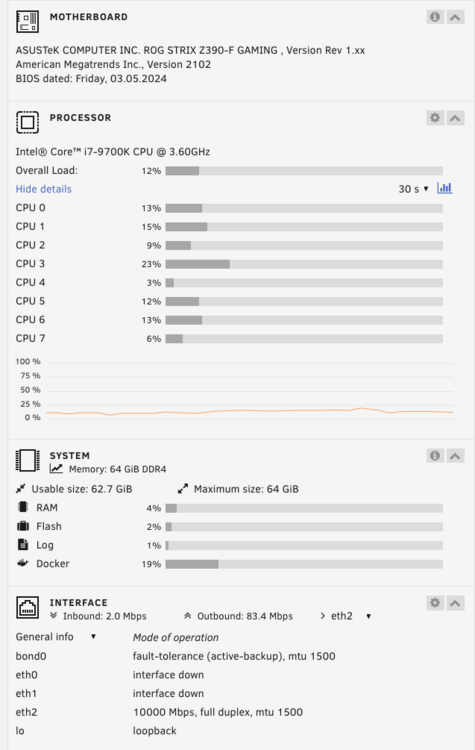
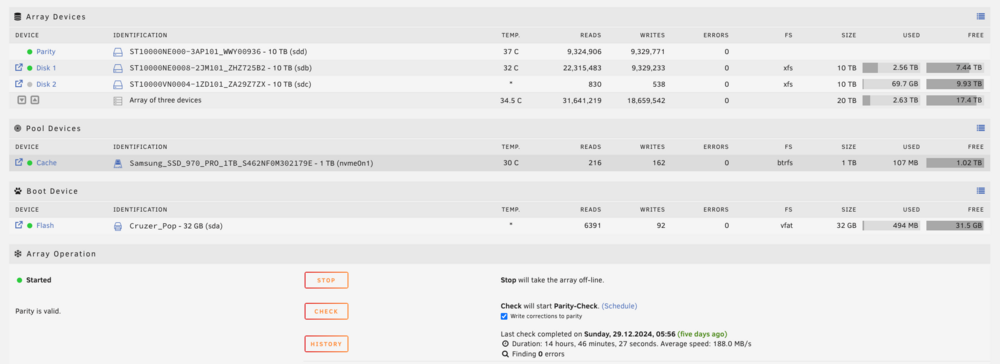
    Hi, thanks for your feedback. But my issue is that it is starting to copy in the correct speed, and after a while it is droping down to some kbs and standing there several minutes before continuing. I am writing to the array because the files are too large for the chache on 1tb.
  3. Tukun posted a topic in General Support
    Hi everyone! First of all, happy new year. I am not sure what I am doing wrong or how to rectify this. When I am copying new files to my server it starting to copy at my max speed capacity which is 2.5GbE at the moment. After a short while, like one minute or two, it stops copying and it is then standing doing nothing for several minutes before continuing.
Account

Navigation

Search

Search

Configure browser push notifications

Chrome (Android)
  1. Tap the lock icon next to the address bar.
  2. Tap Permissions → Notifications.
  3. Adjust your preference.
Chrome (Desktop)
  1. Click the padlock icon in the address bar.
  2. Select Site settings.
  3. Find Notifications and adjust your preference.