





viper28
Members
-
Joined
-
Last visited
-
Finally fixed... had to update BIOS. Overall, weird situation, but clearing CMOS & updating BIOS fixed it.
-
I was successful booting on a different PC... Thoughts?
-
Not sure how this happened.... I was at work and noticed my Home Assistant Container randomly stopped (other containers were still running). I tried to restart and it did not work. I then see my NVME Cache Drive has vanished / not detected. This NVME is a few months old. I reboot and server can't even get past POST. I disconnected NVME, still no BIOS. (Then Reattached) I disconnected and test different RAM Configurations, still no BIOS. (Then Reattached) I eventually cleared CMOS and was able to achieve BIOS. I can't remember if I am supposed to boot my Unraid in UEFI or Legacy, either way, I can't get past POST again. Not sure what the issue is. If anyone could help with advise? Before I rebooted server, I downloaded Diags, see attached. Thanks hometower-diagnostics-20250827-1244.zip
-
I will probably keep a backup of this data for what I do not already have a backup of. Do I just stop the array and assign the disk for this? No, unfortunately, I do not. I may pursue this in the future, however... Lesson learned. I will reach out next time. Again, thank you for taking the time out of your day to help me with this. It is very appreciated.
-
No, unfortunately, it is just "lost+found"

-
Yeah, I realized that after I hit sent.. I sent that 2nd picture of what you were asking for right after.... Opened a new tab and hit compute on system -
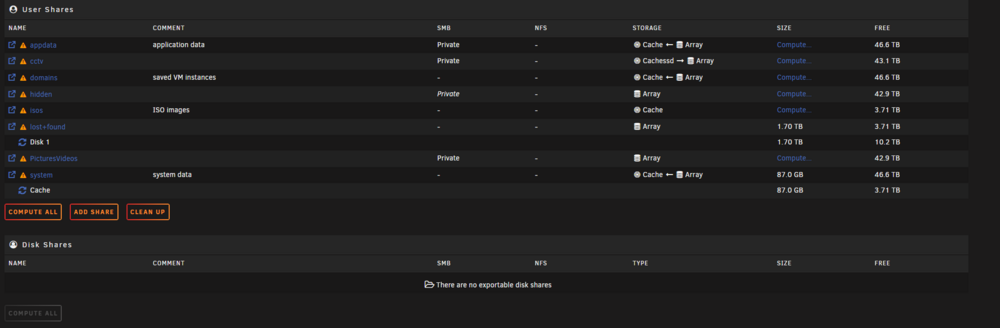
-
Okay... cause it is still computing.... see attached -
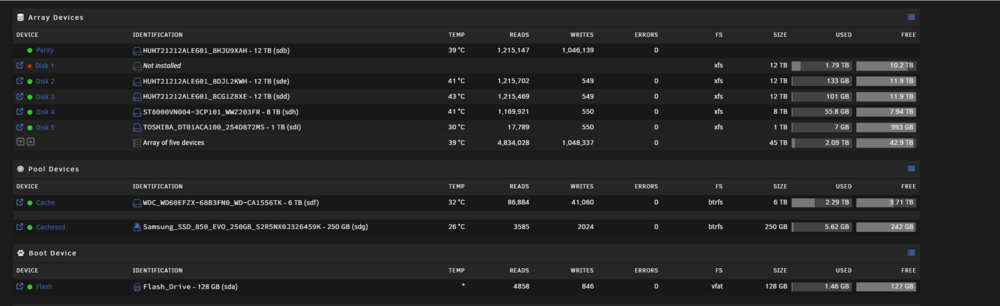 hometower-diagnostics-20250120-1903 (1).zip See attached.... I see used data on disk 1 now 🫣At the bottom, it says this, with "File System Corruption Fixed" at the end -
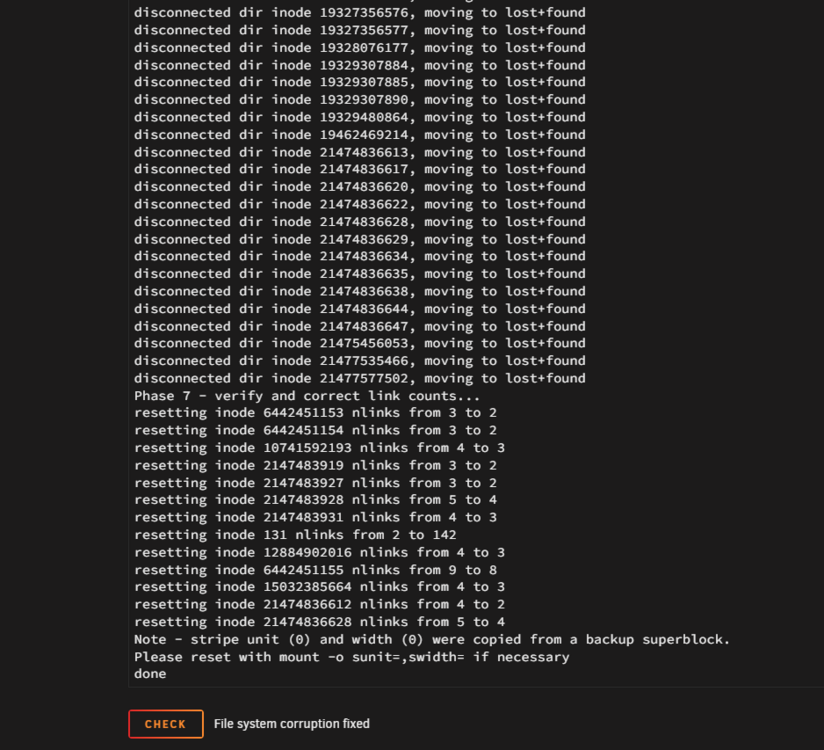 Finally done... do you want to see new diags?She is still loading.. opened another tab and a Googleplex of a log with info like this -
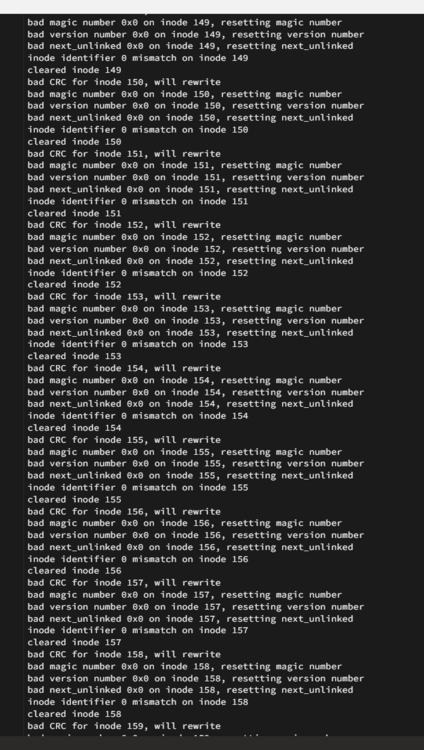 How do I add those variables? Do I hit "Fix"?It let me this time. Output below -
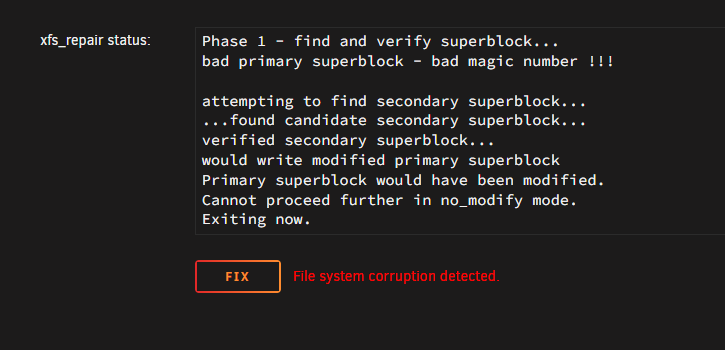 New Diags attached - hometower-diagnostics-20250120-1826.zip



