



Skip to content
View in the app

A better way to browse. Learn more.

Unraid

A full-screen app on your home screen with push notifications, badges and more.

To install this app on iOS and iPadOS
  1. Tap the Share icon in Safari
  2. Scroll the menu and tap Add to Home Screen.
  3. Tap Add in the top-right corner.
To install this app on Android
  1. Tap the 3-dot menu (⋮) in the top-right corner of the browser.
  2. Tap Add to Home screen or Install app.
  3. Confirm by tapping Install.

Jallisey

Members
  • Joined

  • Last visited

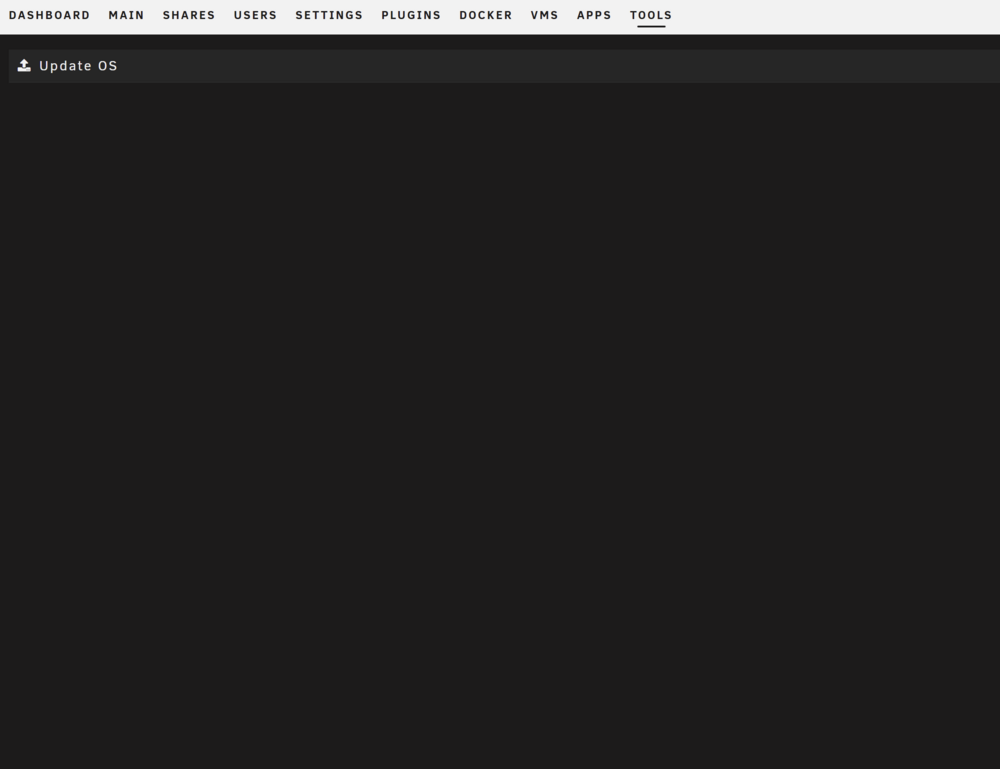
  1. Hey guys, Have had my unraid machine running for 18months or so but am coming up against what I think has been my only issue so far (which is saying something!). Going through the process to update to 7.0. When going Tools > Update OS (and Downgrade), the page is blank. I have: - Taken appdata & flash backup - Updated Dockers and plugins - Stopped Array - Stopped Dockers and VM's - Added any unraid URL's to my DNS whitelist and cleared cache just in case. Hoping it's something simple, I'm feeling very dumb! Cheers!
Account

Navigation

Search

Search

Configure browser push notifications

Chrome (Android)
  1. Tap the lock icon next to the address bar.
  2. Tap Permissions → Notifications.
  3. Adjust your preference.
Chrome (Desktop)
  1. Click the padlock icon in the address bar.
  2. Select Site settings.
  3. Find Notifications and adjust your preference.