





JJones2003
Members
-
Joined
-
Last visited
Everything posted by JJones2003
-
Hello, recently I’ve had an issue with my plex and Emby containers after doing anything strenuous like looking for skip intros or things similar to that like looking for metadata. It also happens when installing files from Sabnzbd. If anyone could help me diagnosis this I’d be grateful. Edit: it mostly says embyserver tainted and I’m pretty sure I know how to fix that. The thing that has me confused is before that error I see .net threadpool tainted I did a scrub of the cache pool so I’m not too sure where the error is coming from. unbiggerboy-syslog-20250225-1815.zip unbiggerboy-diagnostics-20250225-1215.zip
-
@trurlWhen you say docker run do you mean like reinstall it? Like when you first set up a container? I can’t seem to find a way to run “docker run” sorry.
-
@trurlHere’s a refreshed syslog it’s giving me “trace tainted” errors and similar errors about the zpool. I do appreciate your help sorry I’m new to UnRaid. unbiggerboy-syslog-20250216-0036.zip
-
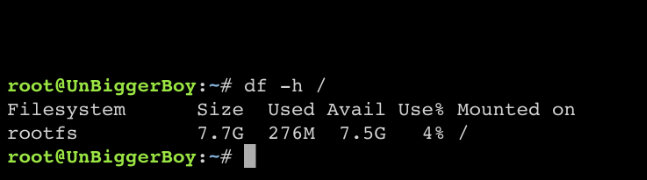
@trurlhere ya go sorry, I did the test earlier but it looked the same
-
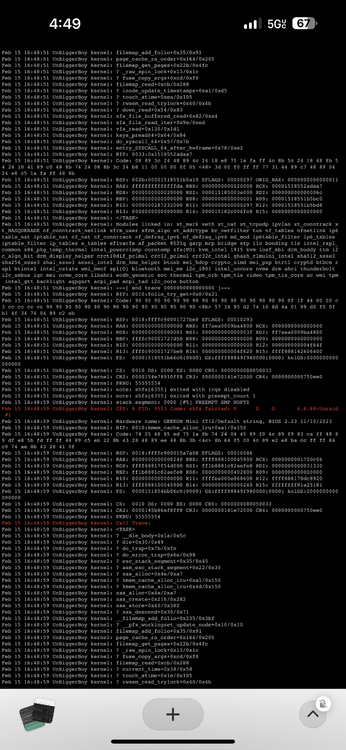
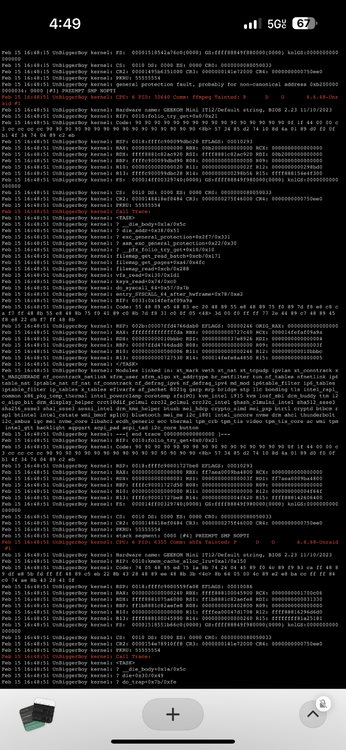
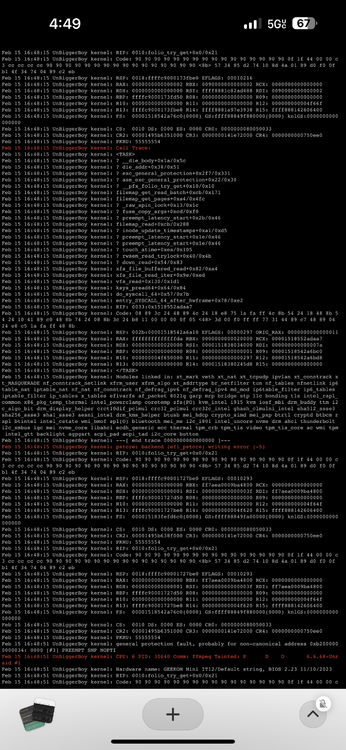
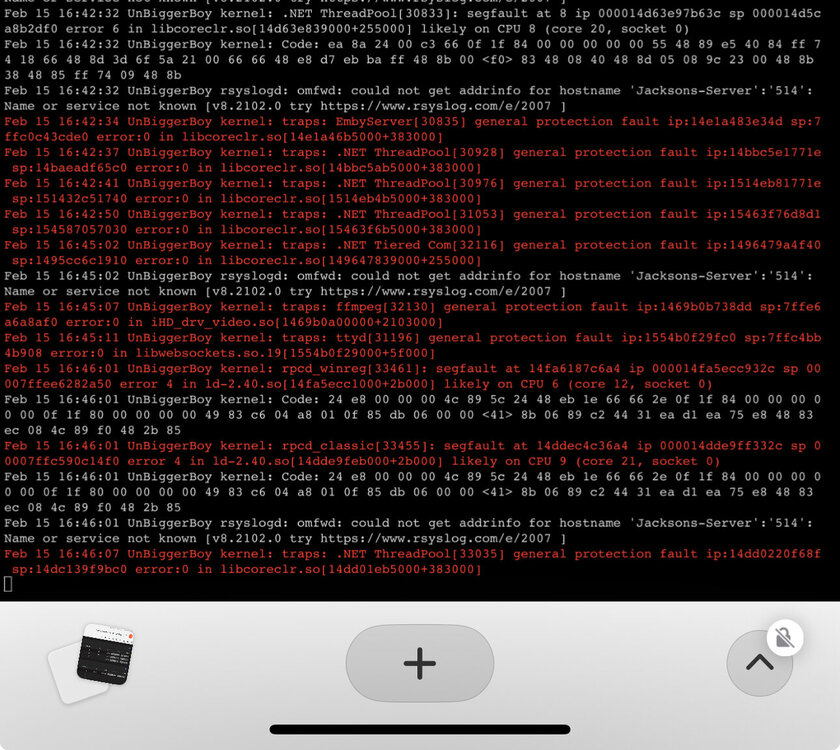
@trurlsorry if I’m spamming your inbox but I just had my server crash and I wasn’t able to get the full syslog since the webui crashed here what I screenshot: (I tried to run it but the whole webui crashed and I couldn’t do anything. I already had a page of this open.)
-
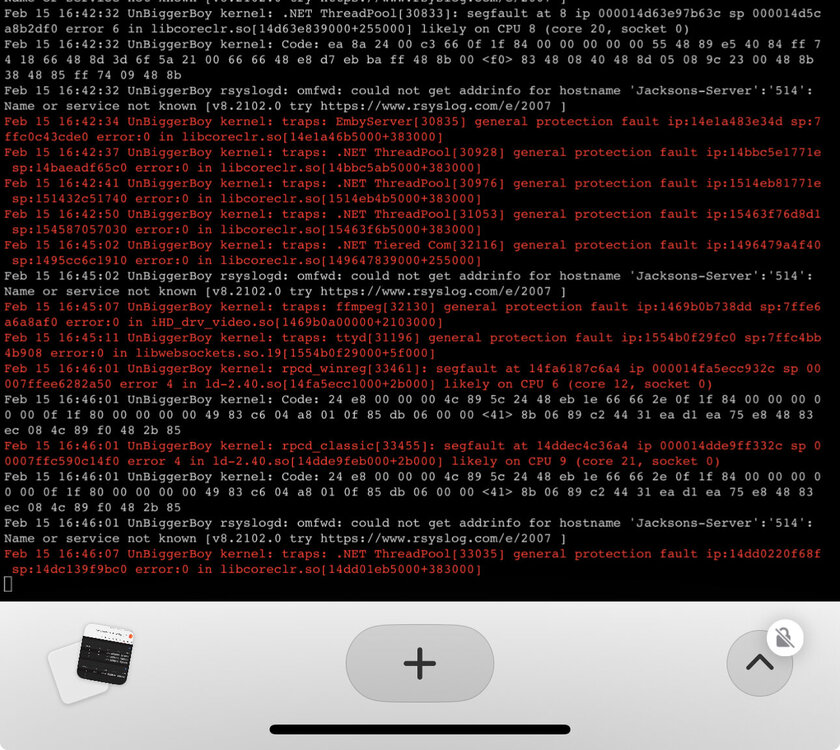
@trurl Emby has crashed but I am still able to use plex and that is working correctly
-
@trurlIts starting to crash here’s the new syslog: unbiggerboy-syslog-20250215-2243.zip
-
@trurlI’m using hardware acceleration transcoding with quick sync intel.
-
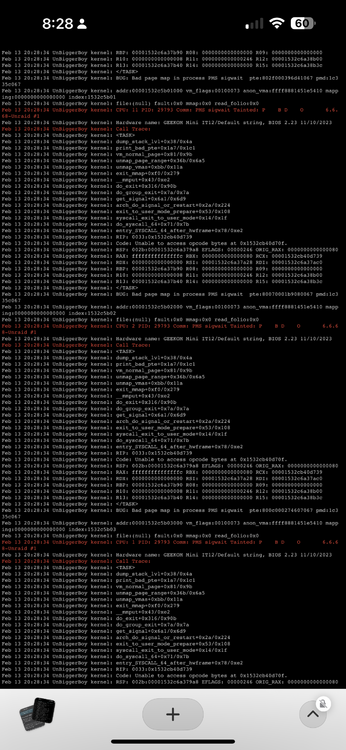
@trurlI have some error logs from yesterday I took some screenshots of I dont know if it matters here but it’s the same issues I’ve been dealing with the past week: I’ll randomly get this and then like an hour maybe less I’ll try to access emby and it crashes and so have to reboot the server to fix it. and when this happens every docker container crashes as well usually
-
@trurlas of now no. The only “error” I’m getting is the can’t get addrinfo for my cloudflare even though it’s working fine

-
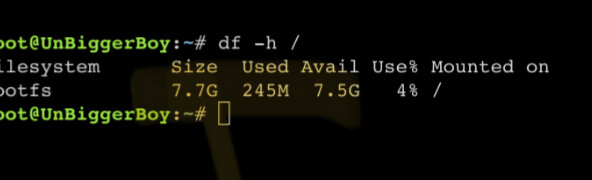
@trurlI actually use Plex and Emby and I believe it’s happening when using emby. I’m using both at the same time and I’m only reaching 30-40% use when doing so. I ran that command you said to while both are running right now. i use the Linux server distribution for both of them.
-
@trurlthis is what I get and here’s diagnostics unbiggerboy-diagnostics-20250215-1613.zip
-
Hello guys, recently my server has just been acting up and I can’t seem to find the cause for it. I get this can’t find domain error for my server that’s hosted through cloudflare but it’s still reachable and able to be used. Then the server will then eventually crash with the sys log provided. If someone could please help me I’d really appreciate it I’m not too sure what to do by myself. unbiggerboy-syslog-20250215-2203.zip
-
@trurlhere’s the syslog sorry that took me too long lol unbiggerboy-syslog-20250214-0252.zip
-
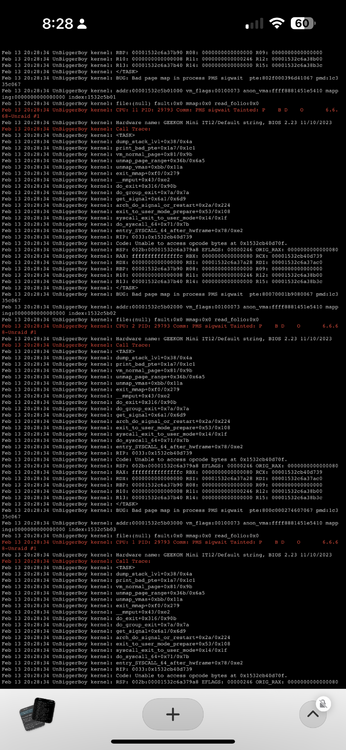
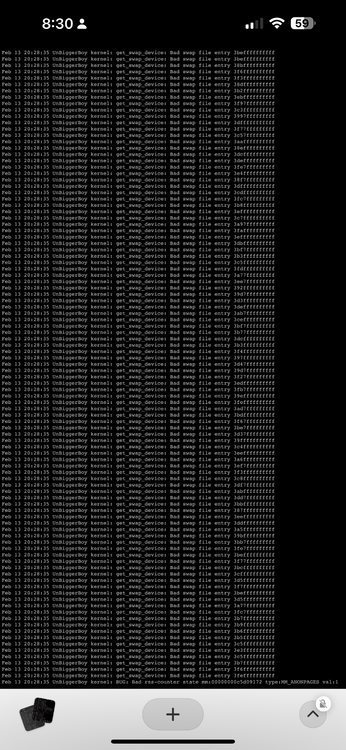
@trurlnow its spamming this: it repeats over and over again
-
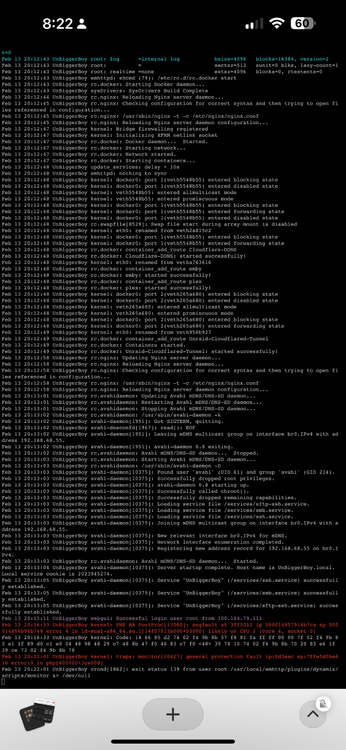
@trurl I was having an issue with Sabnzbd and thought maybe it would fix it lol. I’m downloading some metadata for my plex server right now and this is how it goes everytime before it crashes.
-
@trurl unbiggerboy-diagnostics-20250213-1953.zip
-
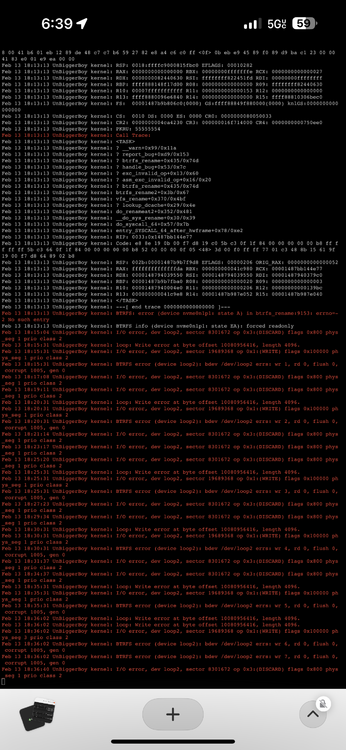
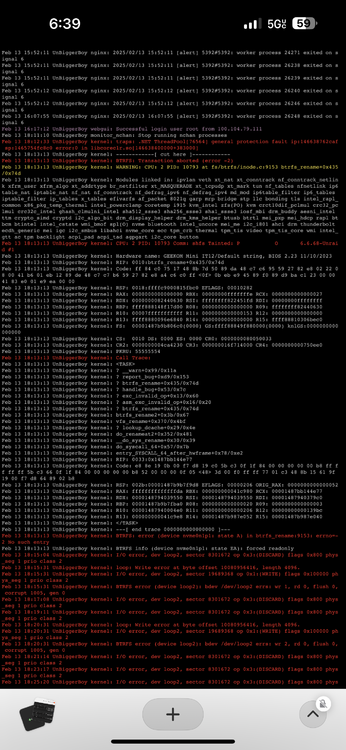
Hello, I really don’t know what’s going on. I am running Emby remotely and every 4-5 hours the server crashes with this error code posting consistently. I have checked a scrubbed each drive and am returning 0 errors on my cache drive. If anyone could help me decipher this minefield I’d really appreciate it. i really can’t figure out which docker image is giving me the problem I have virtually everything except my DDns with cloudflare and Emby set up. Earlier I was getting errors with my unassigned drivers even though I don’t have anything with that plugin running right now.
-
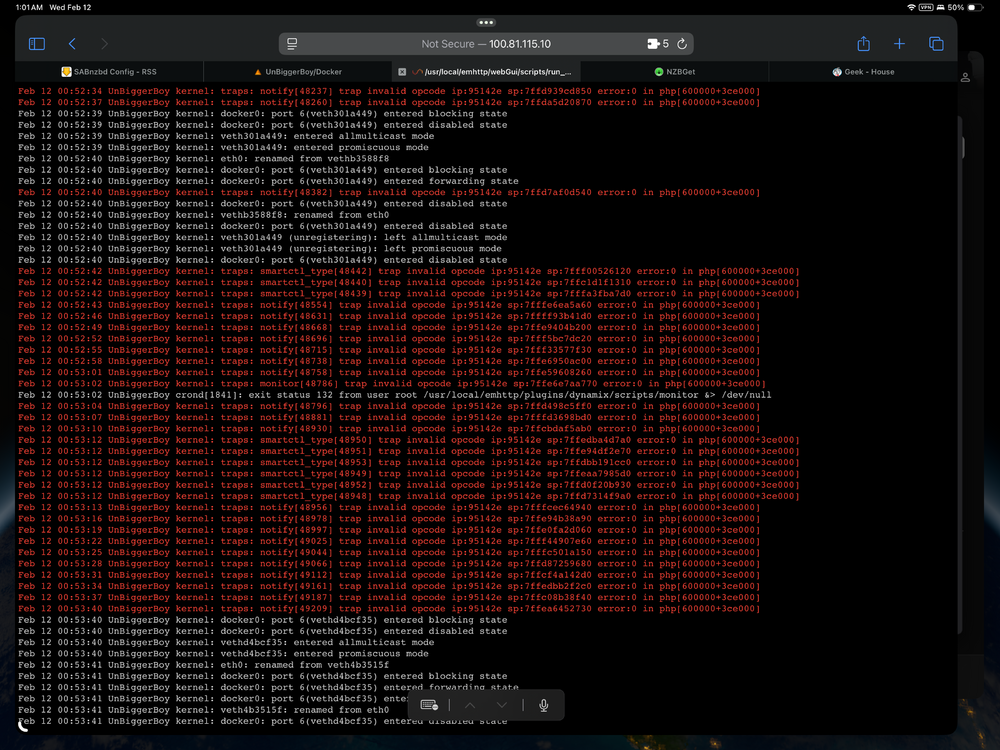
@trurl sorry for the late response I’ve been busy at work. It keeps giving me this error code and then shortly crashing the whole server after when downloading files in Sabnzbd. I’ve been using sabnzbd for a little under a year with no issues up to this point unbiggerboy-diagnostics-20250212-0902.zip
-
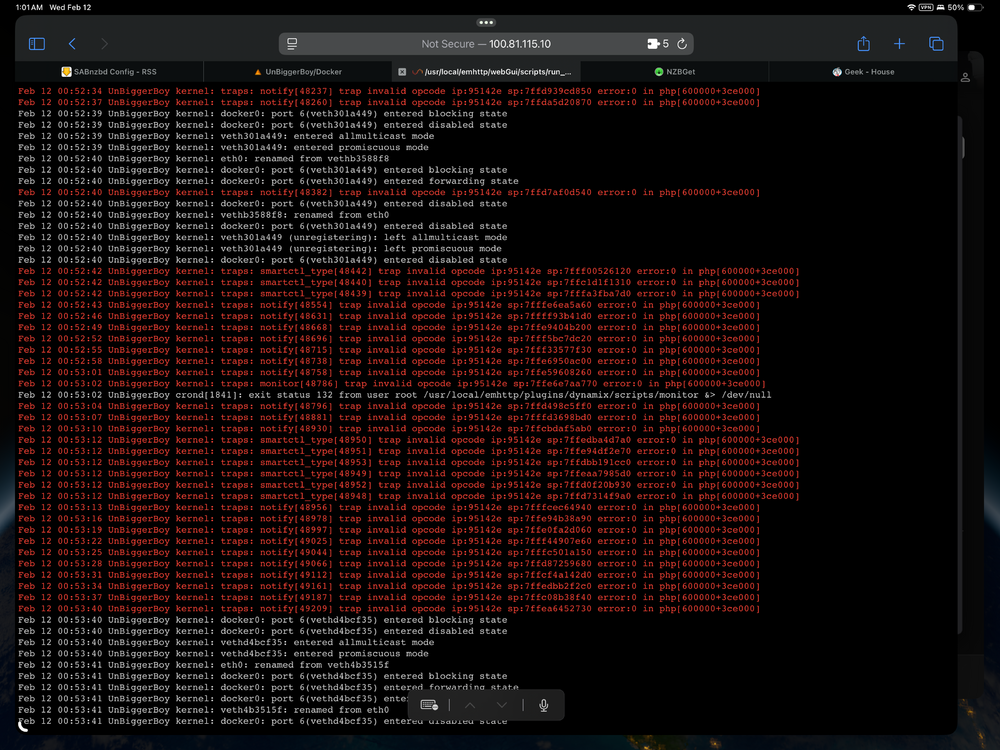
Hello, I was downloading few nzbs and this error code started to get spammed in my logs for UnRaid. Is this bad?
-
@trurlI can
-
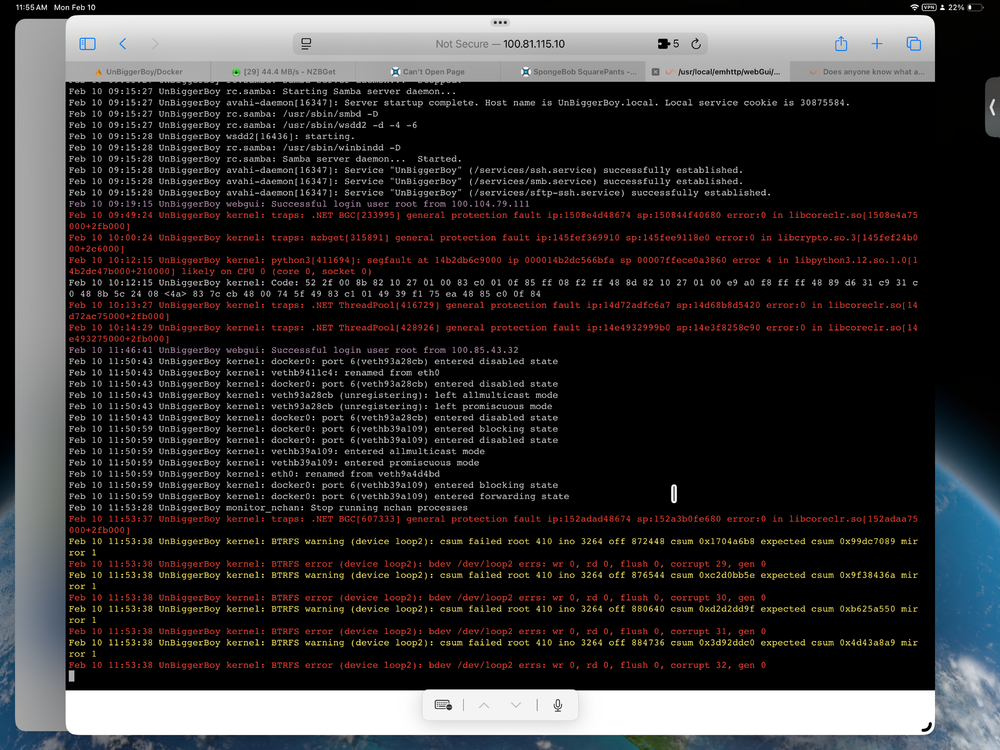
I know what it’s saying about the brtfs error image corrupt because I unplugged the drive a second ago.
-
I shutdown my NZBGet image and was able to screenshot this error in my logs:
-
@trurlI actually don’t have any parity drives in my build (yet). However, I took @JorgeB advice and for my external ssd im using to be my download cache. It seems to be working now…. It’s so weird I’ve been dealing with small errors on my server all week it’s been fun :).] Edit: I checked the downloads I had going for my nzb files and they most keep failing, and my Webui for unraid is frozen, I’ve read online in a reddit post that having a separate download ssd would help with bugginess on my server so I now have a secondary ssd download cache drive. But it still crashes my UI eventually and I cant figure out what’s going on cause I can’t see my logs.
-
@JorgeBright now I’ve been using a das enclosure and it’s been working great for the past half year. If I don’t run anything with sonar/radar and don’t download anything the server runs fine with my Emby and plex containers running for weeks


