





NetFX
Members
-
Joined
-
Last visited
Everything posted by NetFX
-
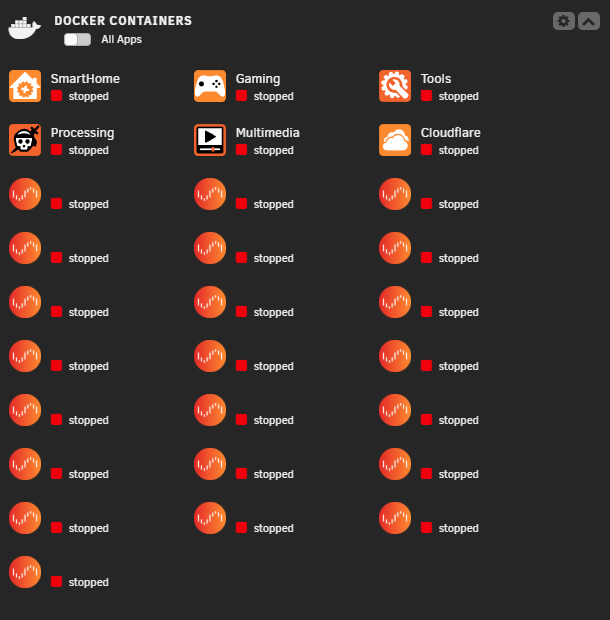
Good evening everyone, The problem is that all of a sudden, today in the Unraid dashboard, all of my Docker containers no longer have any icons and are all set to "Stopped." I can still access the containers in the background via the URL. I've already cleared my browser cache and also tested in private mode, but unfortunately, there's no change. I've already deactivated and reactivated Docker, but there's no change either. The 6 icons you can see are folders, and the rest are containers. I hope you can help me with this. Regards, Sascha
-
This Topic can be closed.
-
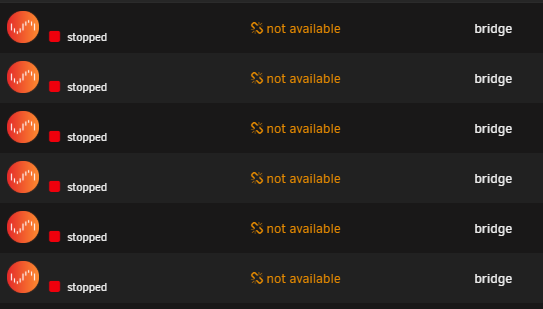
I have now tried to reboot, this helps to get into my Dashboard. But now after Start the Array my Docker Apps are unavailable...
-
Good evening everyone, i have the problem that when I try to log in locally (or via Unraid Connect), i don't get to the dashboard but it takes me back to the login screen. I can log in with SSH and the VM/Docker is still running too. It also shows me that the Unraid server is still running, but I can't get to the dashboard. I haven't changed anything since the last login, so unfortunately I can't understand where the problem is. My server version is Unraid 6.12.13. I hope you can help me.
