HakiChef
Members
-
Joined
-
Last visited
-
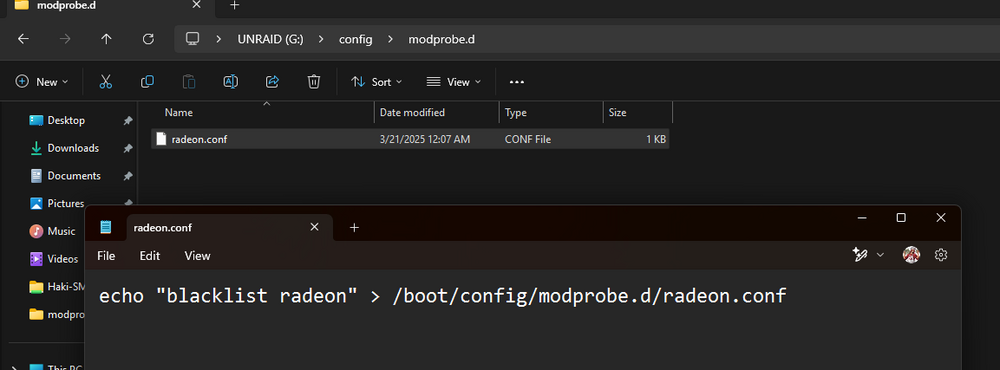
Thank you so much you legend, that worked for me!
-
I tried and that had no effect, unless I did it wrong.
-
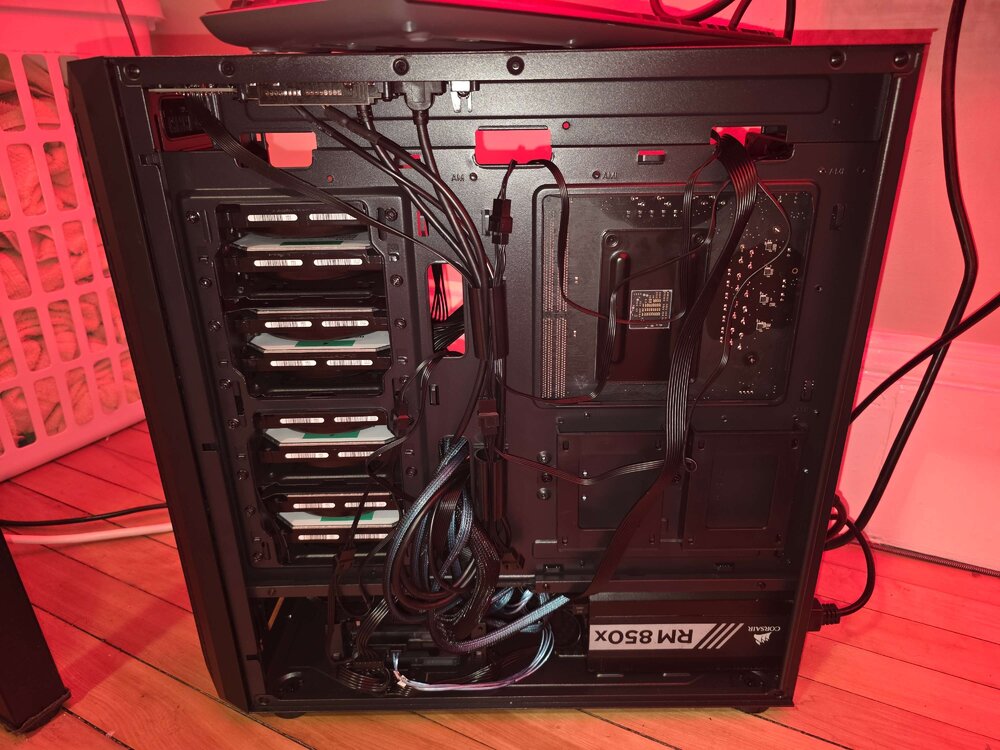
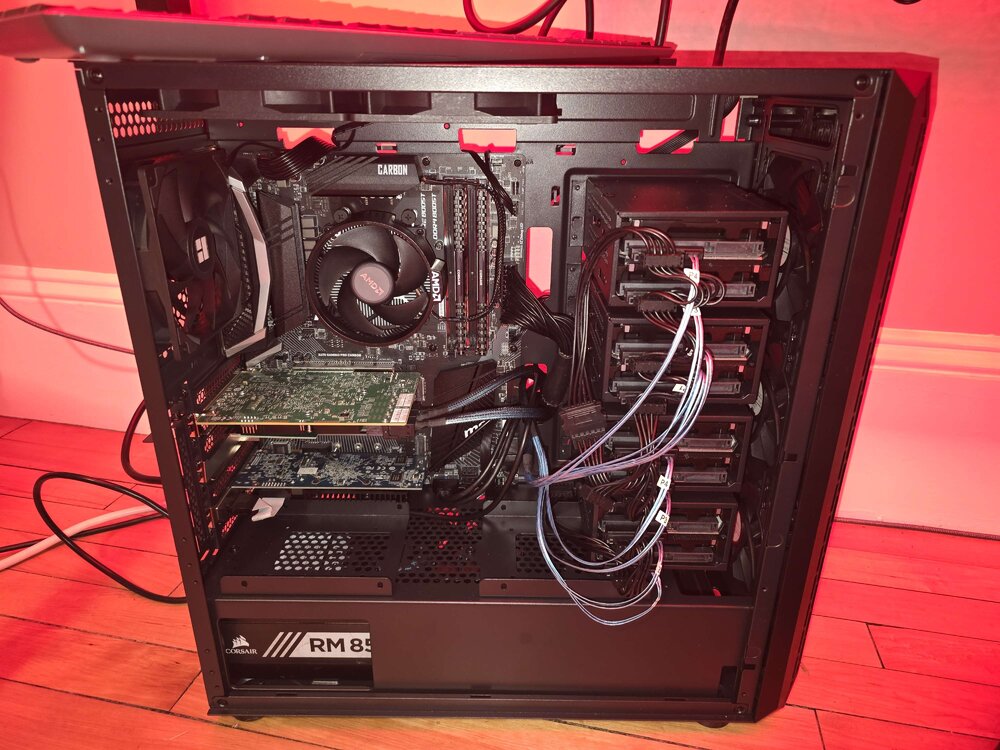
This is my first time setting up an UnRaid server and I'm having an issue where after booting UnRaid, I see the wall of white text and then after it loads my screen goes black. I was able to setup the server through the web UI and all drives are showing up and functioning correct, but am still having this issue seeing black screen after booting UnRaid. I attached my UnRaid diagnostic files and a video showing where my screen goes black after wall of text. Any help would be greatly appreciated. Also this is my hardware list if that helps. MSI x470 Pro Carbon Motherboard Corsair RM850X PSU AMD Wraith CPU Cooler Ryzen 5 5600X CPU 2 X 16 GB Corsair Vengeance LPX DDR4 3200MHz RAM QP3-41H-A HD 5450 GPU LSI 9300-16I 16 port SAS 3 HBA ZFS IT-Mode 10 X HGST 6 TB 7.2K 6GB/s SAS HUS726060ALS640 Drives 2.5GBase-T PCIE 3.1 Network Adapter With Intel I225-V 1 X Kingstone NV3 1 TB M.2 2280 NVME SSD 20250318_211911.mp4 tower-diagnostics-20250319-0107.zip