jpsak09
Members
-
Joined
-
Last visited
-
I’m not super knowledgeable with hardware, but I think so. How would I check?
-
I’m running this on a UGREEN DXP6800Pro, nothing custom. I have not looked at the motherboard directly before to see how many ports are available.
-
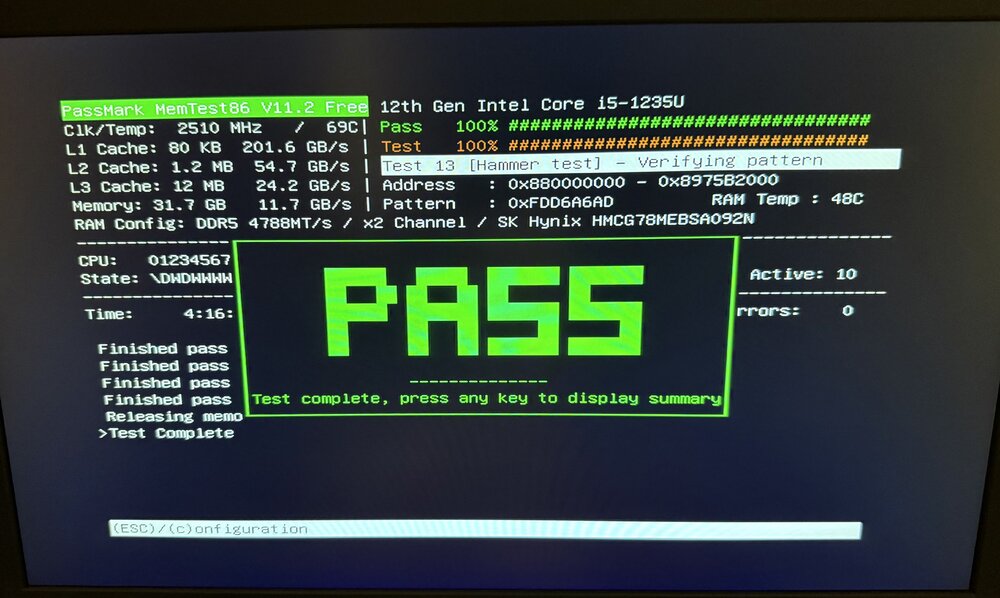
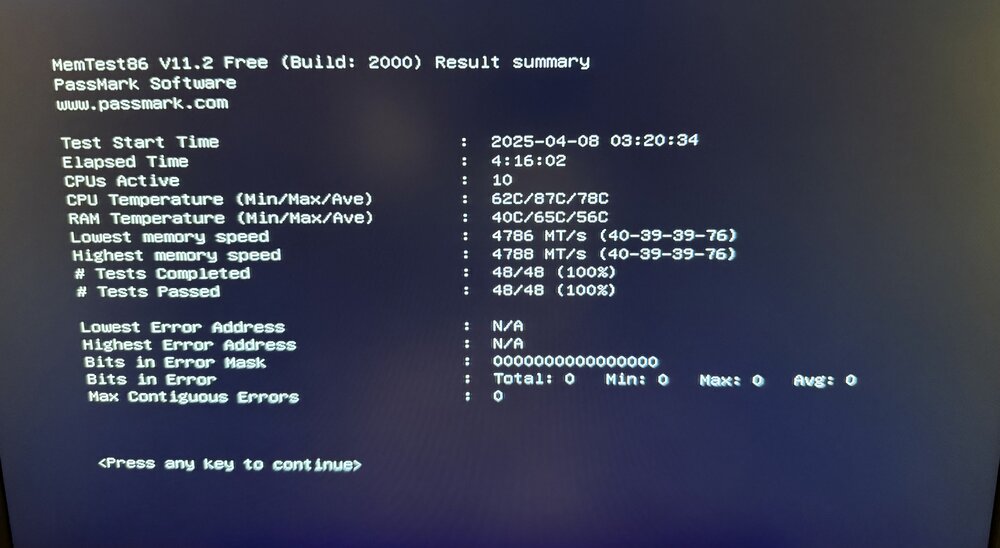
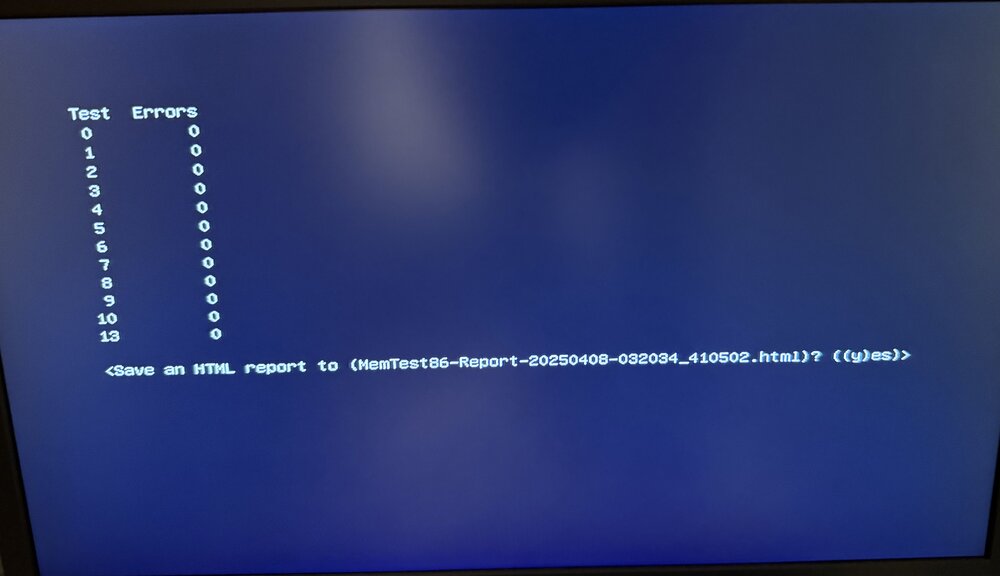
The memory test passed, attached are results:
-
Ok queued up, 4 passes. Will report back the results when complete. Thanks.
-
I let it run until I saw it say pass. I’ll run one again in the morning and send a picture of the results. It was several hours.
-
Attached are the updated diagnostics. I followed the steps you laid out, but the non-correcting parity check still had millions of errors. tower-diagnostics-20250407-1851.zip

-
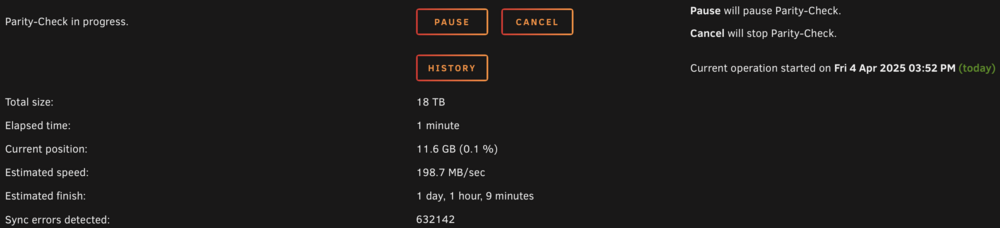
Correcting parity check completed. I just kicked off a non-correcting parity check and will post diagnostics when it completes. The non-correcting parity check immediately started returning errors
-
I have never been able to get a 0 parity errors following these steps in the past. I will follow the steps exactly as you have laid out here and post new diagnostics when completed. Thank you
-
Diagnostics attached tower-diagnostics-20250401-2113.zip
-
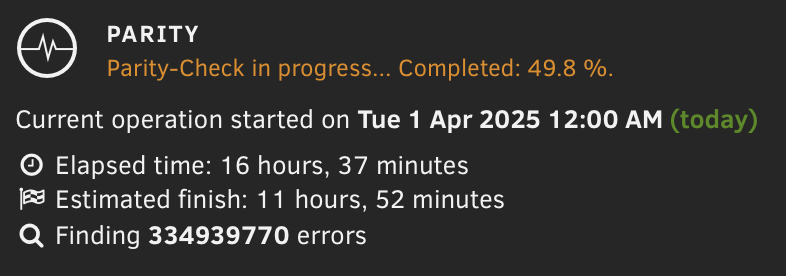
Hello - I noticed several months ago during a scheduled parity check that I was seeing millions of errors. I have run a few correcting parity checks since then, but they always return millions/billions of errors. I've done a mem test recently to rule that out already. I have also done extended smart tests on the drives and don't see any issues there. Where can I look next? The amount of errors is worrisome to me.