





crispeedee
Members
-
Joined
-
Last visited
-
Well, I've now got an uptime of 1 month, 7 days and counting. THANK YOU! This forum rocks!

-
22 days update post your above fix - will keep you updated and THANK YOU!!!
-
hey gang, so tried the ram individually, one was seemingly less reliable than the other. swapped them out for some brand new ram, all been fine for the last 4 days then today the cache drive has gone missing....any help hugely appreciated... diagnostics below csnas-diagnostics-20250811-0148.zip
-
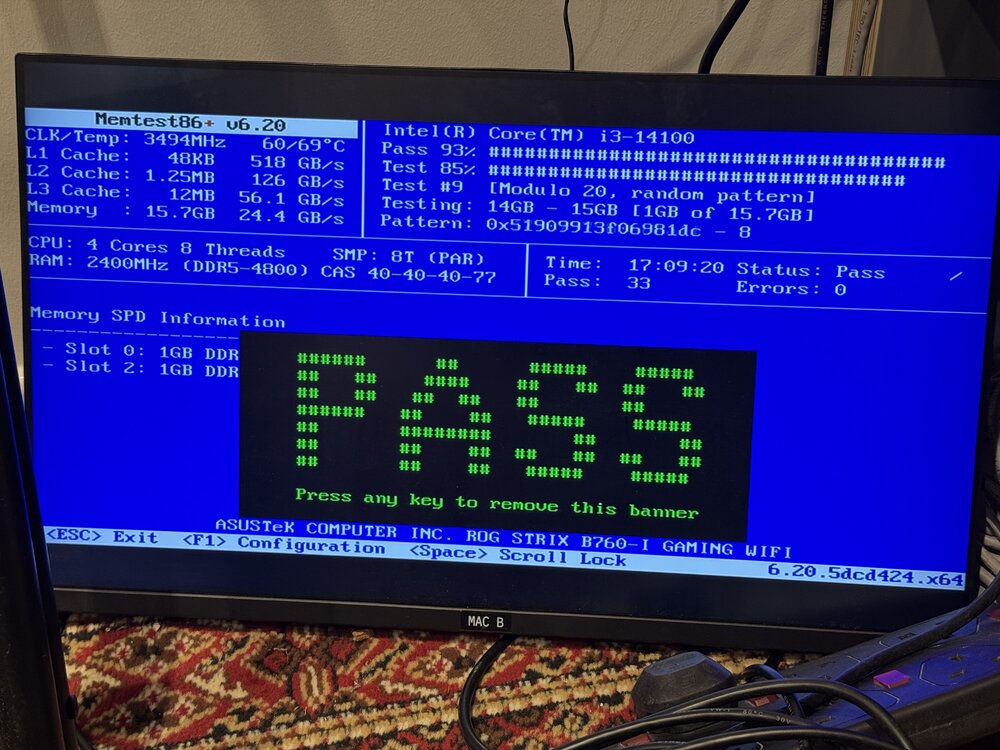
Unfortunately gang, we’re back into Trouble, had a good couple of days and then two crashes in less than 24 hours. I’ve run a memtest86+ for over 17 hours now and we still have 33 passes, 0 errors… posting this from my phone - will reboot and post diagnostics. Notes are that I disabled XMP as mentioned previously as a problem and where I can, everything to default spec (I believe )
-
Thanks for the info there @googleg , it's in a relatively stable temperature room but will keep an eye on the temps. Bios updated and will keep you all in the loop - It turns out I built this on the 24th May and the updated Bios came out on the 27th and I had only just flashed it with the "latest" so figured id be waiting a minute before a new Bios...little did I know!
-
Mate! Stunning suggestion - this update wasn't out when I built the NAS - I'm on 1805 - will update immediately and report back!
-
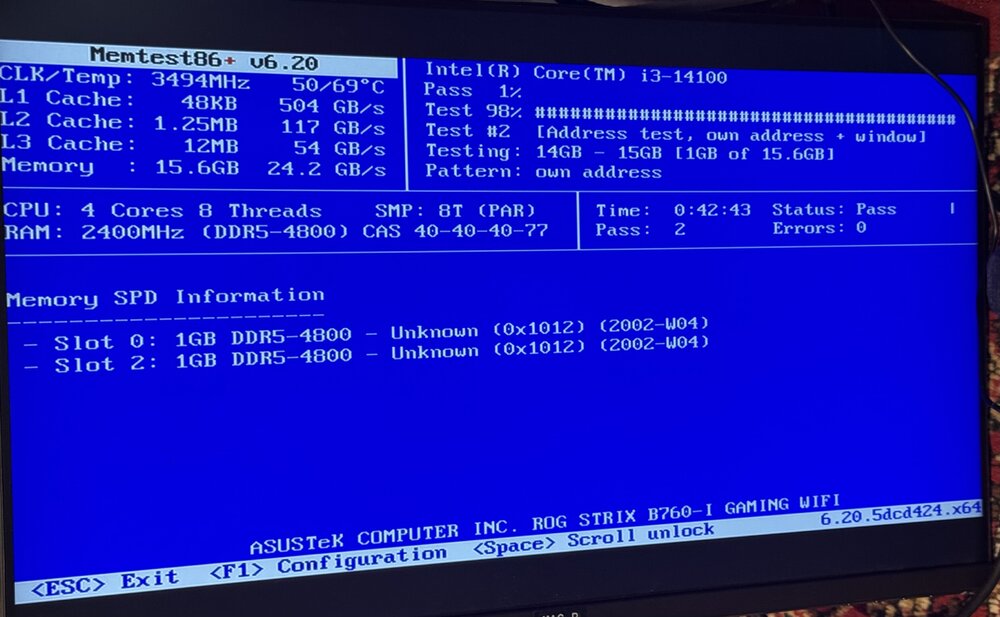
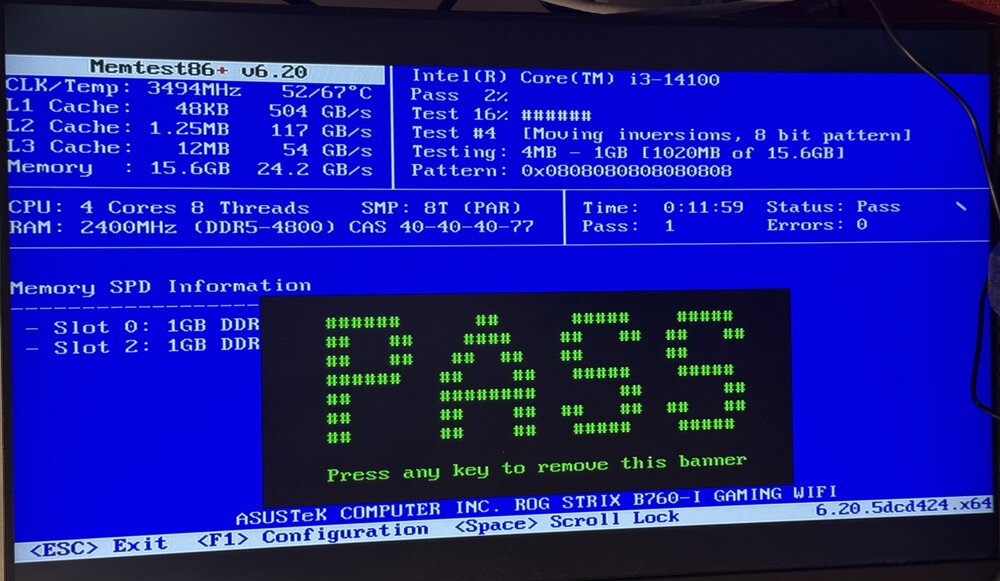
Memtest came up all good here…
-
I understand, I’ll run another memtest and report back…
-
Multiple memtests all with flawless results each time !
-
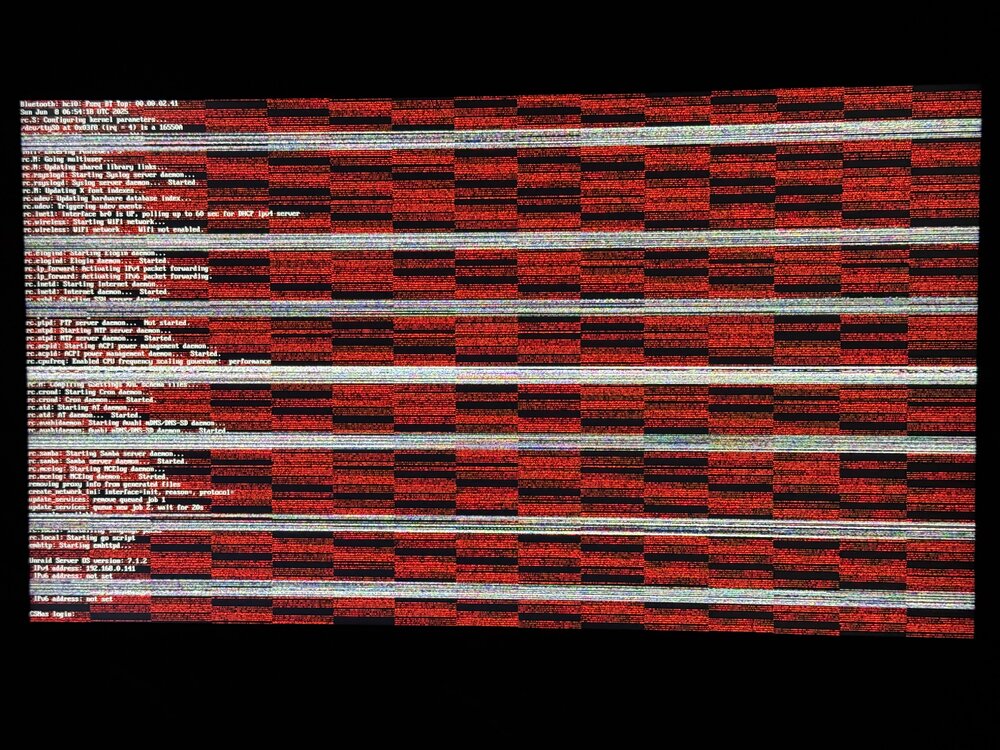
It isn't powering itself completely off but the machine is unresponsive and the attached monitor (kept attached because so many issues) looks like ;
-
Hey gang, newbie here that's struggling with my first Unraid build. Specs below and diagnostics attached. Long and short is, new build similar to a great pal of mines, he's had nothing but great success - I'm struggling with random shutdowns, occasional cache drive disappearing, felt like a plex problem until shutdowns overnight so then thought mover, then parity disappeared and then came back, lost the flash drive, reboot brought most things back so I'm wondering if I'm staring in the face of a faulty MOBO... Love Unraid and have had a blast getting it up and running. My goal is to be self hosting to relinquish myself of the subscription services along with custody over my own files. I travel a huge amount for work and being able to access my NAS from the other part of the world has been fulfilling my inner nerd quite heavily not to mention my plex / hue / home assistant integration which scratches my tech itch beautifully! I currently can't rely on this setup to use it for all my work file's infrastructure and I'm finally giving up the attempt to fix this myself as I'm at a loss and hoping one of you, my fellow computer lovers, to get this setup cruising like the server it has the potential to be! Here to answer any more questions you may have about my setup! Thanks in advance! Best Chris Unraid server Starter, version 7.1.4 Model: JonsboN3 Motherboard: ASUSTeK COMPUTER INC. ROG STRIX B760-I GAMING WIFI, Version: Rev 1.xx, Processor: Intel® Core™ i3-14100 @ 4455 MHz HVM: Enabled IOMMU: Enabled Cache: L1 Cache = 192 KiB (max. capacity 192 KiB) L1 Cache = 128 KiB (max. capacity 128 KiB) L2 Cache = 5 MiB (max. capacity 5 MiB) L3 Cache = 12 MiB (max. capacity 12 MiB) Memory: 16 GiB DDR5 (max. installable capacity 128 GiB) Controller0-DIMM0: Corsair CMH16GX5M2B5200C40, 8 GiB DDR5 @ 4800 MT/s Controller1-DIMM0: Corsair CMH16GX5M2B5200C40, 8 GiB DDR5 @ 4800 MT/s Network: bond0: fault-tolerance (active-backup) eth0: 2500 Mbps, full duplex, mtu 1500 Parity ST20000NE000 - 20 TB (sdb) 39 °C 0.0 B/s 0.0 B/s 0 Disk 1 ST12000NE0008- - 12 TB (sdc) 42 °C 0.0 B/s 0.0 B/s 0 xfs 12 TB 6.03 TB 5.97 TB Disk 2 ST12000NE0008- - 12 TB (sdd) 41 °C 0.0 B/s 0.0 B/s 0 xfs 12 TB 1.65 TB 10.3 TB Disk 3 ST12000NE0008- 12 TB (sde) 36 °C 0.0 B/s 0.0 B/s 0 xfs 12 TB 230 GB 11.8 TB Array of four devices 40 °C 0.0 B/s 0.0 B/s 0 36 TB 7.90 TB 28.1 TB Pool Devices DEVICE IDENTIFICATION TEMP READS WRITES ERRORS FS SIZE USED FREE Cache Samsung_SSD_990_PRO_2TB - 2 TB (nvme0n1) 40 °C 0.0 B/s 0.0 B/s 0 btrfs 2 TB 306 GB 1.69 TB Boot Device DEVICE IDENTIFICATION TEMP READS WRITES ERRORS FS SIZE USED FREE Flash SanDisk_3.2Gen1 - 30.8 GB (sda) csnas-diagnostics-20250722-1055.zip



