debeeldbrekers
Members
-
Joined
-
Last visited
Everything posted by debeeldbrekers
-
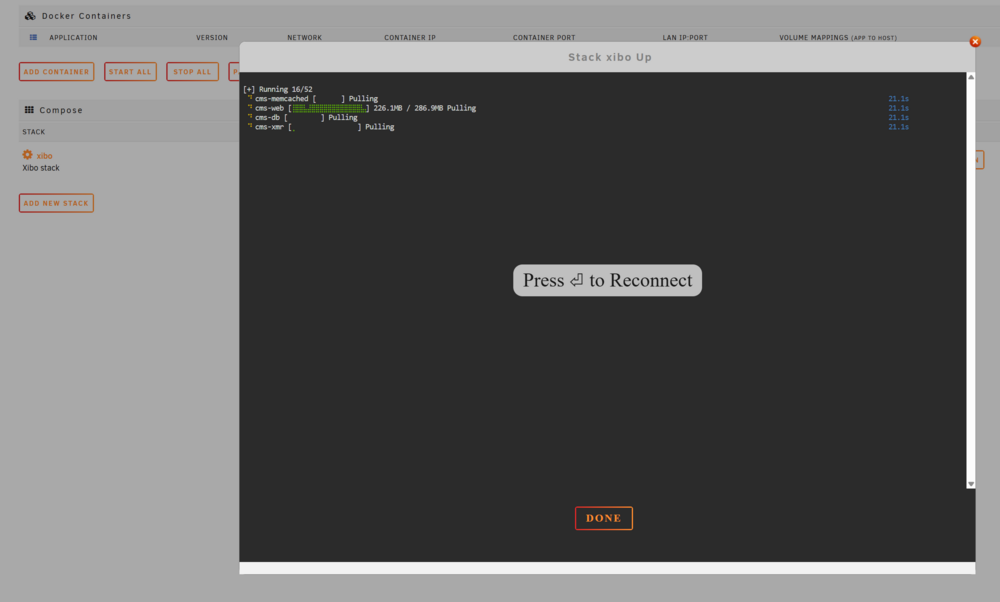
I have a stack that seemingly always disconnects randomly...it starts downloading, but it can't finish. My stack: services: cms-db: image: mariadb:10.5 container_name: cms-db restart: always environment: MYSQL_ROOT_PASSWORD: ******* MYSQL_DATABASE: cms MYSQL_USER: cms MYSQL_PASSWORD: ******* volumes: - /mnt/user/appdata/xibo/db:/var/lib/mysql cms-xmr: image: ghcr.io/xibosignage/xibo-xmr:1.0 container_name: cms-xmr restart: always ports: - "9505:9505" cms-memcached: image: memcached:alpine container_name: cms-memcached restart: always cms-web: image: ghcr.io/xibosignage/xibo-cms:release-4.2.3 container_name: cms-web depends_on: - cms-db - cms-xmr - cms-memcached restart: always ports: - "8085:80" environment: XIBO_ADMIN_PASSWORD: xibo_pass123 MYSQL_HOST: cms-db MYSQL_DATABASE: cms MYSQL_USER: cms MYSQL_PASSWORD: ******* XMR_HOST: cms-xmr CMS_USE_MEMCACHED: "true" MEMCACHED_HOST: cms-memcached volumes: - /mnt/user/appdata/xibo/cms/custom:/var/www/cms/custom - /mnt/user/appdata/xibo/backup:/var/www/backup - /mnt/user/appdata/xibo/cms/web/theme/custom:/var/www/cms/web/theme/custom - /mnt/user/appdata/xibo/cms/library:/var/www/cms/library - /mnt/user/appdata/xibo/cms/web/userscripts:/var/www/cms/web/userscripts - /mnt/user/appdata/xibo/cms/ca-certs:/var/www/cms/ca-certs networks: default: name: xibo-net