





Yif
Members
-
Joined
-
Last visited
-
Thanks, I guess I’ll just have to slowly track down where the problem is.
-
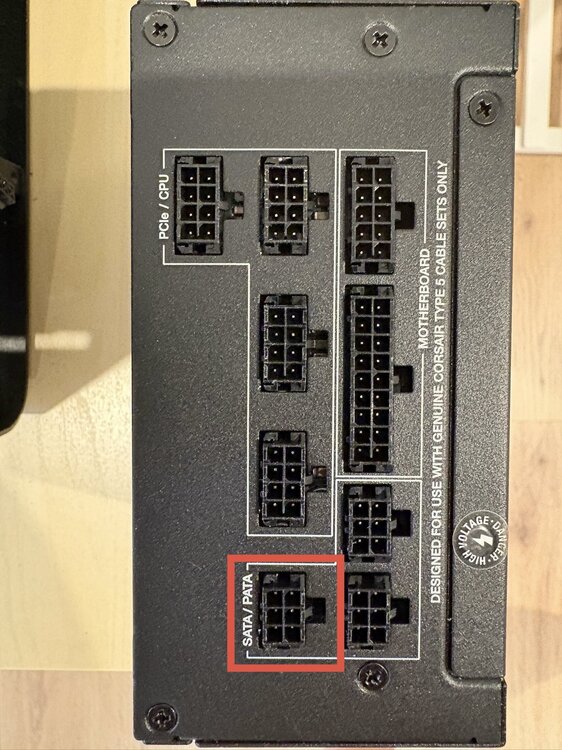
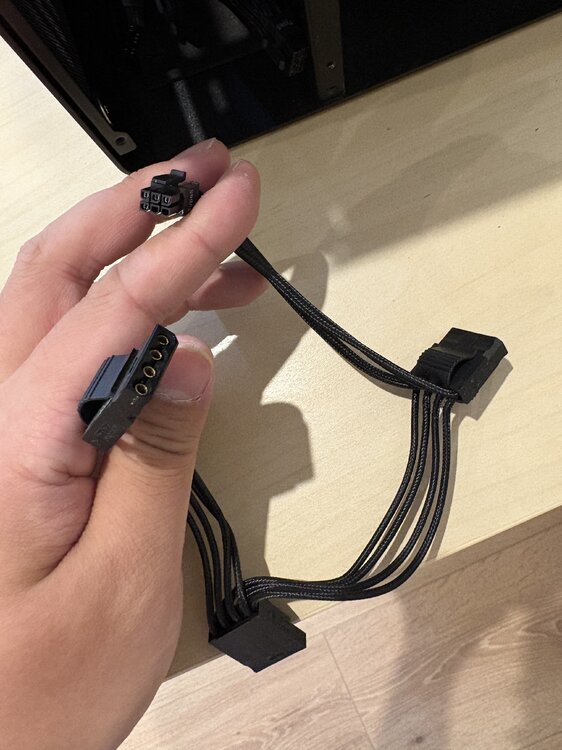
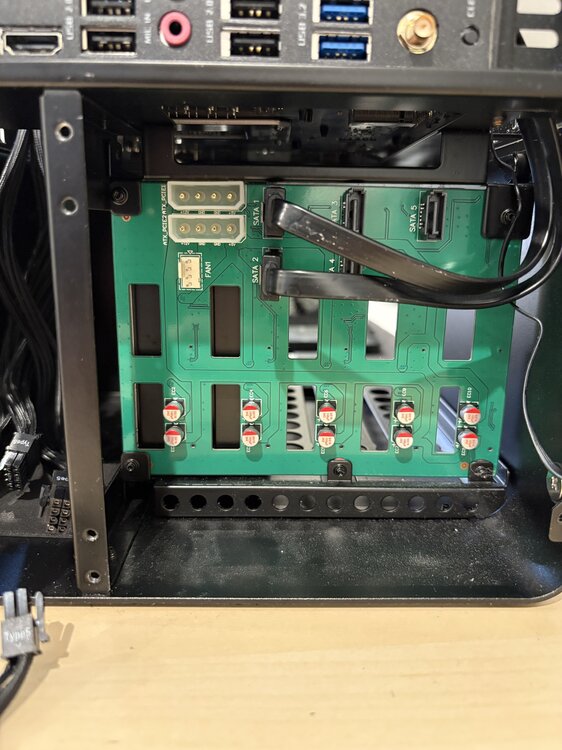
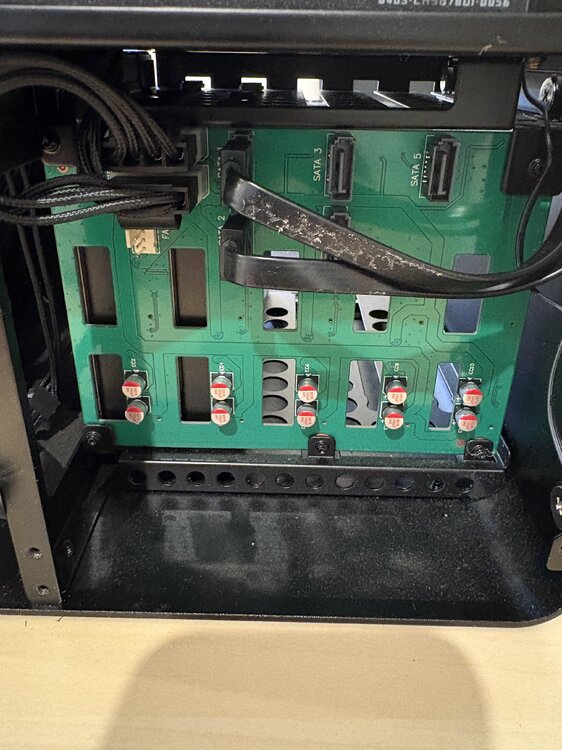
Hi, I didn't change the power cable, but I'm trying to order a new one online. I wonder if it's related to how the disks are connected to the PSU. I'm use Corsair SF750 in a Jonsbo N2 case. The HDDs and the PSU are connected through an intermediary board. I wonder if I'm doing this right?
-
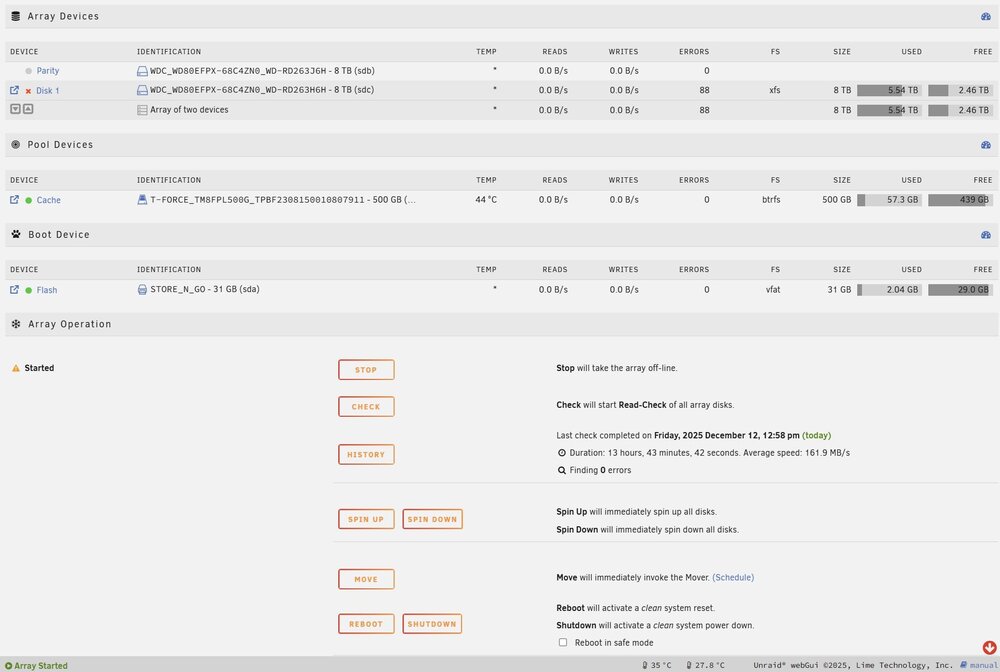
Hi everyone, I’m having an issue with Disk 1 (sdc) being disabled. I’ve attached the full diagnostics files. diagnostics-20251212-2017.zip What happened Disk 1 (sdc) was suddenly disabled last night, and I replaced the SATA cables for all the disks and did the rebuild, which solved the error state, but today, the same issue happened again. The same disk had the same issue one time months ago. I just did the rebuild, and it has been working fine since then. Can someone help me check if I need to replace the disk? Thanks in advance!
-
Thanks for checking. Is it possible to know if it's the sata or power?
-
coolbox-diagnostics-20250909-1026.zip My diagnostics before restart or rebuild
-
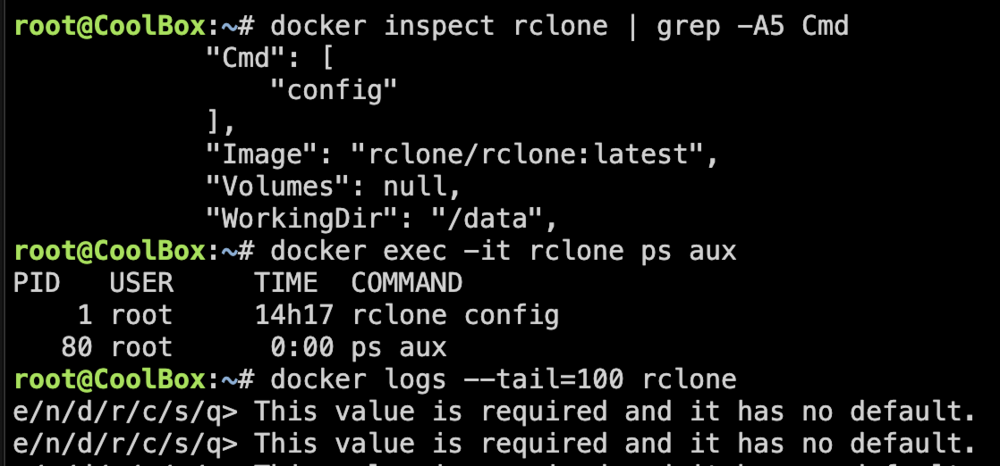
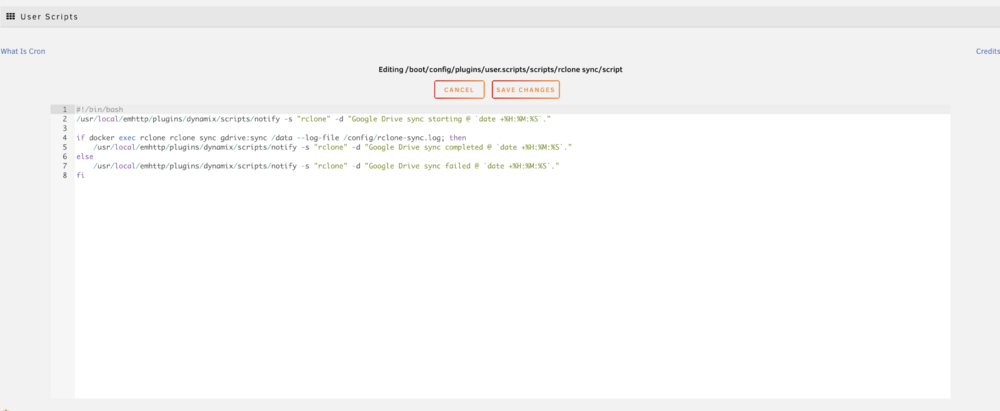
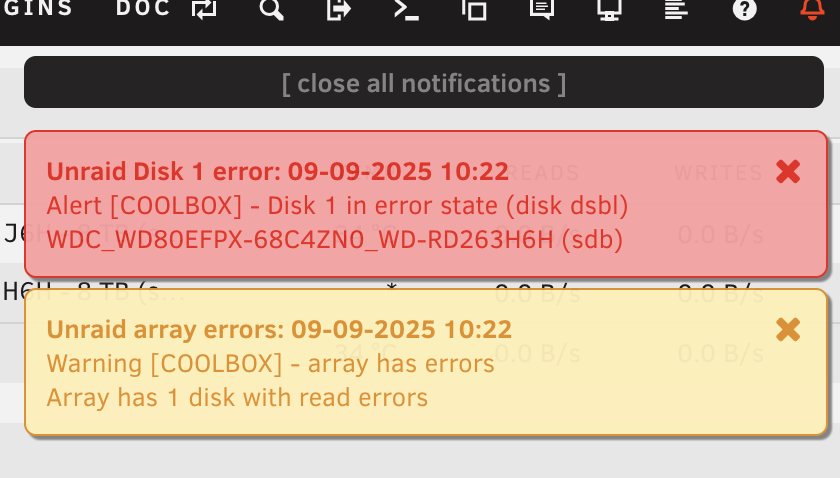
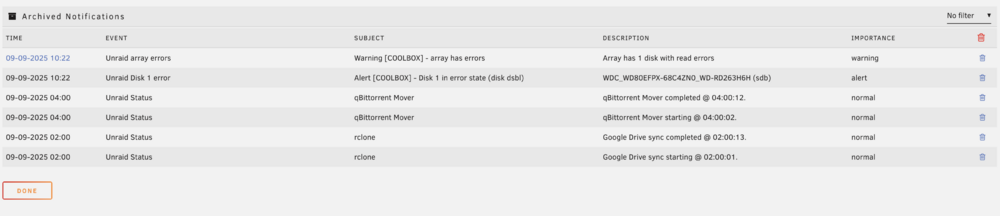
I reproduced the issue. It seems to be related to rclone, which I recently installed. After rebuilding the array, I found my CPU usage was stuck at 40%, so I did some investigation. It was the rclone container that was stuck at rclone config I use a user script to sync files from Google Drive daily, so I tried the command from the rclone container to see if it's working. It seems to work well, but after that, I saw the disk read error again. My rclone config

-
Diagnostics files: coolbox-diagnostics-20250908-0917.zip
-
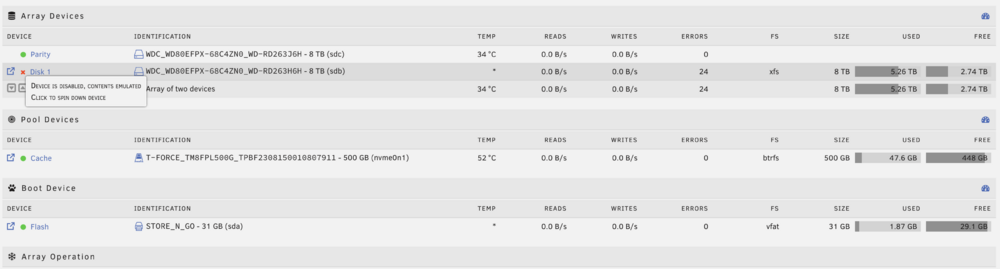
This is my first NAS build, which has been running well for a few months, and tonight, it suddenly shows "Device is Disabled, Contents Emulated" for disk 1 (I only have one data disk and one parity disk). I downloaded the SMART report and found "0x06 0x008 4 51 --- Number of Hardware Resets" I'm not familiar with this, but ChatGPT suggested that this might be the source of the issue. This is my SMART reportWDC_WD80EFPX-68C4ZN0_WD-RD263H6H-20250907-2214.txt I wonder what I can do to find the actual issue? p.s. I also found my parity disk has 49 --- Number of Hardware Resets as well.


