TrashCorpInc
Members
-
Joined
-
Last visited
Everything posted by TrashCorpInc
-
Update: Added Aria2 support, Added proxy support. fixed issues regarding the auto import of files when the Qbittorrent or sabnzbd api was used.
-
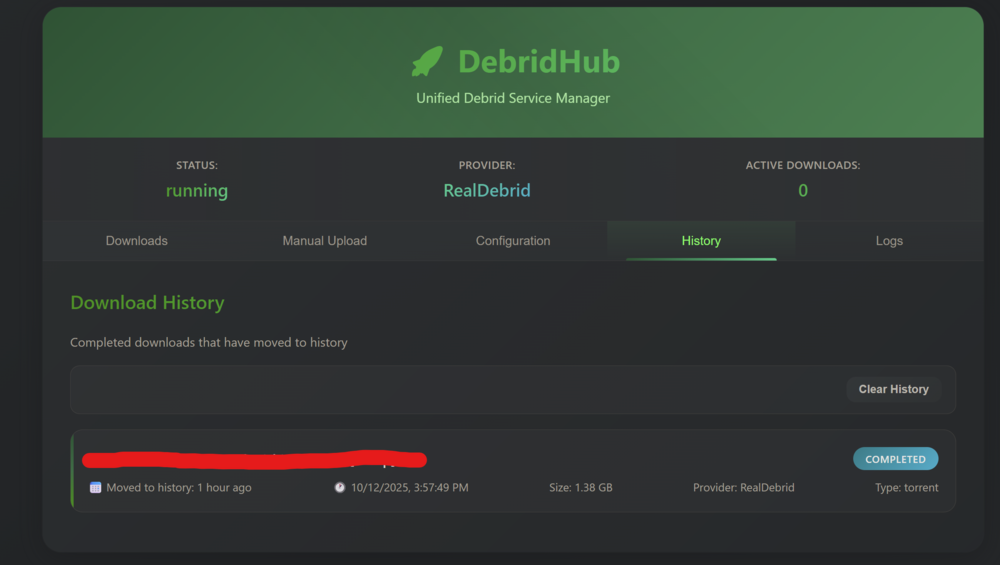
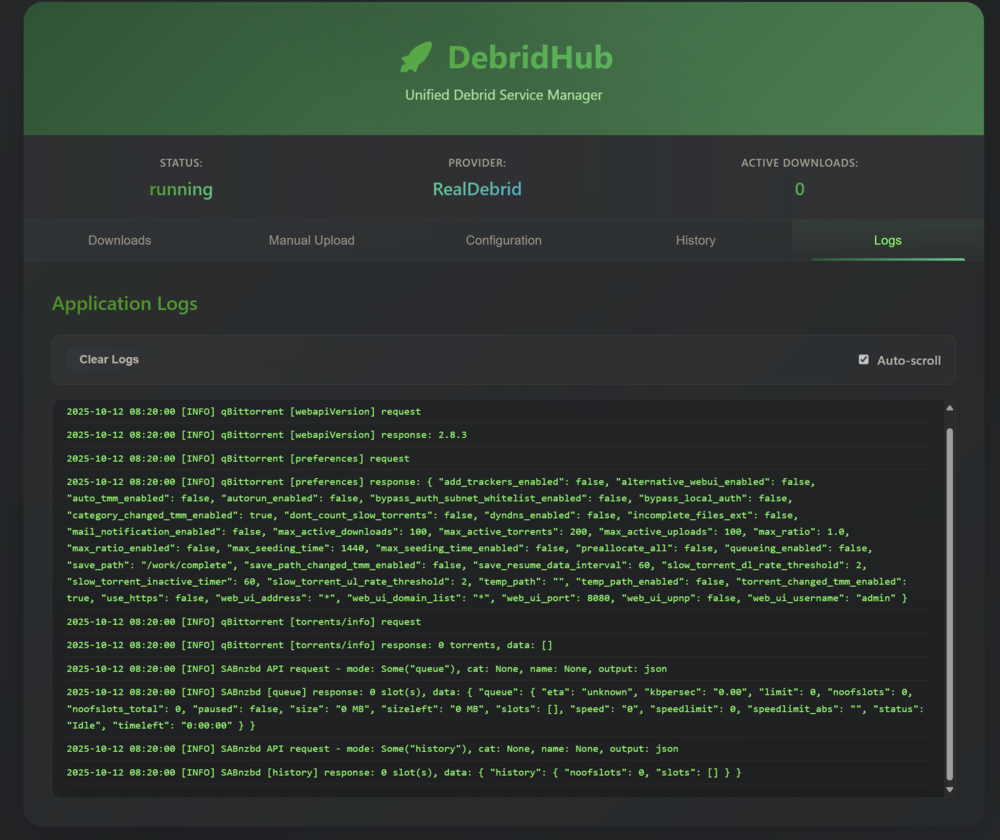
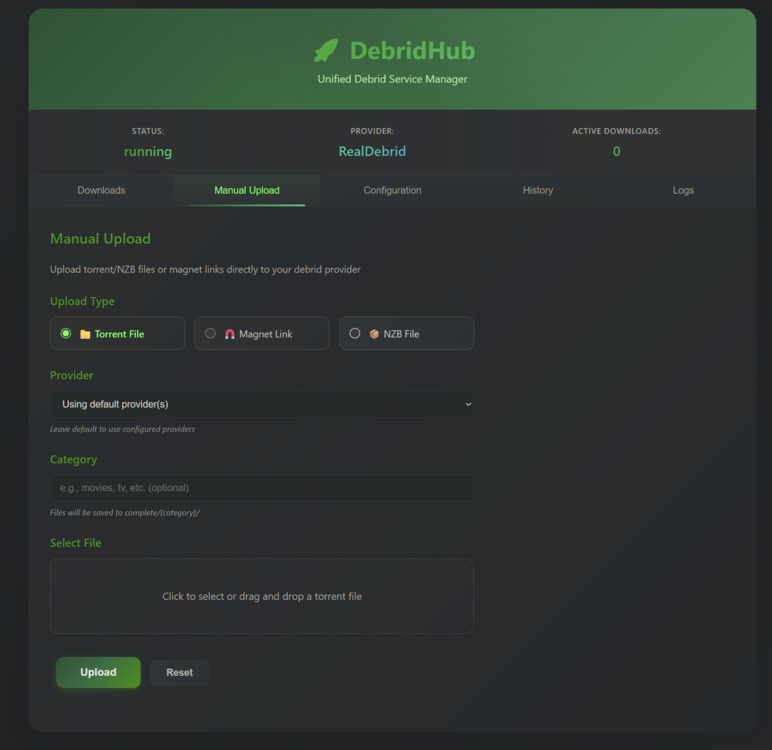
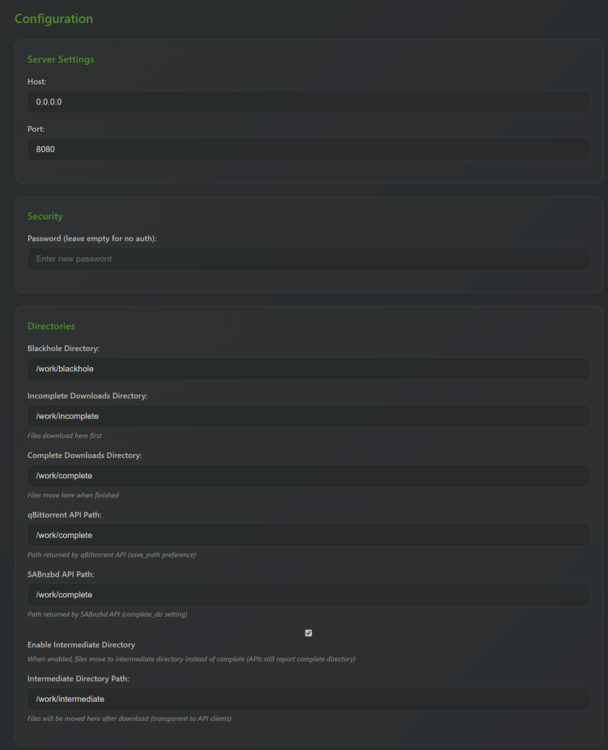
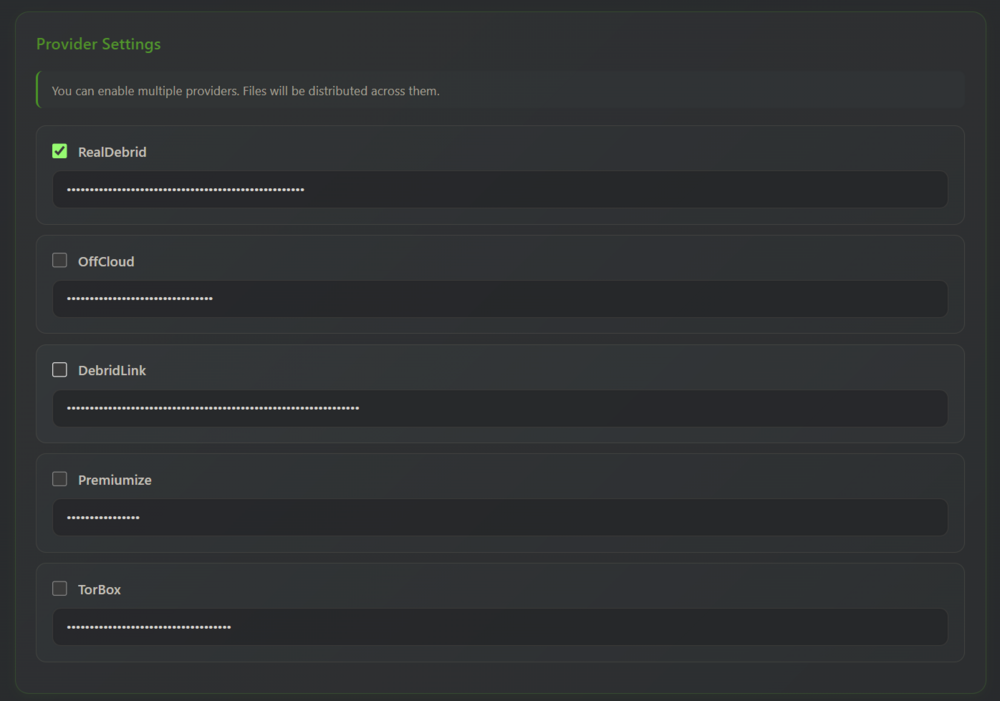
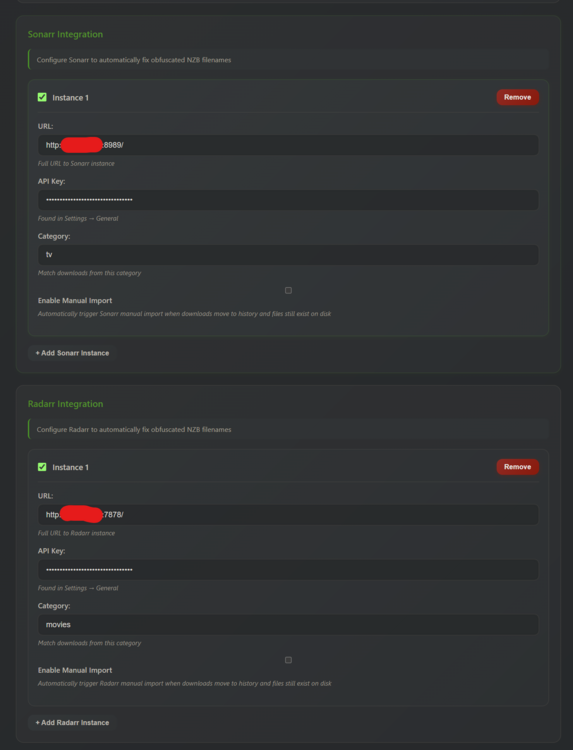
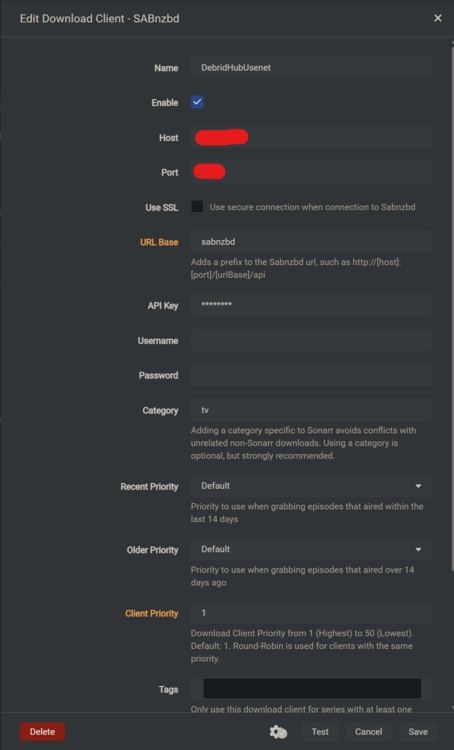
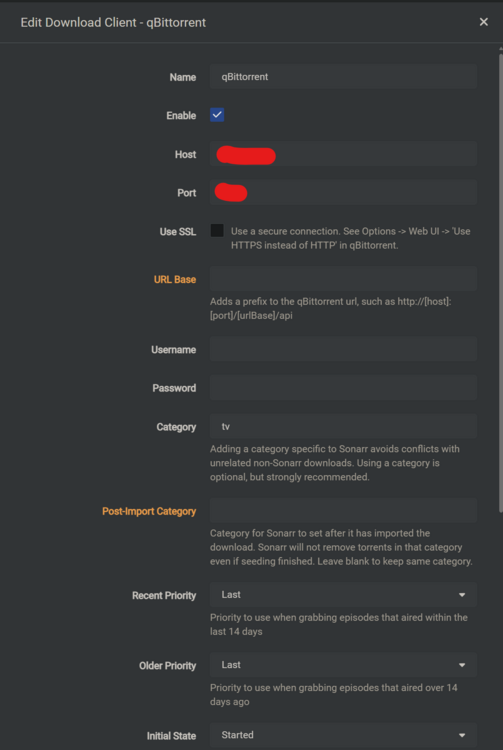
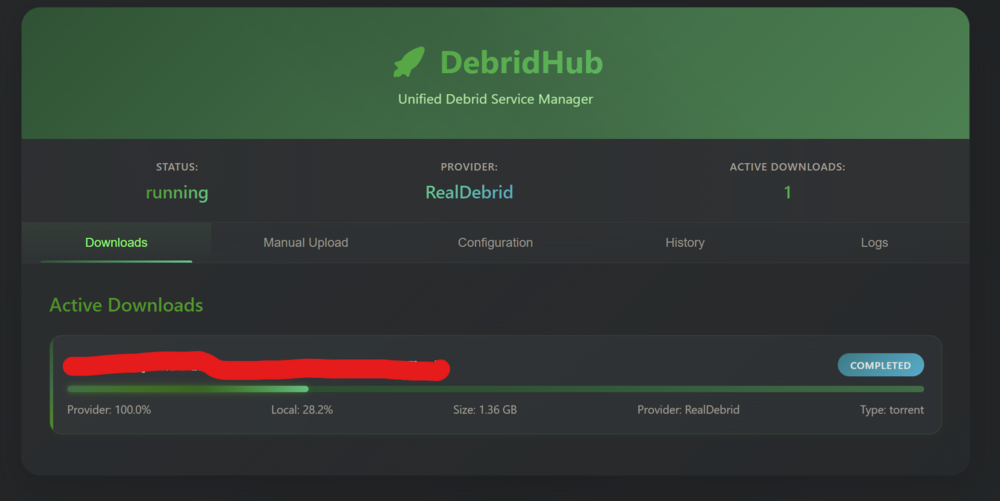
Hello, this is the first version of DebridHub, a tool which integrates into sonarr and radarr and allows you to download torrents and nzbs through your debrid-provider of choice. Currently, RealDebrid, Premiumize, Torbox, Debrid-File and Offcloud are supported. Offcloud and Premiumize me are supported for NZBs, Torbox nzb support is untested. Blackhole mode is also supported for both nzbs and torrents. This tool can be added as a torrent downloader like so: And as sabnzbd client like so: This is an example of how you would add this tool to your homepage(gethomepage.dev): - Debrid Hub: icon: nzbget.png href: http://10.0.0.2:1337 # Change to your debrid-hub URL description: Debrid download manager widget: type: customapi url: http://10.0.0.2:1337/api/homepage # Change to your debrid-hub URL method: GET refreshInterval: 3000 # Update every 3 seconds mappings: - field: status label: Status - field: provider label: Provider - field: active_downloads label: Active format: number - field: current_download label: Downloading - field: current_progress label: Progress format: percent scale: 0.01 # Convert from 0-100 to 0-1 Settings: Server Settings: irrelevant for the docker container but if you chose to run this as a regular app you could setup web-bindings for the UI. Password: If you wish to password protect the webui (and ARR apis in the futurevia apikey) you can set a password. Blackhole Directory: where torrents and nzbs are picked up from (if you choose not to use the apis) If you set up a blackhole downloader in sonarr this would be the Nzb Folder or Torrent Folder. If you use the apis you don't need this. Incomplete Directory: just a scratch space where some processing happens. Complete Directory: Where the downloads appear once they are completed. (In blackhole mode the watch dir) QBitTorrent API Path / SABnzbd API Path: If you have to overwrite the path reported to Sonarr/Radarr, here you can. Otherwise it should match Complete directory. Intermediate Directory: If you wish to download processing outside of sonarr and radarr this is a convenient way. This option moves the completed files to an intermediate directory and waits for them to appear in the completed directory before they get picked up by *ARR. One possible usecase for this could be re-encoding. (Back) Intergration: When NZBs are added to Sabnzbd no meta-data is provided and sometimes all filenames are scrambled, this can make it hard to identify downloads. To work around this you can add the api key from sonarr or radarr with a category to query the meta data of the download for better download presentation. Not needed for torrents and only servers for esthetic purposes. The downloading should work without it. The manual import option triggers a manual import on completion should the regular import not trigger for some reason. Manual Downloader(if you wish to add files manually):