freiberghk
Members
-
Joined
-
Last visited
-
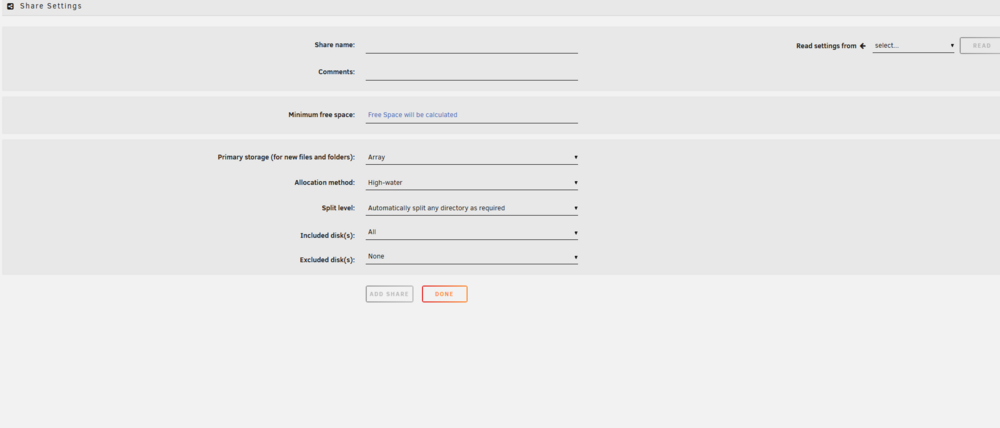
Thanks JorgeB. Deleted the file and then went back to the share where it showed up with the default settings, just like you said. I'm wondering if I have a problem when creating a new share. From the Share, if I click on 'Add Share' this is the screen that I get... thinking it is corrupted because it doesn't list the Secondary storage option and Mover action. Thoughts?
-
No. But I just double checked and when I do stop the Array, and go into Shares to edit. I receive a message that 'Array must be Started to view Shares'. So editing with the Array stopped doesn't appear to be possible?
-
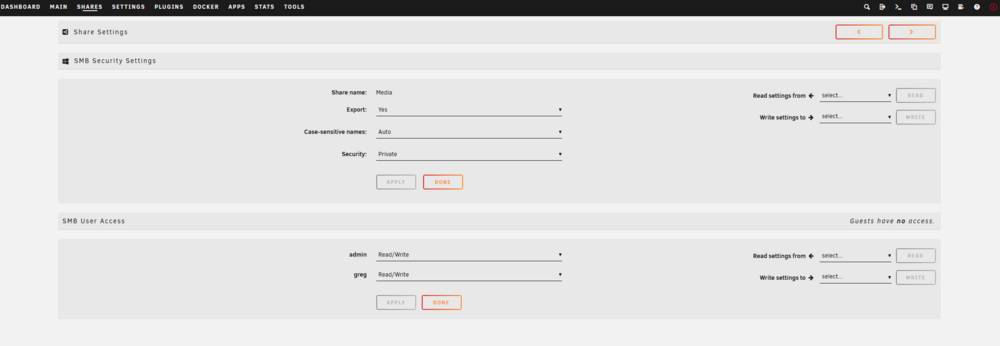
Thank you. Gotcha. Test folder is deleted, and when clicking on Media within Shares to edit it, I still do not have a delete option. It is exactly the same as the first picture I put in the opening post... which is weird because there is not anything to edit for the share other than the SMB Security and SMB User. No other edit options. Thanks
-
I am unable to delete a share called Media which has no files in it. When I click the share, I get the following screen which does not have any information listed to edit under Share Settings.