Jackal123
Members
-
Joined
-
Last visited
-
Thanks! This solved it and made it adaptable again.
-
Hereby attached I have attached the Diagnostics zip. ug-diagnostics-20251031-1441.zip
-
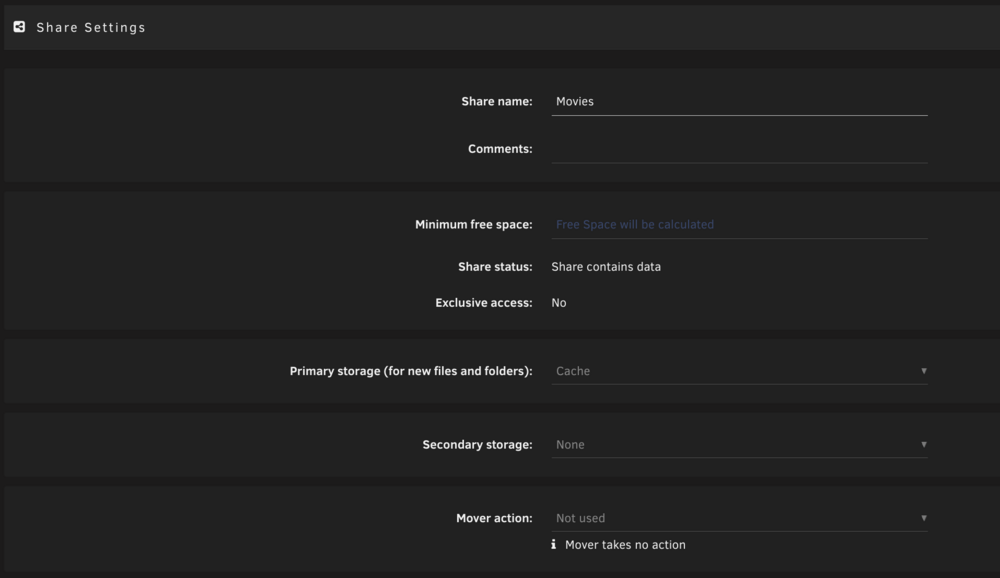
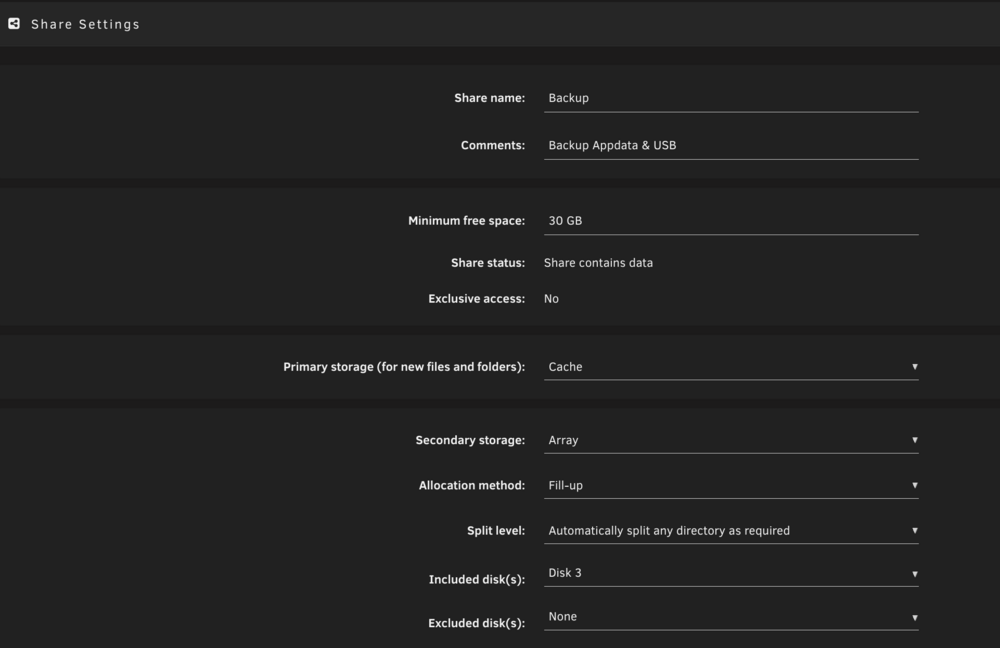
Dear, I have the following issue with the share called 'Movies'. It is a share that is purely on my Disk 2 (which is not cache) and I want it so that files first go to cache and then to the Array. This method is setup for my backup share, media share etc without issues. However for the movie share this does not work and I have no idea how i can adapt this. I have attached a screenshot of the share in the user share overview and a screenshot of share settings, but here I cannot modify anything. I have also attached a screenshot for how I think it should look like according to my other shares. Can anyone help me out as how I go about this? If anything is unclear, I can provide more information. Thanks in advance! :)