auzn
Members
-
Joined
-
Last visited
-
The first line of the instruction is "Go to Settings → Docker in the WebGUI.", which is kinda hard to follow since my problem is not having that docker web gui. Anyway the problem is solved by remove the "/boot/config/docker.cfg" and let the system create a new one. The docker web gui re-appeared. Looking at the bad config file, there is a line DOCKER_DHCP_BR0="192.168.1.8/null", and I think this null causes the web gui to malfunction. I was indeed messing with the docker network settings at some point, but not sure how this null got slip into the config file.
-
wow, this actually works. Thanks for the help!
-
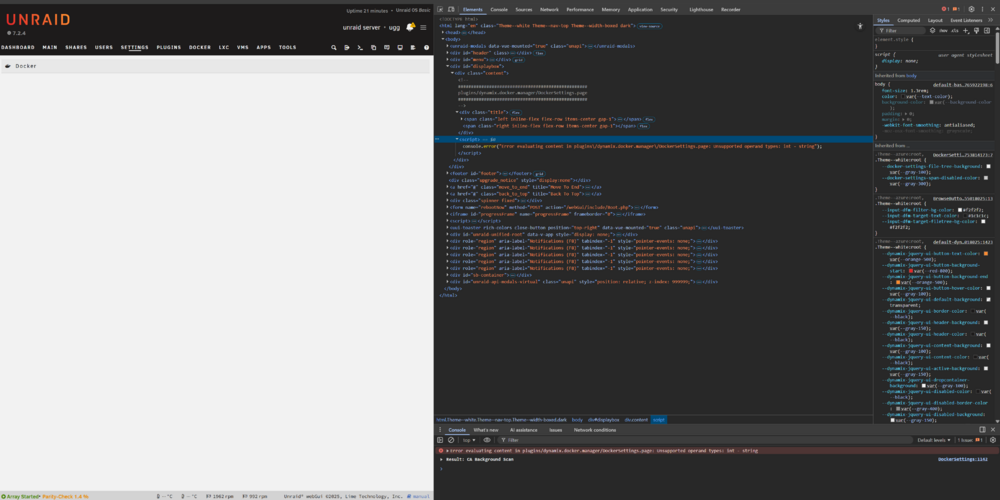
Tried this, but did not work. Specifically, I deleted docker.img from terminal and rebooted. Now all my containers are gone, but docker setting page is still empty. Tried re-install a container again, the container loaded, the docker.img file came back, but the docker setting page is still empty as shown above. Could it be the webpage served by the unraid GUI get damaged? I tried to see the page source and this is what I found:
-
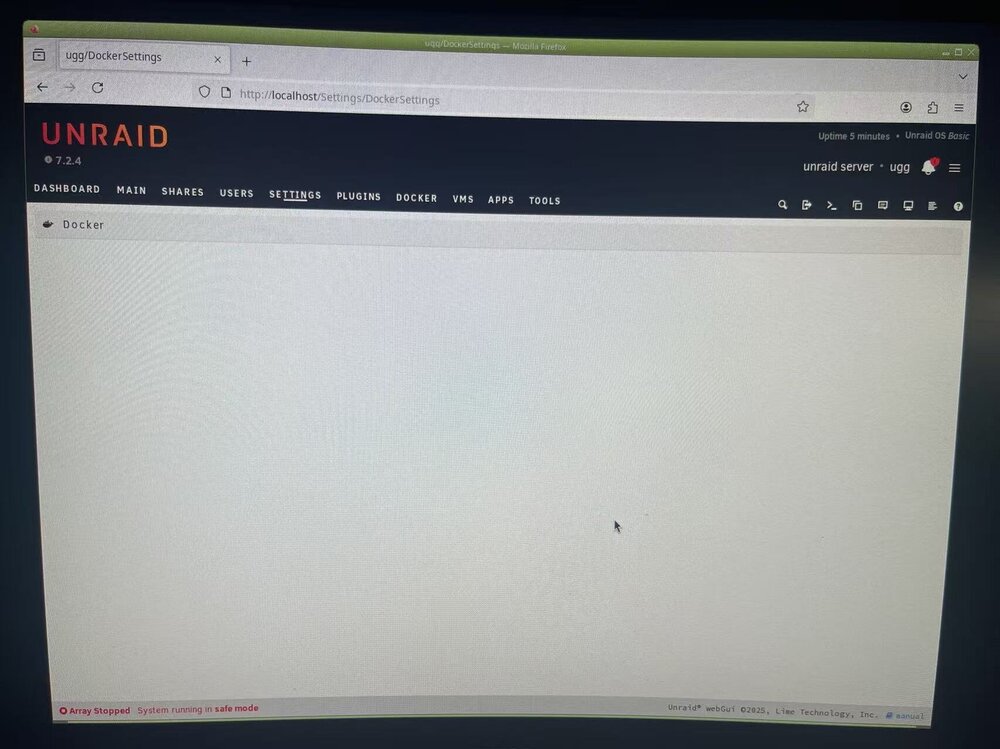
I have a bad pool drive ssd keeps drop offline, I already pulled it out. I tried to boot in safe mode with GUI, as shown below. The docker setting page is still missing under safe mode. Not sure what to do here...
-
Tried chrome and firefox with no adblocker, but they all show the same blank page. Diagnostics attached.
-
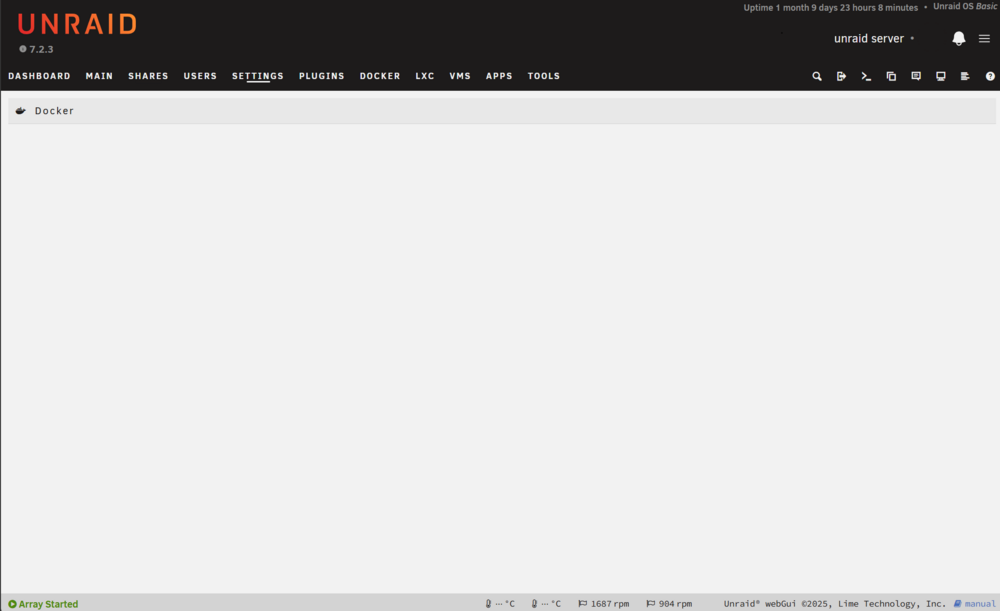
My docker setting page is completely blank as shown in the image. It's been like this for quite some time, stayed this way through several upgrade. The docker containers are working fine so I just left it like this. But now I need to increase docker image size. Any way I can get my docker settings back?