





myki
Members
-
Joined
-
Last visited
-
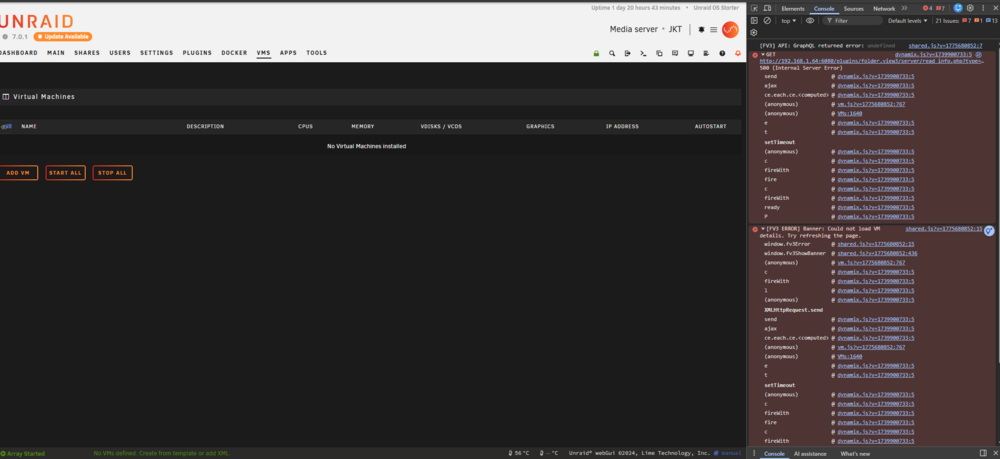
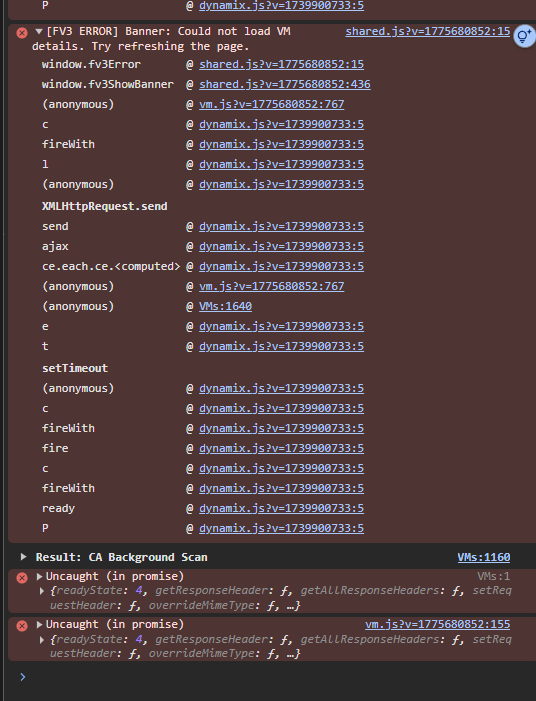
If you click “console” do any errors appear there when you refresh the page? nothing on docker, but something on VM What version of FolderView did you migrate from and how did you do it? Folderview2 - i now did a clean install of folderview3 without importing exported file from folderview2 Also, does the VM page have an “add folder” button? no...
-
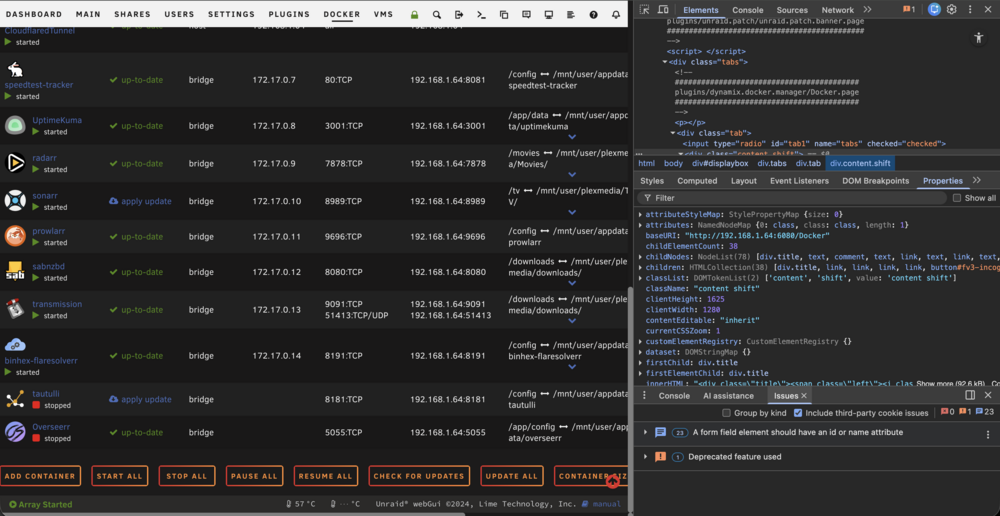
Hi there! Thanks for helping out! Yes tried hard refresh, no luck. Cache cleared as well, testing using chrome on safari nothing on dev console
-
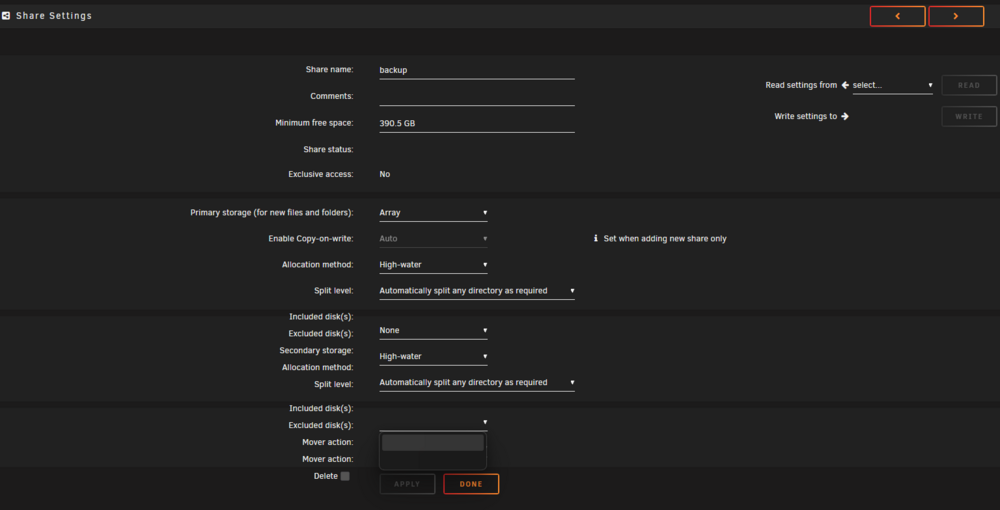
found the solution, i did not remove include / exclude rules from the shares BEFORE replacing the drives. When i replaced the drives, i reassigned a new drive to drive 1 and drive 2. and unable to change the include/exclude rule Solution using SSH removing the Share include/exclude rule: sed -i 's/shareInclude="disk3"/shareInclude=""/' /boot/config/shares/backup.cfg sed -i 's/shareExclude="disk1,disk2"/shareExclude=""/' /boot/config/shares/backup.cfg
-
Just migrated to folderview 3 and the "add folder" function is gone from docker No compose manager plugin. running unraid 7.0.1. Tried removing cache and force refresh, tried different browser. version installed is 2026.04.09 Also already tried reinstalling, no luck...


-
Hello, my drives were failing so i installed new drives, used unbalanced to move all to disk 3, then recreate new array with new drive on disk 1 and disk 2. Unplugged the old drives. now my shares is saying i have 0 Byte left. Also i cannot include or exclude disk from my share jkt-diagnostics-20260409-1624.zip





