Norrik343
Members
-
Joined
-
Last visited
-
Just as an update, I tracked it for the past two weeks and this seems to have solved the problem. Thank you for the help!
-
Thanks! Just added it. I'll monitor it for the time being and post if any additional issues arise.
-
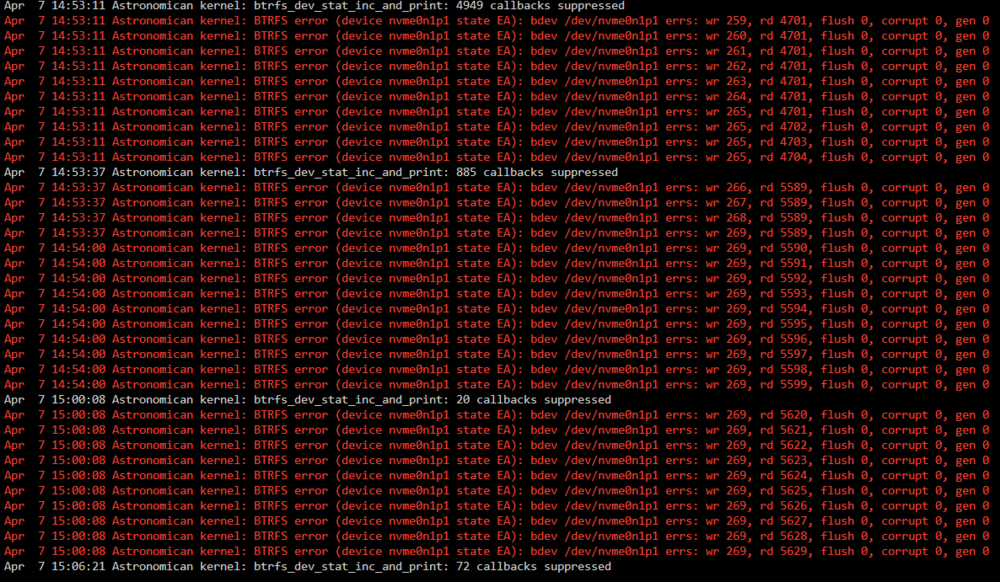
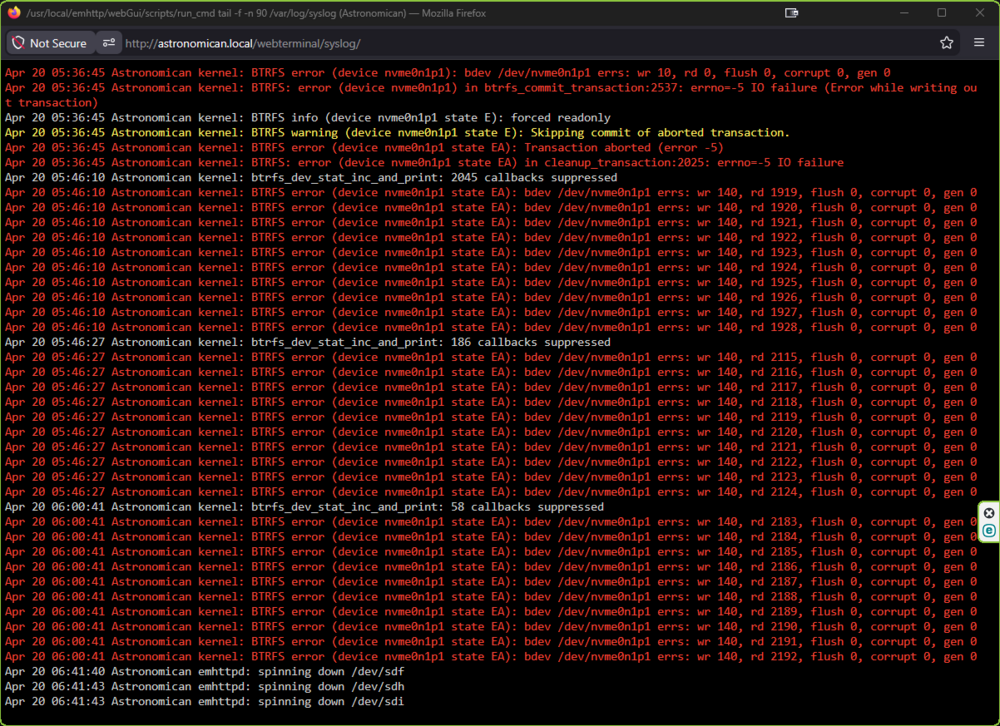
Hello! I am experiencing an issue where my cache drive seems to be disconnecting and causing errors and am looking for some help with troubleshooting. About 2 weeks ago I had an issue where Docker would not start and I could not see any containers. in the logs I saw this: BTRFS error (device nvme0n1p1 state EA): bdev /dev/nvme0n1p1 errs: wr 140, rd 2523, flush 0, corrupt 0, gen 0 On restart my cache drive had seemingly disappeared. I opened the computer grabbed the drive and tested it in a separate build and it seemed to be working as it was detected in bios. Ended up reinstalling the same drive and it was detected and I was able to start the array without any data loss. During testing that time I noticed there were issues with some containers not stopping when I was trying to stop the array. After a second restart, I uninstalled the containers causing issue and have not had any errors until today. Seems that after the AppData Backup plugin went through the containers something happened and the drive was no longer detectable. Screenshot of syslog: I am trying to narrow down if this is some sort of software related issue or if this is my drive/motherboard showing signs of failure. While I'm not a novice with computers, I still am pretty new at unraid and any help with troubleshooting would be appreciated. Logs attached are from a few days after the original incident and ones from this morning. thanks! astronomican-diagnostics-20260409-0850.zip astronomican-diagnostics-20260420-0920.zip