Skip to content
View in the app

A better way to browse. Learn more.

Unraid

A full-screen app on your home screen with push notifications, badges and more.

To install this app on iOS and iPadOS
  1. Tap the Share icon in Safari
  2. Scroll the menu and tap Add to Home Screen.
  3. Tap Add in the top-right corner.
To install this app on Android
  1. Tap the 3-dot menu (⋮) in the top-right corner of the browser.
  2. Tap Add to Home screen or Install app.
  3. Confirm by tapping Install.

richpanda

Members
  • Joined

  • Last visited

Everything posted by richpanda

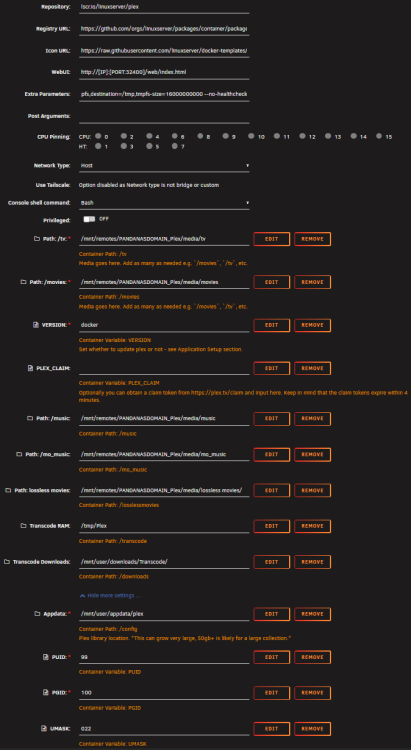
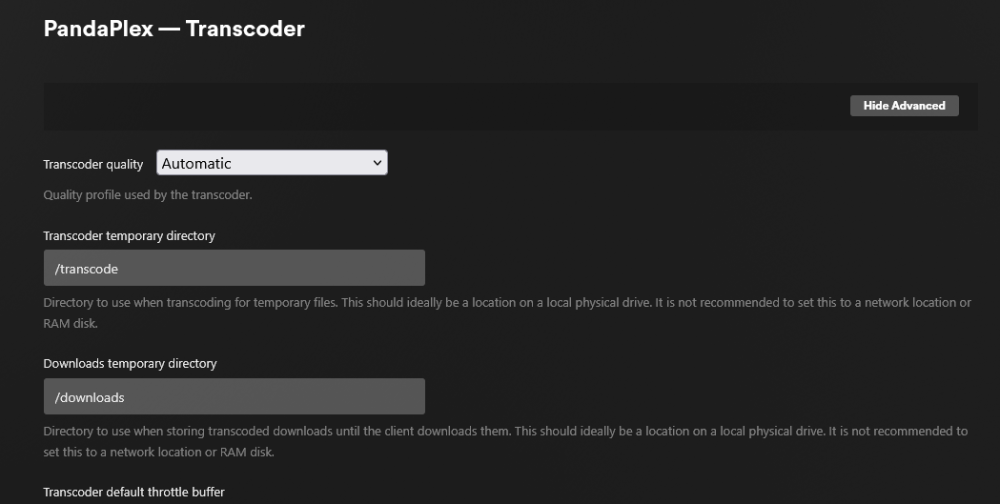
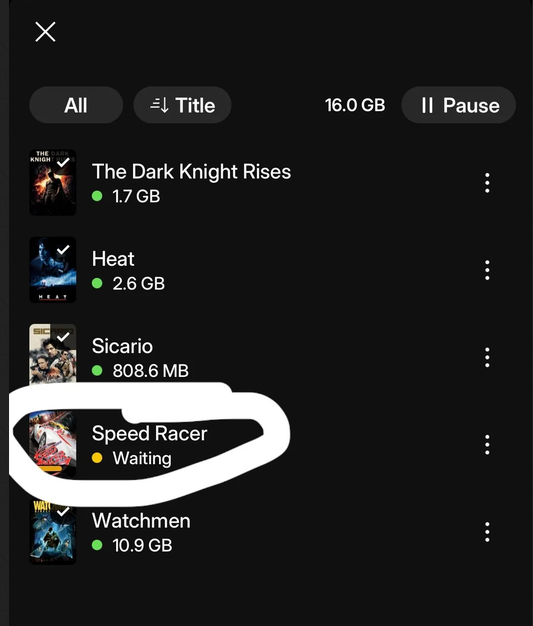
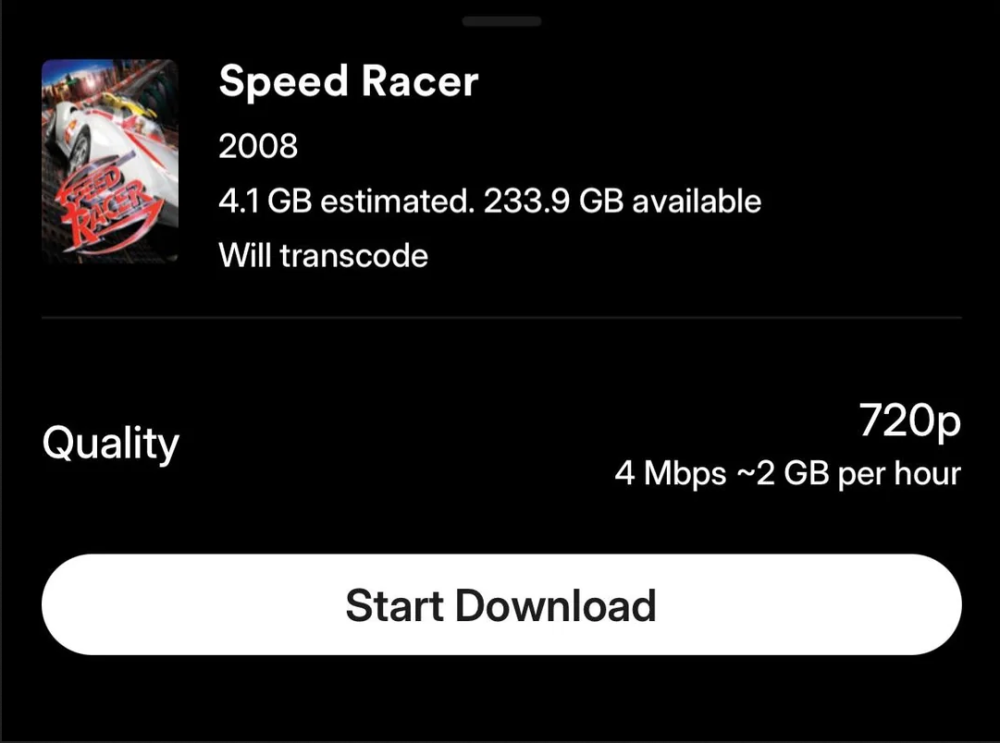
  1. Tried changing transcoder directory from my SSD to my RAM and back and forth. It works on my Mac/Windows Plex app but not on IOS? Only downloads on iOS with quality set to original. Logs are not showing any errors. Also doesn't work on my Samsung tablet. Not sure what the recommended steps are for this. Can anyone else who is using Linuxserverio's image check downloads work on your IOS app? Apologies if this is the wrong sub for this but Plex forums are not helping..
Account

Navigation

Search

Search

Configure browser push notifications

Chrome (Android)
  1. Tap the lock icon next to the address bar.
  2. Tap Permissions → Notifications.
  3. Adjust your preference.
Chrome (Desktop)
  1. Click the padlock icon in the address bar.
  2. Select Site settings.
  3. Find Notifications and adjust your preference.