noise17
Members
-
Joined
-
Last visited
Everything posted by noise17
-
For anyone suffering the same problem... I reached out to support explaining the issue (replacing original USB drive) and was sent a key for the GUID of the original drive. Which, obviously, didn't work. After several back and forth emails, I finally got a key to match the new USB boot drive. Support doesn't appear to be very switched on and the system to transfer a license to a new boot drive is a pain point.
-
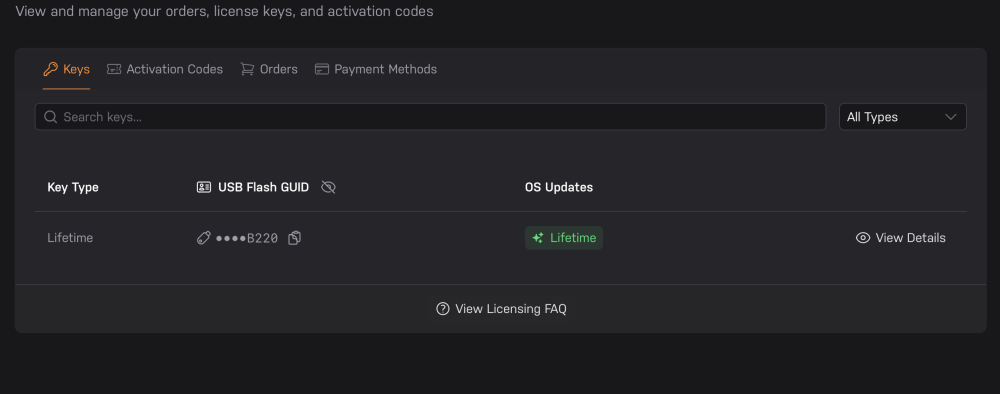
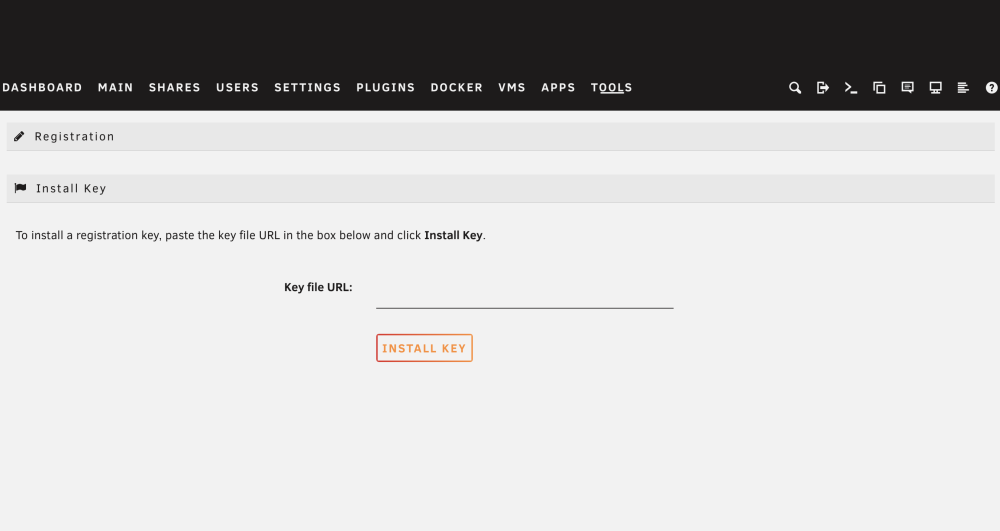
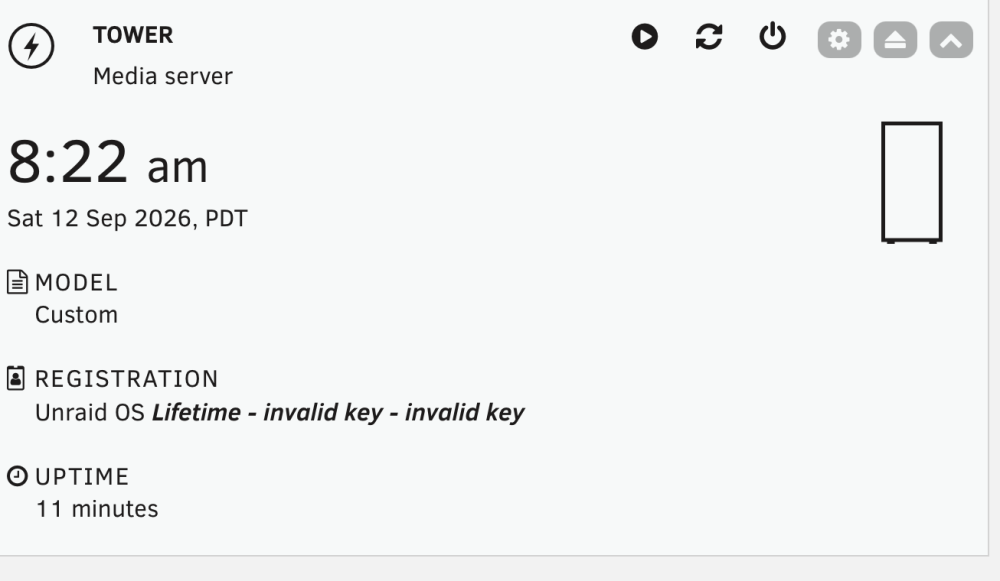
I've had to switch to a new USB drive when the previous one failed. I copied my configuration across. I have a lifetime license. I have a USB Flash GUID license key. When I log into my server, it demands a key file URL. I do not have this. I do not have it in an email, it is not available in my unraid.net account. I only have a USB Flash GUID key. I do have a license key file. I have added this to my USB drive. My Unraid UI says: REGISTRATION Unraid OS Lifetime - invalid key - invalid key This is incredibly frustrating. What am I missing? It's like there's a new way to register but I'm not party to it. Any help much appreciated.