





WanderingGander.87
Members
-
Joined
-
Last visited
-
So I couldn't get this wireguard setup going after multiple tries. I ended up going with openVPN and worked right away.
-
So I ended up changing to port 8090 as suggested and changing Docker Host Access to "Enabled". I had it disabled. --> But the problem still persisted ultimately where i was unable to access Web UI. I ended up trying to disable to Variable: VPN_Enabled to "NO" and I was able to access the WebUI immediately. So it must be something with my VPN settings or access via the provider. I'm using protonVPN with the file downloaded from their side for Wireguard configuration. Place it into the wireguard configuration area on the appdata location. Should the platform be "GNU/Linux" when trying to request the config file?
-
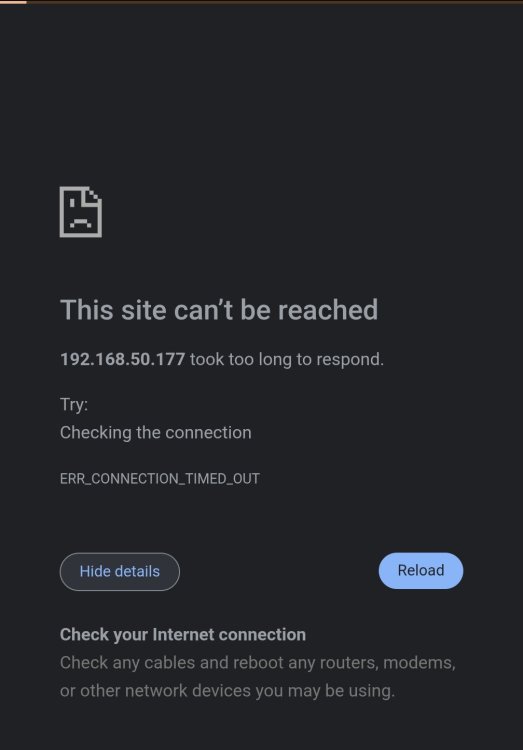
Unfortunately I still cannot get WebUI to showup. (Strange because other docker containers show up no problem) The connection seems to time out when trying to access webui. Tried on mobile Vanadium browser and on PC Microsoft Edge, same result.
-
Thanks for advising, i missed that one about removing. Hopefully these files are better, but you mentioned about last few lines, but even after waiting that seems to be all that is generated for logs. LAN is the same as entered that i'm trying to log in from. If browser matters i'm using Librewolf. Thank you again and I appreciate all the work the community is doing. docker run_QB.txtQB_supervisord.txt
-
Hello, I'm new to the world of docker and unraid, setting up qbittorrent is proving challenging. Could use some help here because i can't get my WebUI to come up when using ProtonVPN. Suspect nothing is starting based on the log. I did download the wireguard config file from protonvpn site under my account and used the openvpn PW. Removed my Username and PW from the file attached supervisord and docker_run files. Would appreciate any help. QB_supervisord.txt
