ib134866
Members
-
Joined
-
Last visited
-
After exhaustive investigation from support, it appears that the /config/plugins/dynamix/case-model.cfg was corrupted on the USB boor drive. I deleted this file as instructed by support, refreshed the Unraid UI and the problem was fixed. Support suggested that "Note that doing that (deleting the case-model.cfg file) can change the case that appears on the dashboard page, if you want to go back to default, you can copy that same file from the stock Unraid download zip, just copy it to the same folder."
-
I manually upgraded to Version 6.12.10 2024-04-03 as described in the documented procedure here, but the problem persists. I have also re-submitted a support request as suggested and I did receive a confirmation email that the support ticket was created. Thank you all for your assistance. I will update the thread when I receive a response from support.
-
Thanks for the tips. I will give this a try. I have contacted support twice about this issue with about two weeks between requests, but I have never received acknowledgement or a reply.
-
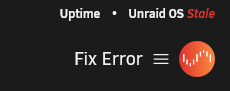
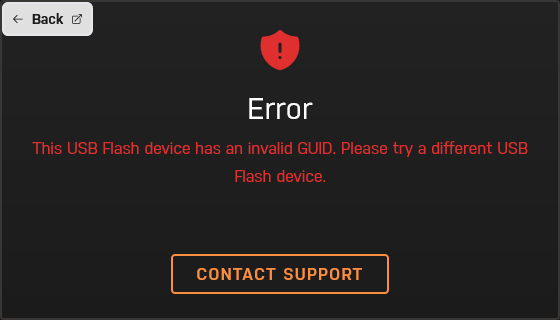
After upgrading to Version 6.12.8 2024-02-15 of unraid and rebooting the version and uptime display this : If I click on the Fix Error, I am prompted to manage my Unraid account and presented with this error: I have been using this flash drive with unraid since 2011 with my pro license. What is the issue? I am unable to update to any later version without correcting this issue. Thanks