




Skip to content
View in the app

A better way to browse. Learn more.

Unraid

A full-screen app on your home screen with push notifications, badges and more.

To install this app on iOS and iPadOS
  1. Tap the Share icon in Safari
  2. Scroll the menu and tap Add to Home Screen.
  3. Tap Add in the top-right corner.
To install this app on Android
  1. Tap the 3-dot menu (⋮) in the top-right corner of the browser.
  2. Tap Add to Home screen or Install app.
  3. Confirm by tapping Install.

Eikelman

Members
  • Joined

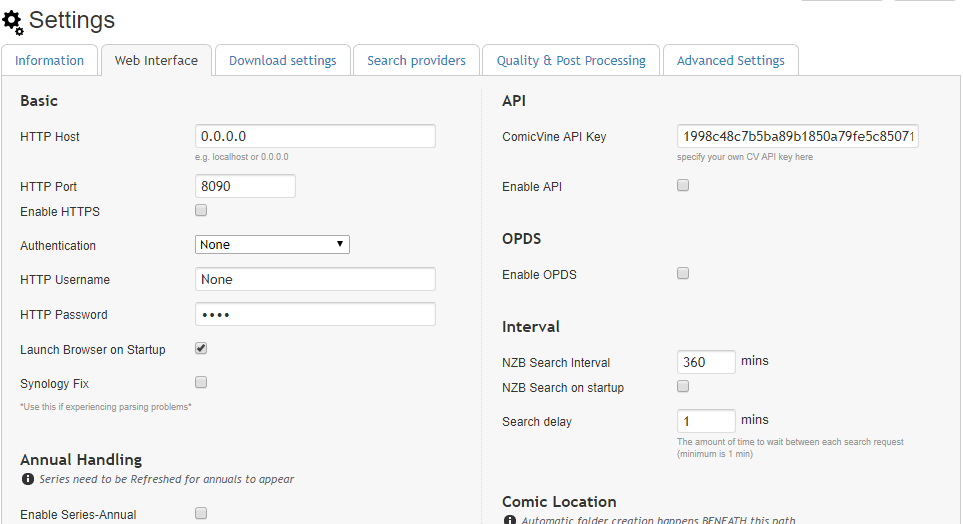
  1. I've updated to the latest version and still no chance in the renaming problem. Only difference is, that if I chance the host in autoProcessComics.cfg to my servers IP, NZBGet get's stuck on "ComicRN: Requests module not found on system. I'll revert so this will work, but you probably should install" until manually stopped.
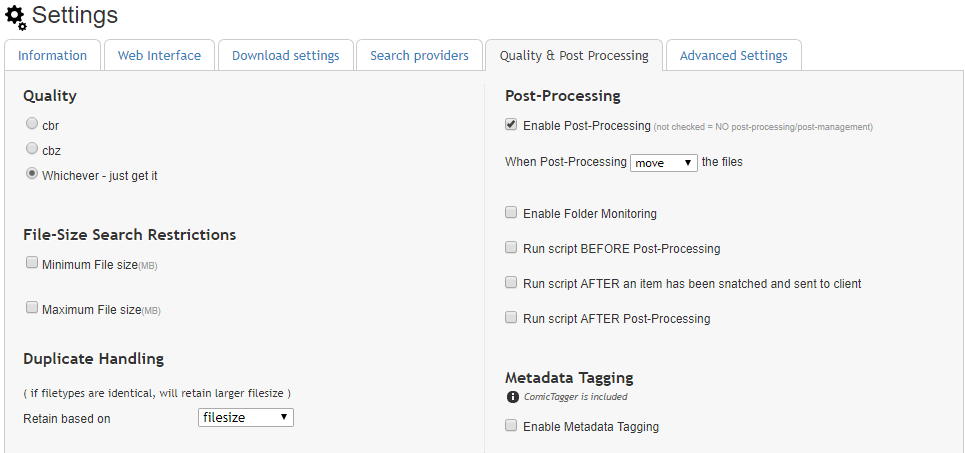
  2. I'm having trouble post-processing my new issues with NZBGet after the last update. I've tried setting both the host (Mylar and autoProcessComics.cfg) to from 0.0.0.0 to localhost or the ip adres from my server but nothing but the error message changed. I've redownloaded the PP files from both the docker and the main github and nothing fixes it so I must be missing something. Hopefully you can help me out.
Account

Navigation

Search

Search

Configure browser push notifications

Chrome (Android)
  1. Tap the lock icon next to the address bar.
  2. Tap Permissions → Notifications.
  3. Adjust your preference.
Chrome (Desktop)
  1. Click the padlock icon in the address bar.
  2. Select Site settings.
  3. Find Notifications and adjust your preference.