Dr0on
Members
-
Joined
-
Last visited
-
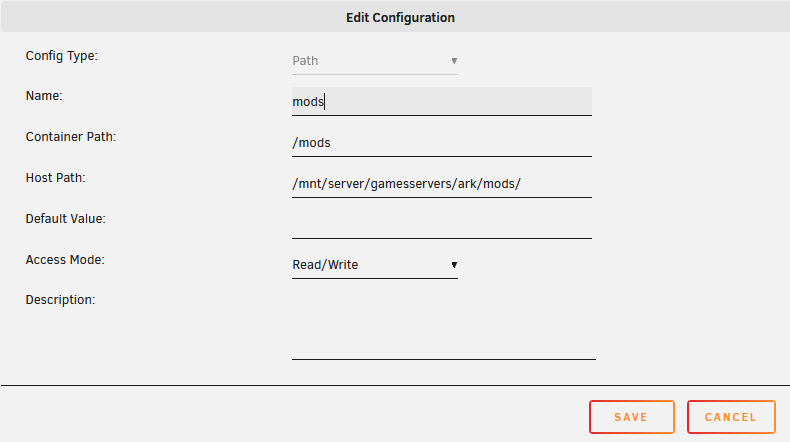
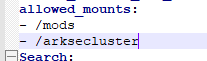
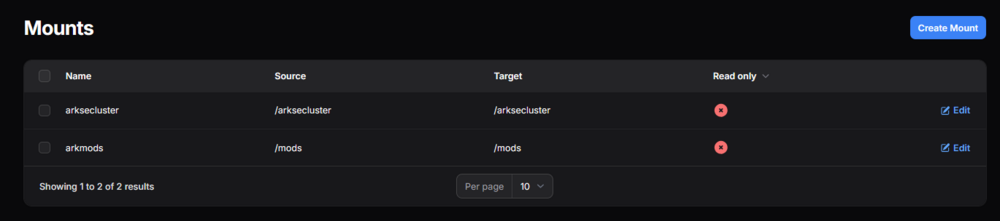
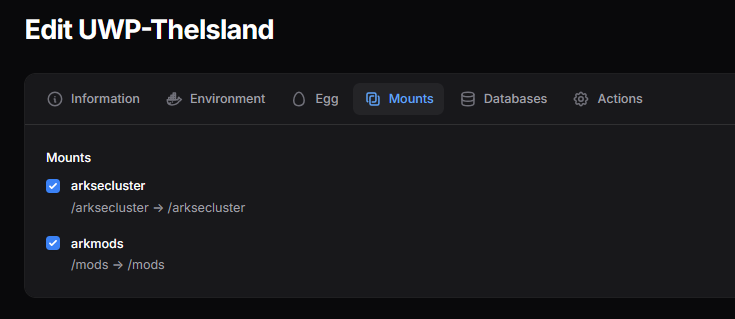
1st thank you for all the assistance so far. Ok, so I found this page: https://gameservershub.com/forums/threads/setting-up-an-ark-survival-evolved-cluster-on-pterodactyl-control-panel.5334/ more or less followed the instructions. If you try to map directly to the unraid the wings gives an error. So because the wings docker is the "pc" I added map folders as following: Now wings do not give the error. Then I continued to follow how to mount to a server. .yml file mounts mount in server But getting an error the file path does not exist. Error Event [fxxxxxxxx-cf6a-xxx-9c68-xxxxxxxxxxxx]: environment/docker: failed to run pre-boot process: environment/docker: failed to create container: Error response from daemon: invalid mount config for type "bind": bind source path does not exist: /arksecluster sorry I'm a total noob when it comes to containers, am I doing something wrong?

-
I was initially thinking of doing the ich777 route, but then I need to manage the game servers. I want my brother to do manage that as he has more time than me. That is why the pelican/pterodactyl route is better then he can manage it and I don't have to expose my Unraid server to him. If one mounts a dir, (https://pelican.dev/docs/guides/mounts) is there a way to expose that folder and point the Ark:Se server/'s to read the mods from there?
-
Thank you, there was a firewall rule on my router that caused issues... Do you know if I can have a shared folder for all the mods so that I do not need to install all the mods to each server?
-
Ok so if using First, to what IP do I need to port forward on my router? the Unraid server, wings or the isolated docker(s)?
-
Can you please expand more or give me a direction to follow on the wireguard tunnels?
-
Thank you, I tested and was able to upload from my PC. You are a champ.
-
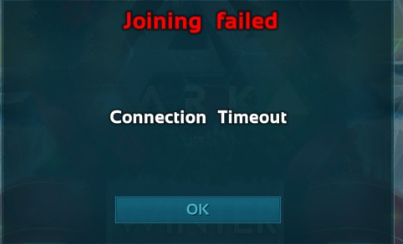
Thank you, you are a boss, I can see the server now. When connecting, from my pc on the same local network, It says connecting but then times out? Edit: got it right, The game port and query port was set to 7777, I changed the game port to 7778. Now I'm able to connect to the server. FYI, thanks for all the assistance. Please let me know when I can try to upload new eggs from file.
-
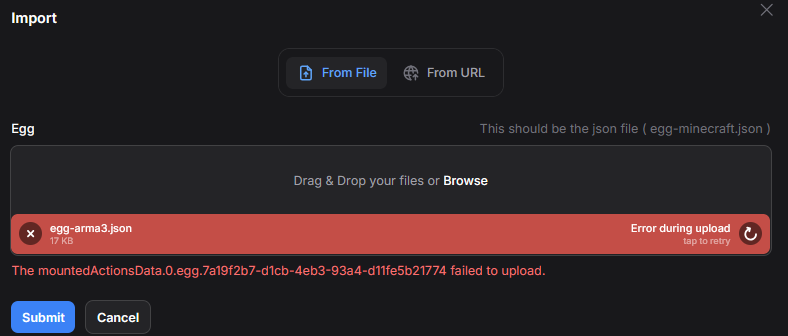
Thank you. I set it to the 0.0.0.0 addresses. I now have 2 more questions: 1. Uploading eggs, I can pull eggs via a URL but cannot with a local JSON Is there a setting or something I'm missing? 2. Game server I created a ark:se server, it shows up and running. Is it normal that it is using my hosts IP instead of the Wings? It cannot be found even if I try adding it to my favorites on steam client using any of the IP's: Should the network be routed through the wings?
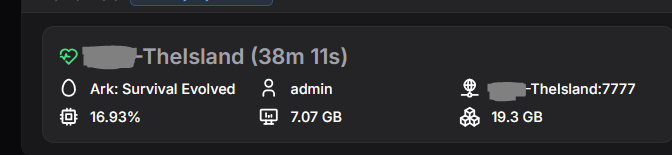

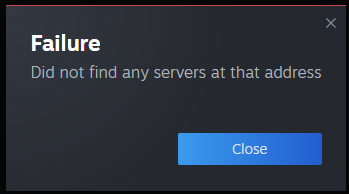
-
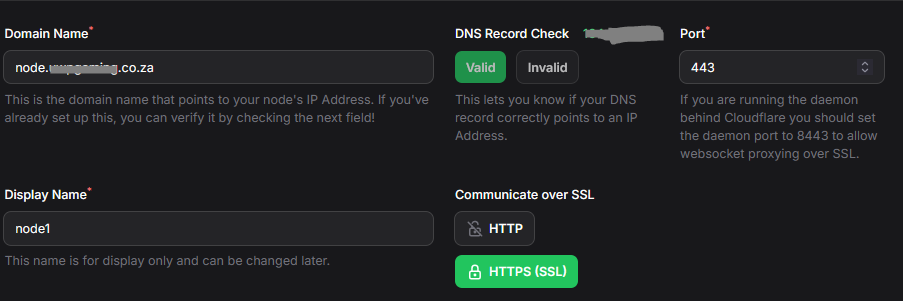
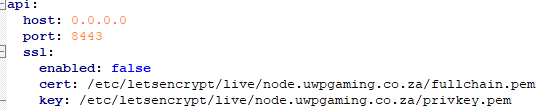
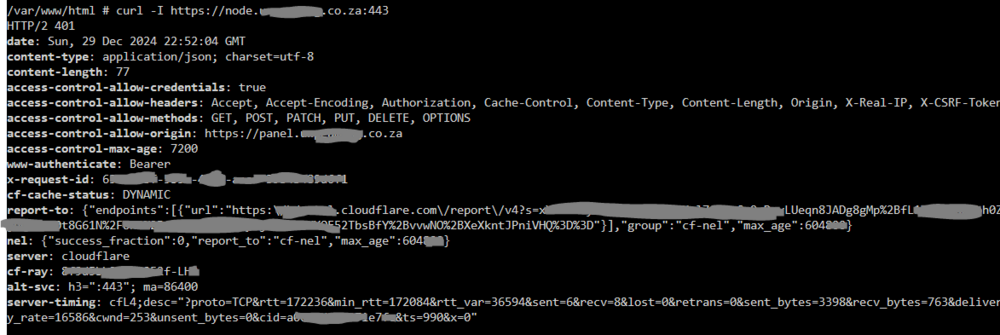
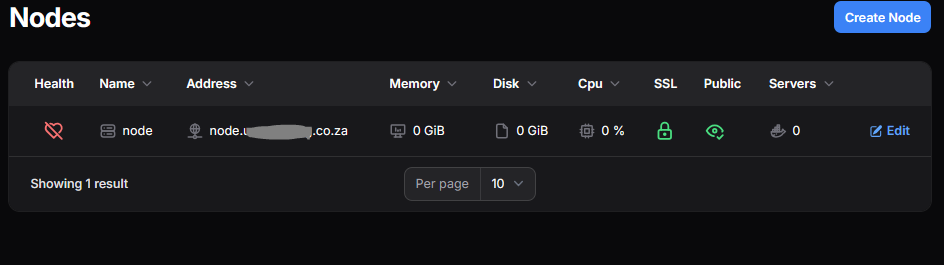
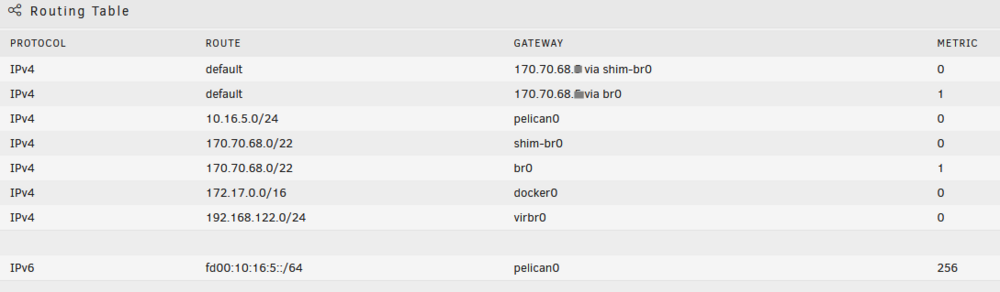
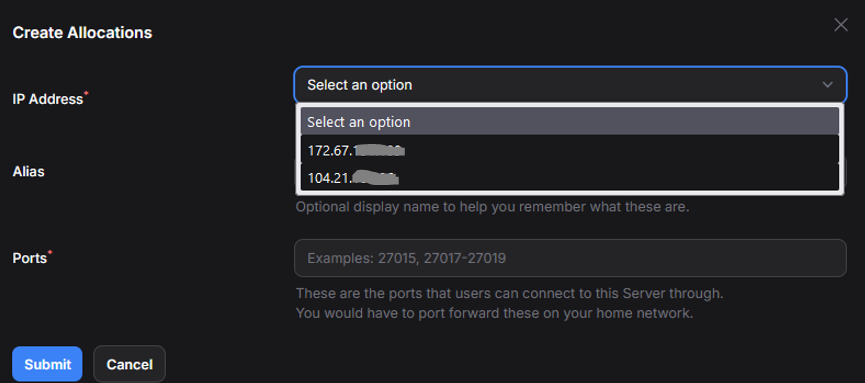
Good day, Can you please assist, not getting the node and panel to communicate. I'm not sure what I am doing wrong here but I think all ports are setup correctly: Panel: config.yml Tried to change the port to 8080 for the node. cloudflare Tried to change the port to 8080 for the node. console curl I can access both the panel and the wings via the cloudflare addresses given, bit for some reason they do not want to connect: I am using network custom : br0 -- management for the containers with static IP's on my home network. I've turned off ADGUARD protection to see if it helps. Not sure how to see what DNS servers these dockers are using, as I set my DHCP on router to use ADGUARD DNS. This is the unraid routing table if this can help: Edit: I stopped the docker and vm's on my unraid, changed the host DNS to use 1.1.1.1 (Cloudflare) started up everything and now they are connecting. Is this normal that I cannot select my host IP for Allocations, only cloudflares public DNS IP's: