daigurenmarkx
Members
-
Joined
-
Last visited
-
I just want to provide an update. I took it apart and cleaned it up. Wiped, vacuumed. The rack server uses the backplane so I didn't really mess with that, just re-seated the HBA with the connectors to the sata cables. Plugged everything back in. Went through the steps as posted in the helpful guides linked. Turn on, stop array, uncheck drives, start array in maintenance, stop array, select the same drives, start array which starts the parity. Couple days later things seem to run. I think this can be closed now.
-
Ill try to clean and check the cables when I get home later today. This server is using an old Supermicro 2U rack, I suppose the cables have gotten old after all this time.
-
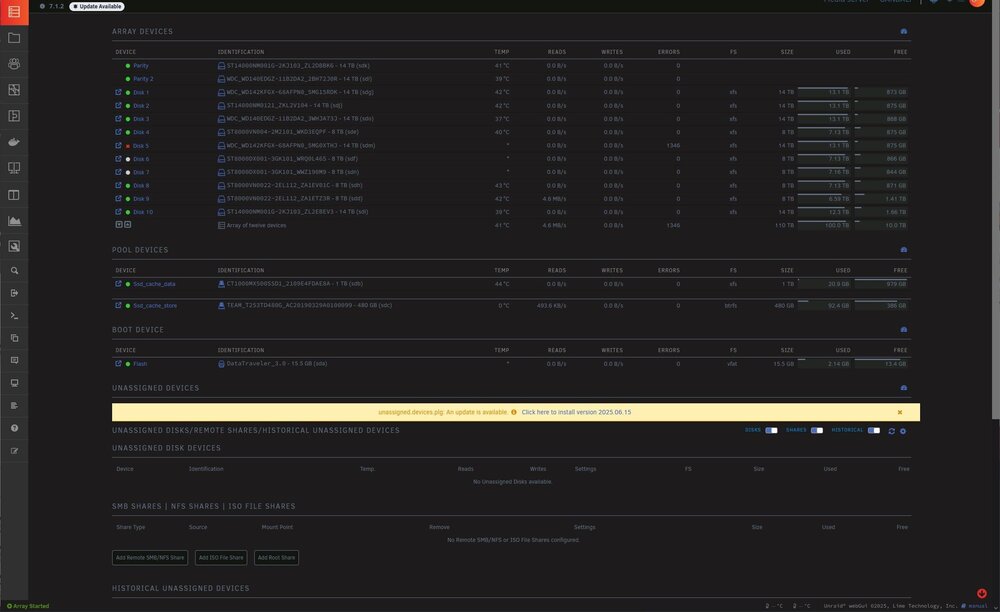
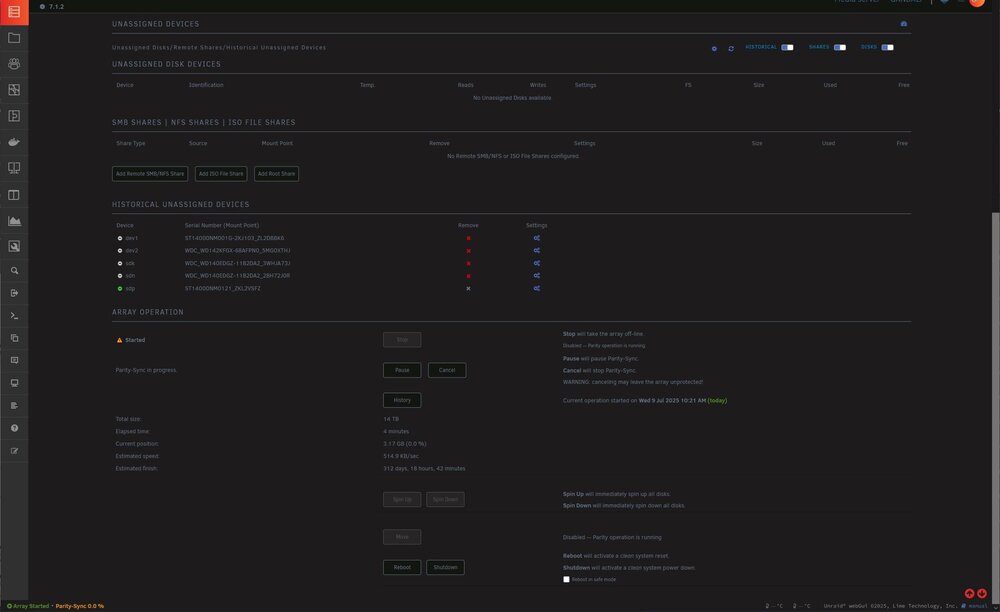
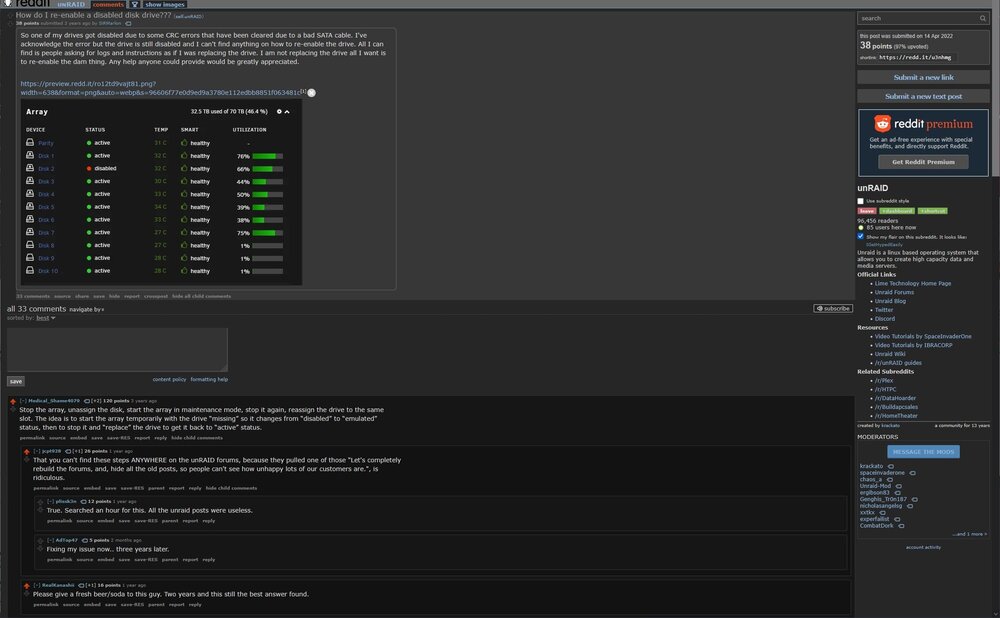
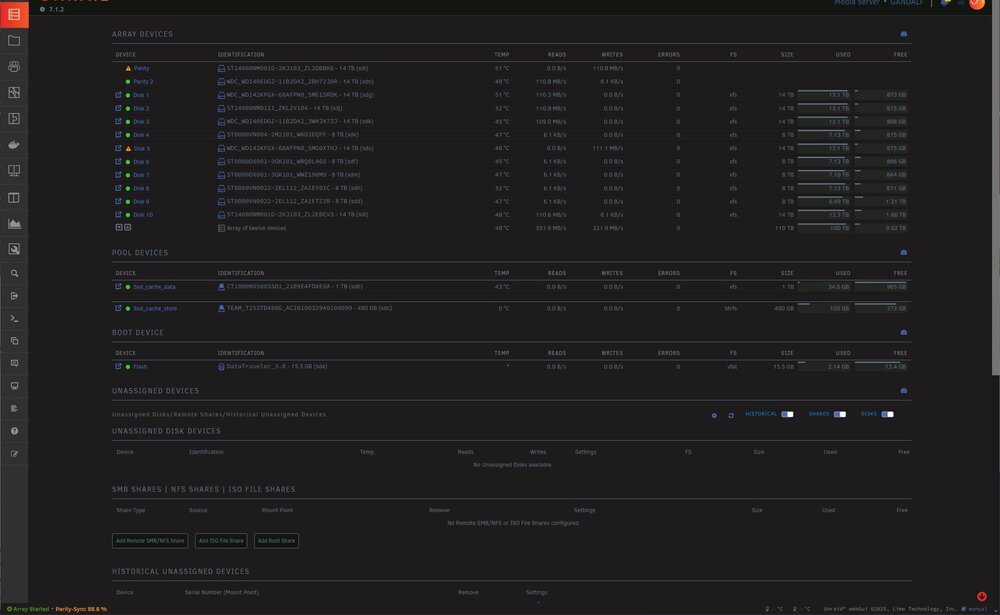
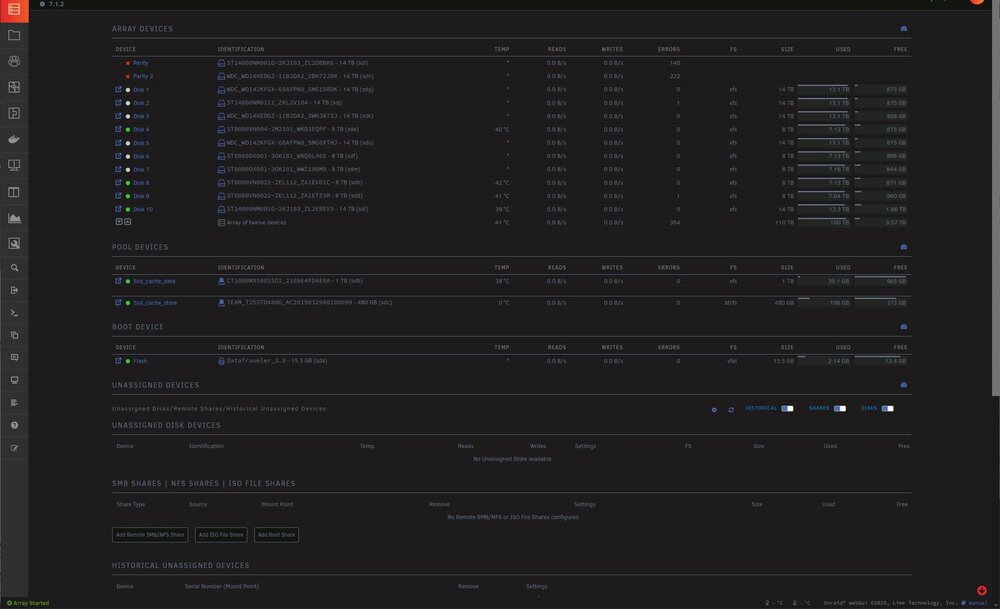
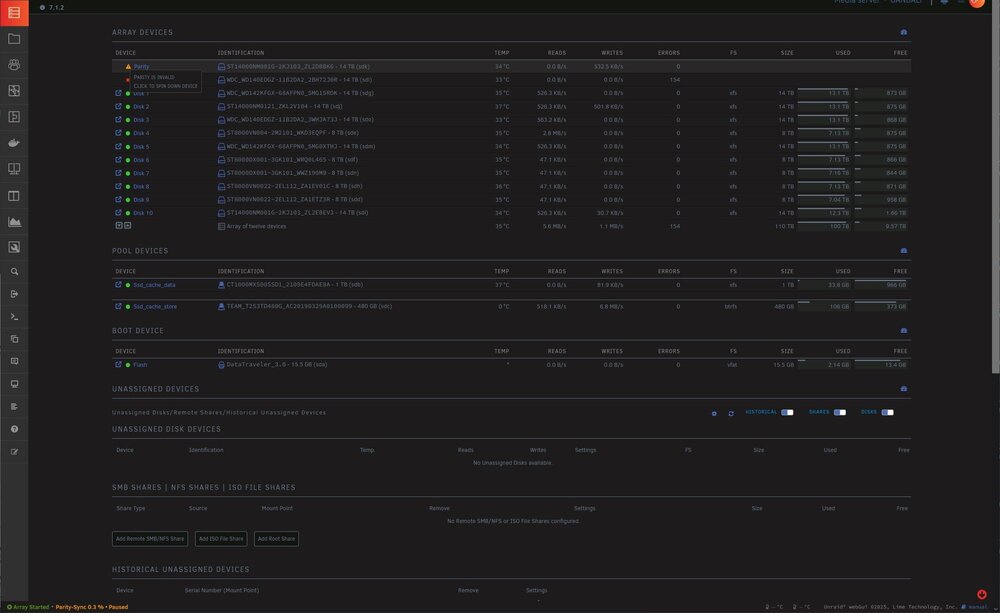
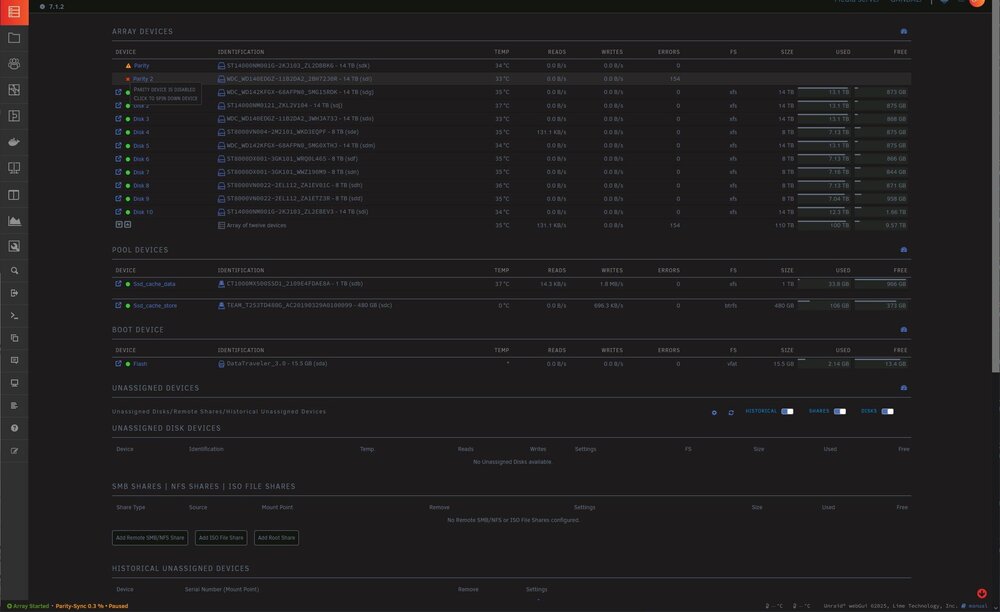
Hello folks, I got scary notifications. I thought I fixed it using the tips from below links. First time it was Disk 5 and Parity 1 at the same time. I got the parity checked and things were fine for a day. Then both parity stopped working. I tried the post from : Medical_Shame4079 Stop the array, unassign the disk, start the array in maintenance mode, stop it again, reassign the drive to the same slot. The idea is to start the array temporarily with the drive “missing” so it changes from “disabled” to “emulated” status, then to stop it and “replace” the drive to get it back to “active” status. This did not work the second time with both parity drives as during the parity check became disabled again. I am scared to do anything, so I have just shutdown the server. Attached is the diagnostic after both parity drives got disabled. https://old.reddit.com/r/unRAID/comments/u3nhmg/how_do_i_reenable_a_disabled_disk_drive/ https://forums.unraid.net/topic/111019-solved-both-parity-drives-disabled-amor-the-same-time/ https://forums.unraid.net/topic/97532-solved-udma-crc-error-count/ https://forums.unraid.net/topic/103115-solved-device-is-disabled-contents-emulated/ unraid-gandalf-diagnostics-20250713-2325.zip