





Av8or1ab
Members
-
Joined
-
Last visited
-
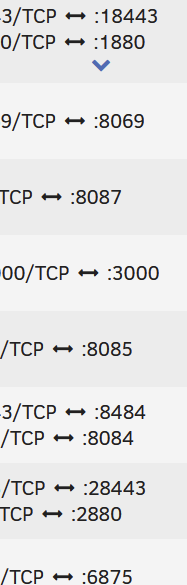
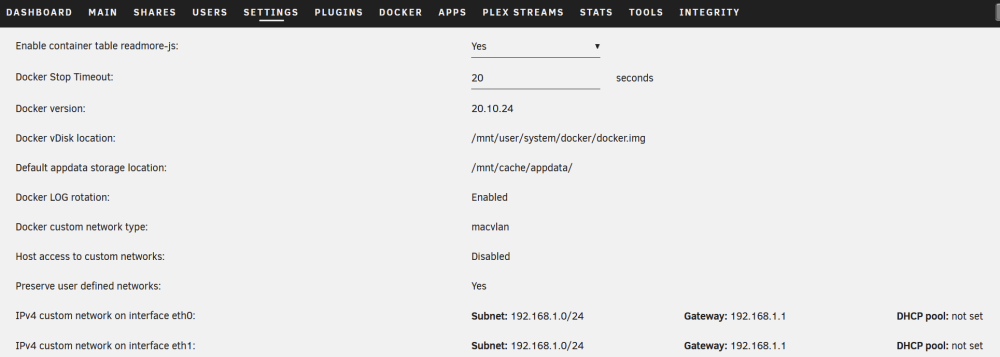
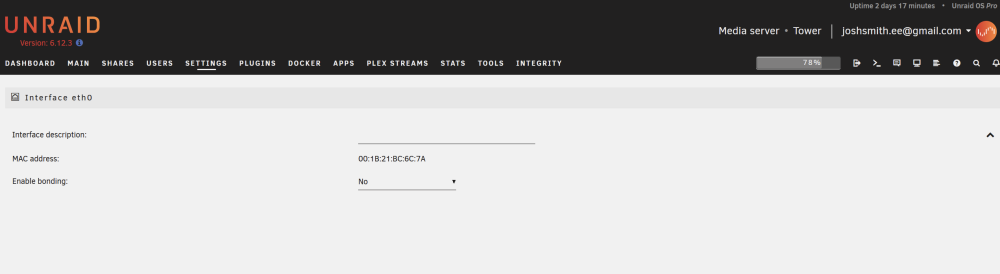
I am currently running the latest Unraid 6.12.3 and from the docker screen when I click on the WebUI link, nothing happens. I can go to the domain and port or IP and port, but the link from the page does not work. I have attached my diagnostics as I think it may be a network setup issue my local IPs are (192.168.1.120, and 192.168.1.121) and my domain is (tower.local). Attached is also a screen shot of the interface only showing port and not the IP. The docker config has the IP as 192.168.1.0 which I don't think is correct and the Network settings page does not seem to be populating. No Ip being shown. Docker Network Settings Network settings Any help would be greatly appreciated. tower-diagnostics-20230821-2100.zip
-
FYI, I was getting a lot of failed tests with the trackers. Errors indicated that it was an SSL issue. I did some digging and ran the following commands: wget https://curl.haxx.se/ca/cacert.pem cert-sync --user ./cacert.pem It imported 132 new certificates and now all is good. Posting here to hopefully save someone else a headache. Great work LinuxServer btw!



