Annie SIxgun
Members
-
Joined
-
Last visited
-
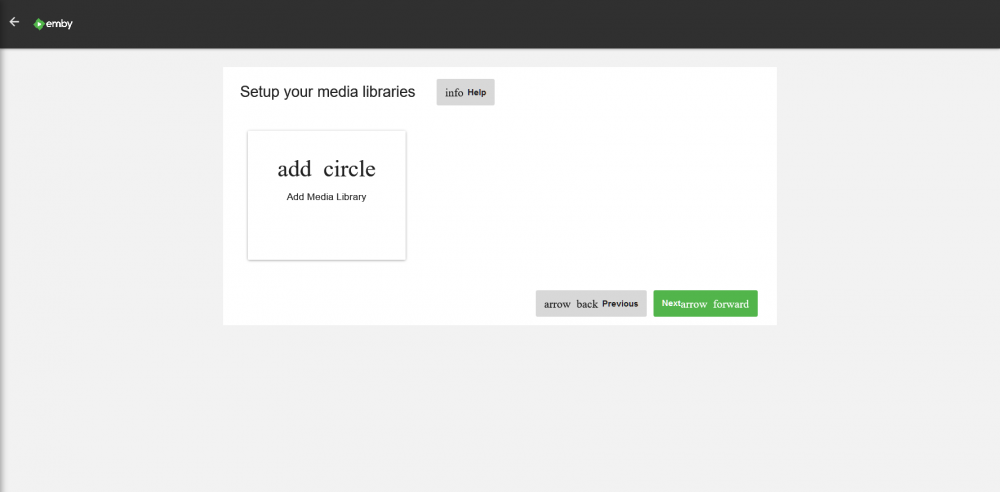
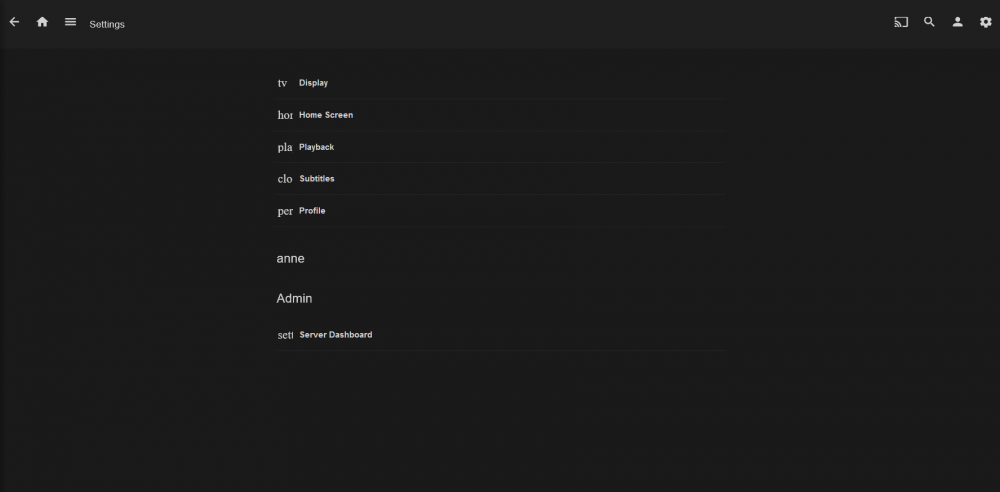
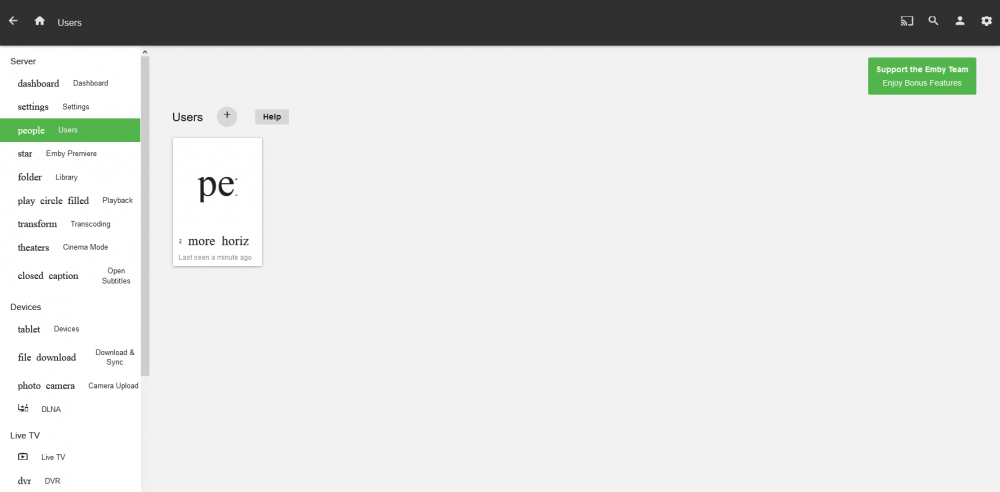
I do not know if this is the correct place to post this but I need help on Emby. and I do not know if it is Emby or docker. I have PLEX running well, but I would really like to use Emby I have downloaded all three versions of Emby via the community app, and tried to get each to work,,,,, and each does the same two things things.. ITEM 1. SOLVED - 2018-07-25 The program displays what looks like code to me instead of icons.. see pictures attached ITEM 2 - SOLVED Still can not figure if it is even a problem or just the way the developers want it to look, but to me it looks like something is wrong. The audio files are so screwed up they are almost useless to me.. Not the actual files, but the way Emby assembled the presentation of the files.... But then again, I am not used to seeing 440 minutes of singles of various artists bunched together under one heading.. BUT, I am still hot on the trail of the situation WOULD like some input as to whether I am chasing my tail or not..... Thanks. Anne It took me 3 weeks to find the fix for item 1, but, Item 1 is SOLVED Thanks everyone... NOT !!! I got zero help from anyone on this forum.....