





Matt k
Members
-
Joined
-
Last visited
-
Yes, it looks the sameI looked at the log and this is what I am seeing: Server Version#:Unraid 7.0 Linuxserver.io version: 1.41.4.9463-630c9f557-ls255 Player Version#: 4.145.1 **** Server already claimed **** Docker is used for versioning skip update check [custom-init] No custom files found, skipping… Starting Plex Media Server. . . (you can ignore the libusb_init error) [ls.io-init] done. Critical: libusb_init failedIs there somewhere else that I should post this? I can't figure it out. ThanksI need to step away for a couple hours but will be back. Thanks for you help so farI decided to try to log in with a different browser to see if I have more access and this is what I see.
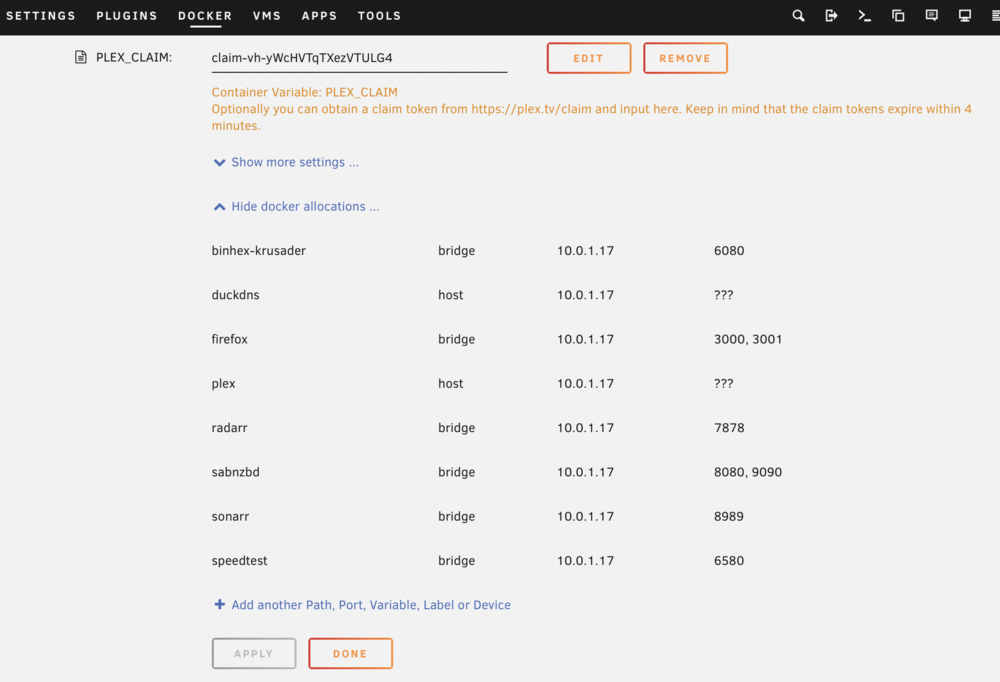
 Could this be an issue that there are question marks next to Plex?
 I dont see all those options:
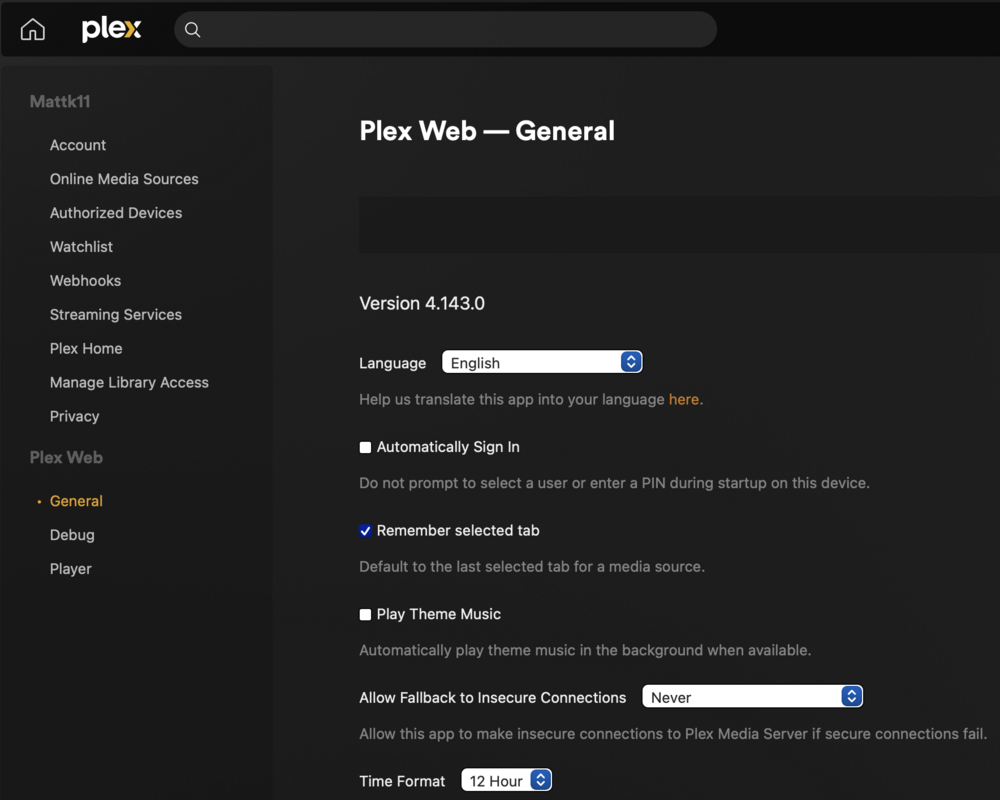 This is what I see: When I click on start WebUI, this is what I see: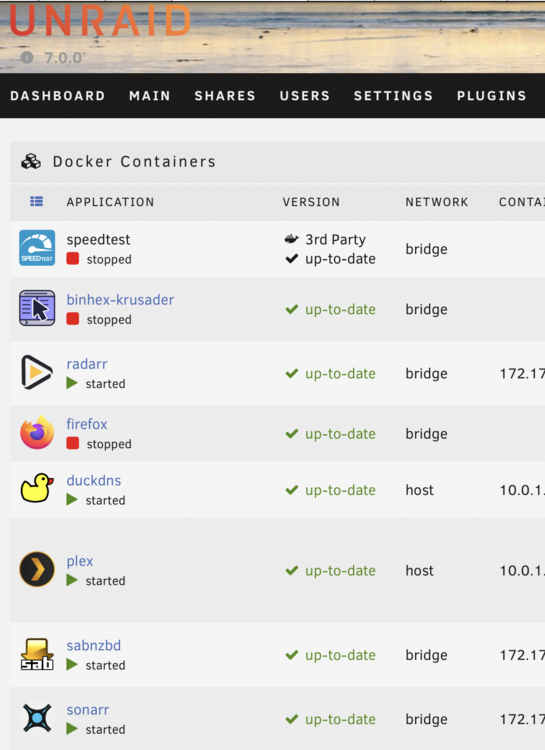
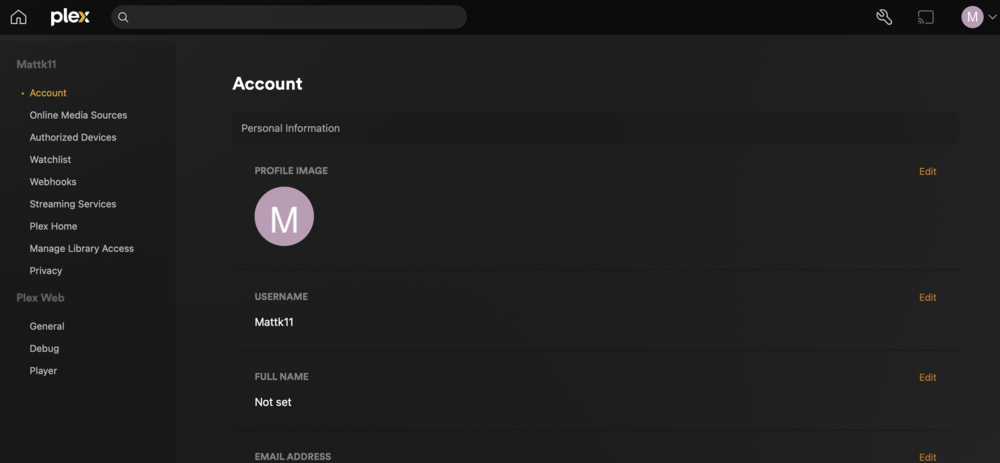 No I cannot browse it at all. It's like the Plex app cannot see my server. Remotely, through VPN or directlyHere is what I see.....
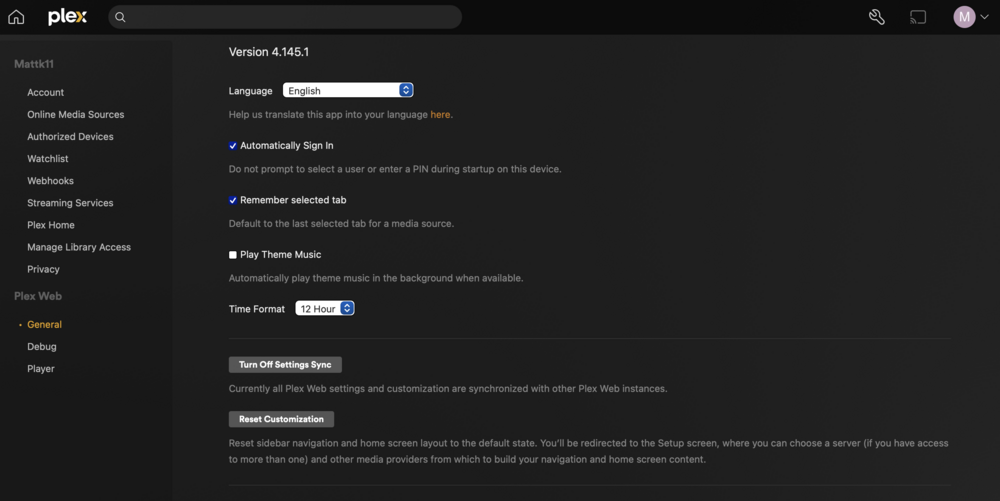 trurl: Yes, on the docker tab it shows that Plex is running. Hoopster: Where do I find the settings for remote access? I dont see those optionsSunday night I lost connectivity with Plex on my Unraid server. The docker looks to be running and I don't have any errors. My other dockers such as Sonar, Radar, etc all seem to be working properly. I tried several courses of action with no luck: 1) Stopping and restarting the Plex application 2) Rebooting the server 3) Deleting Plex and re-installing with new Plex_Claim code 4) Reboot after re-install 5) Tried new Plex_Claim again Still nothing. Can anyone help me figure out the problem?


