3flappp
Members
-
Joined
-
Last visited
-
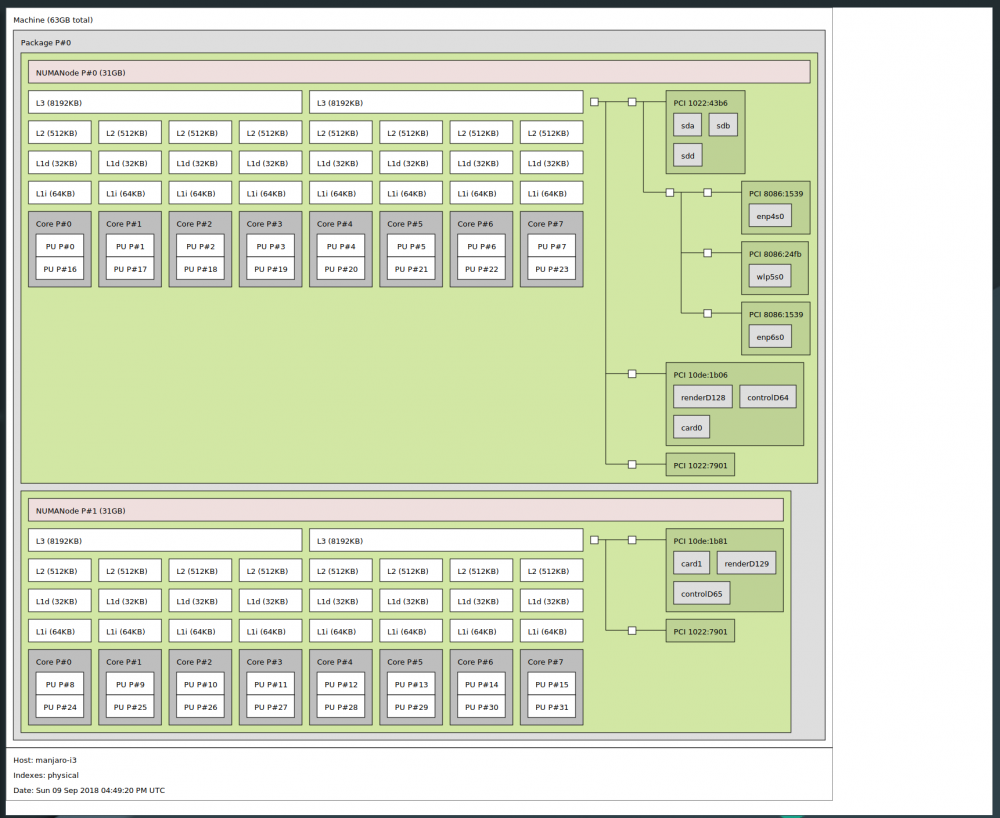
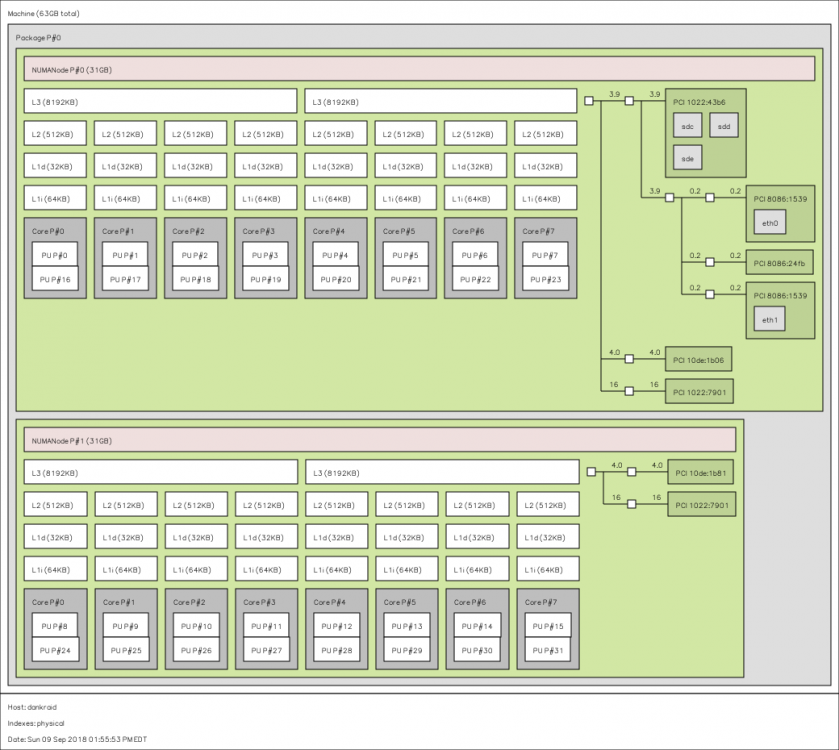
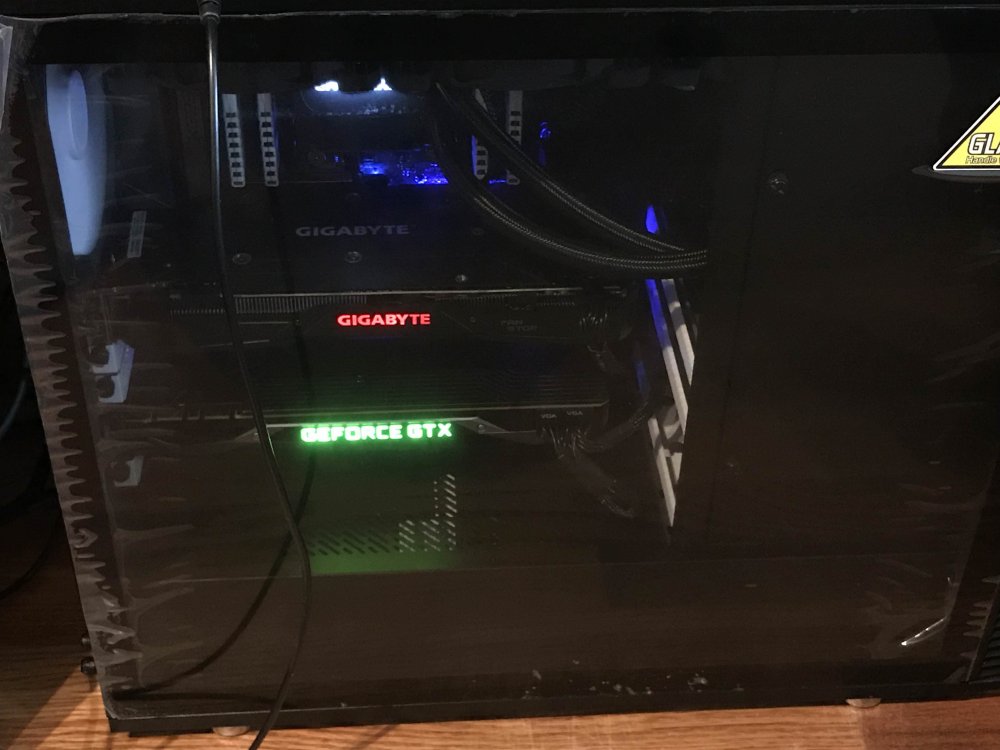
@bastl You can try installing hwloc (package containing lstopo) and all the dependencies manually. There's a guide here. In addition to the listed dependencies, you will need harfbuzz and libxshmfence as well. This is a pain in the ass though and it's probably better not to mess with unRAID. I think the better way is to boot into a linux distro on USB and install hwloc using the package manager. I have 2 gpus (1070 and 1080ti) on the two x16 pcie slots and it is showing that the furthest gpu (1080ti) is tied to node 0. IOMMU group 14: [10de:1b06] 08:00.0 VGA compatible controller: NVIDIA Corporation GP102 [GeForce GTX 1080 Ti] (rev a1) IOMMU group 30: [10de:1b81] 41:00.0 VGA compatible controller: NVIDIA Corporation GP104 [GeForce GTX 1070] (rev a1) lstopo on unRAID: lstopo on manjaro USB: 1070 on top of 1080ti: